
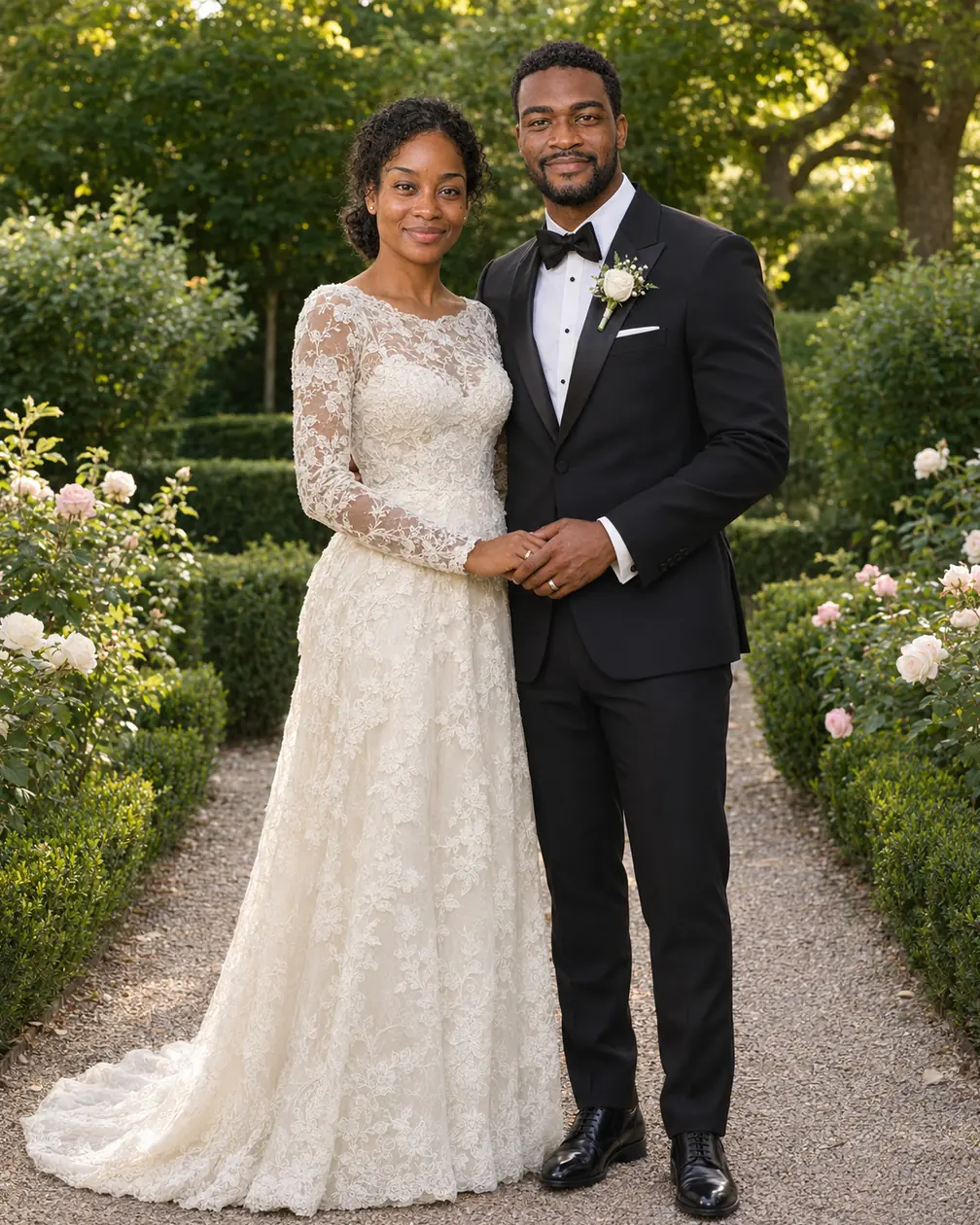
Garden Wedding
- Scene
- A rose garden path
- Outfits
- Light wedding attire
- Light
- Soft afternoon daylight
Wedding portraits, made personal
Turn your everyday photos into a wedding portrait that looks like the two of you. Choose a complete look, make it your own, and get it ready to share.
Your everyday photos, one wedding portrait.
Photo tips
Use a photo of each of you, or one together. Clear faces give us the detail to carry your features into your wedding portrait.
Separate pictures or a photo together.
Start with a complete scene or add your own details.
Keep the version you love and frame it for its next use.
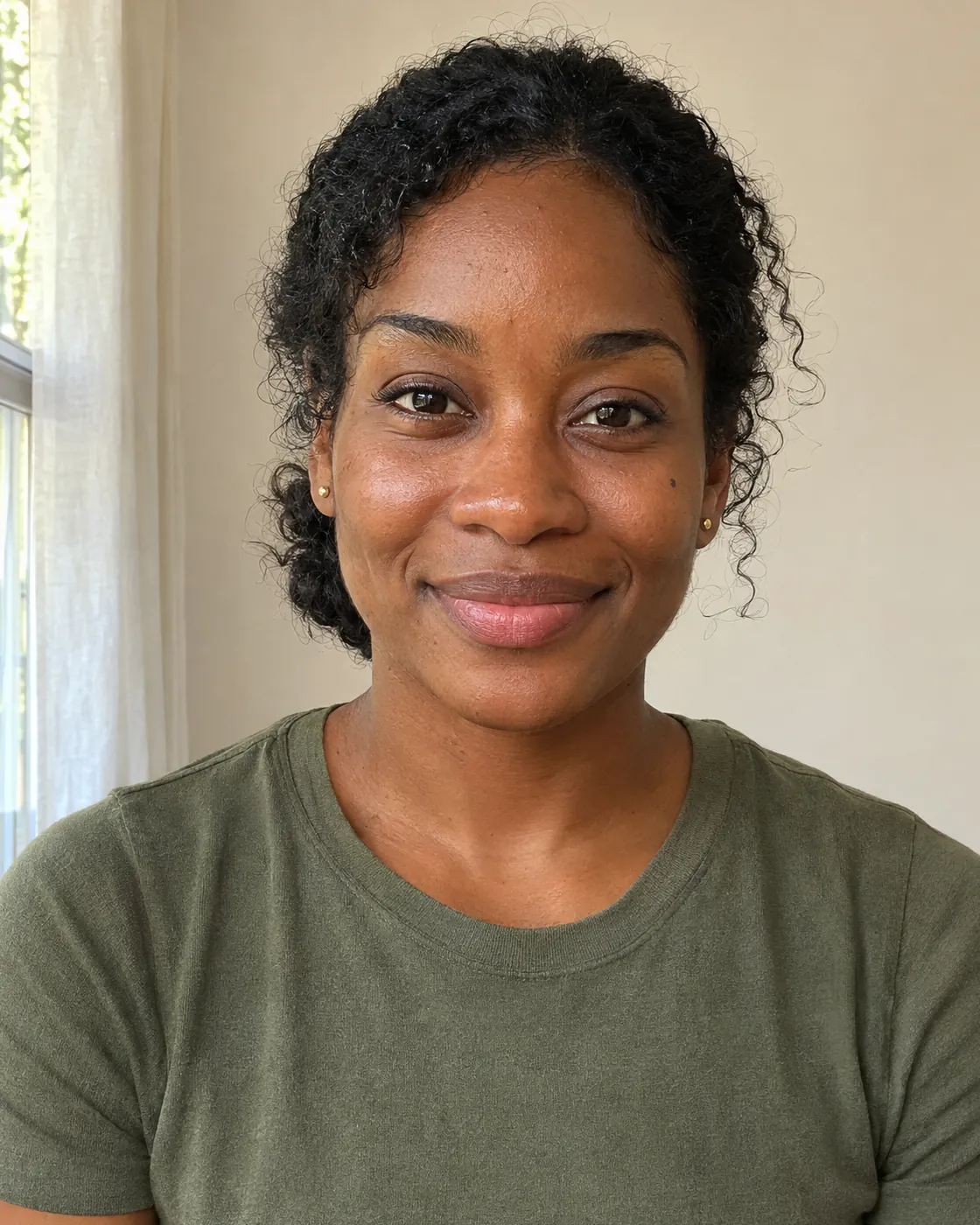
We bring the people and scene into a consistent lighting setup.
Add a short note in Custom to tell us what matters to you.
Wedding looks
The setting, outfits, pose and lighting work together. Start with a look you love, then add your own details.
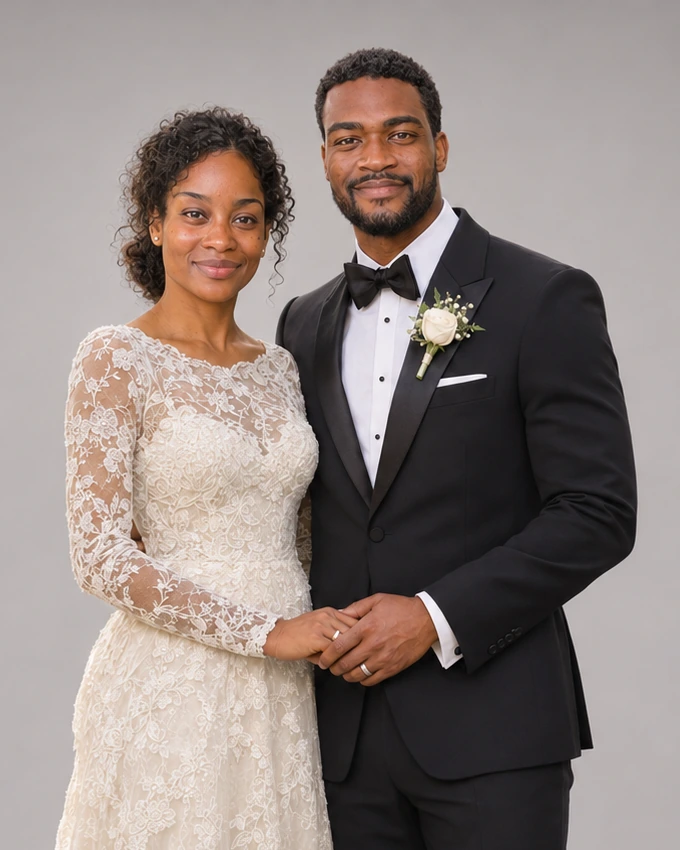
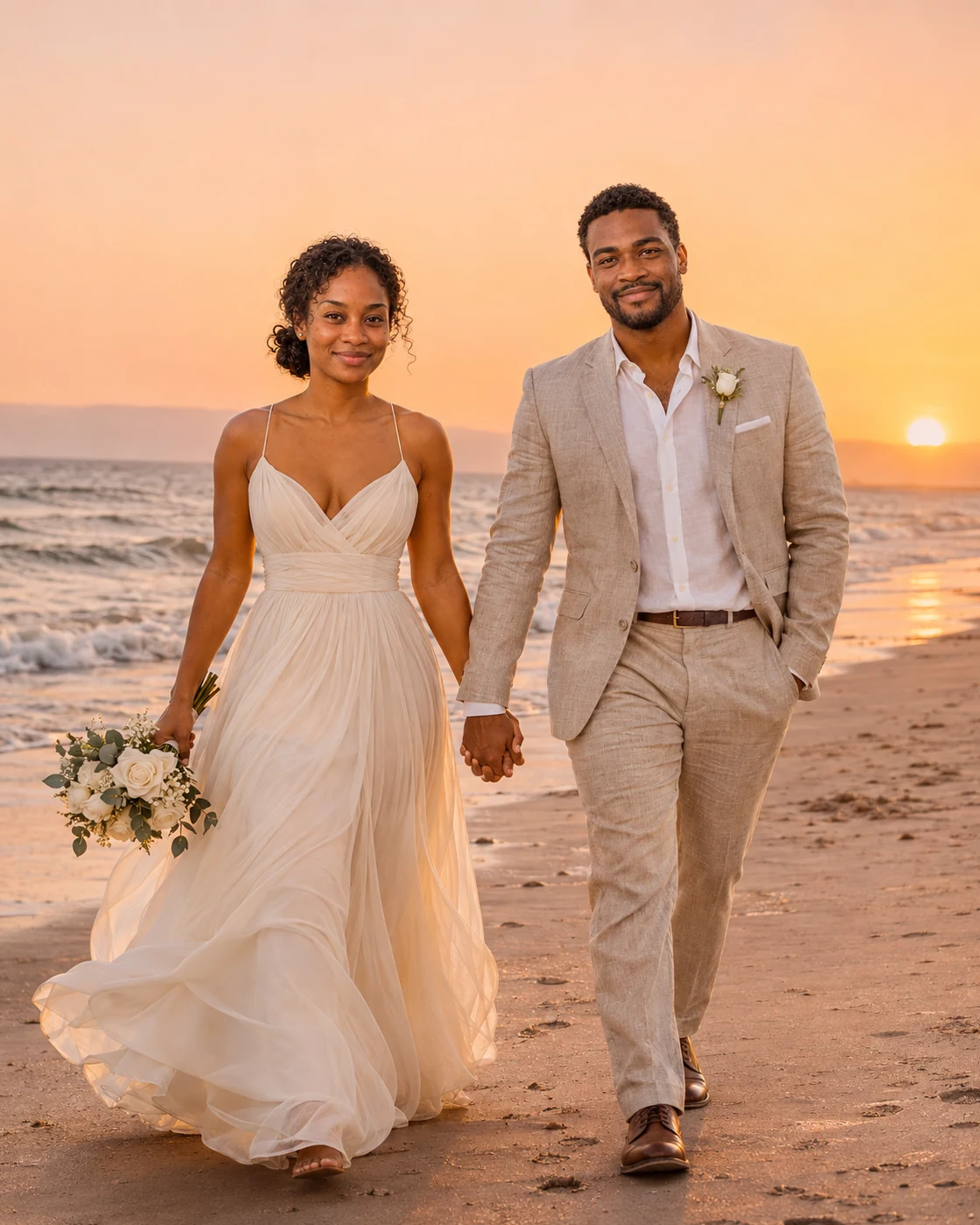
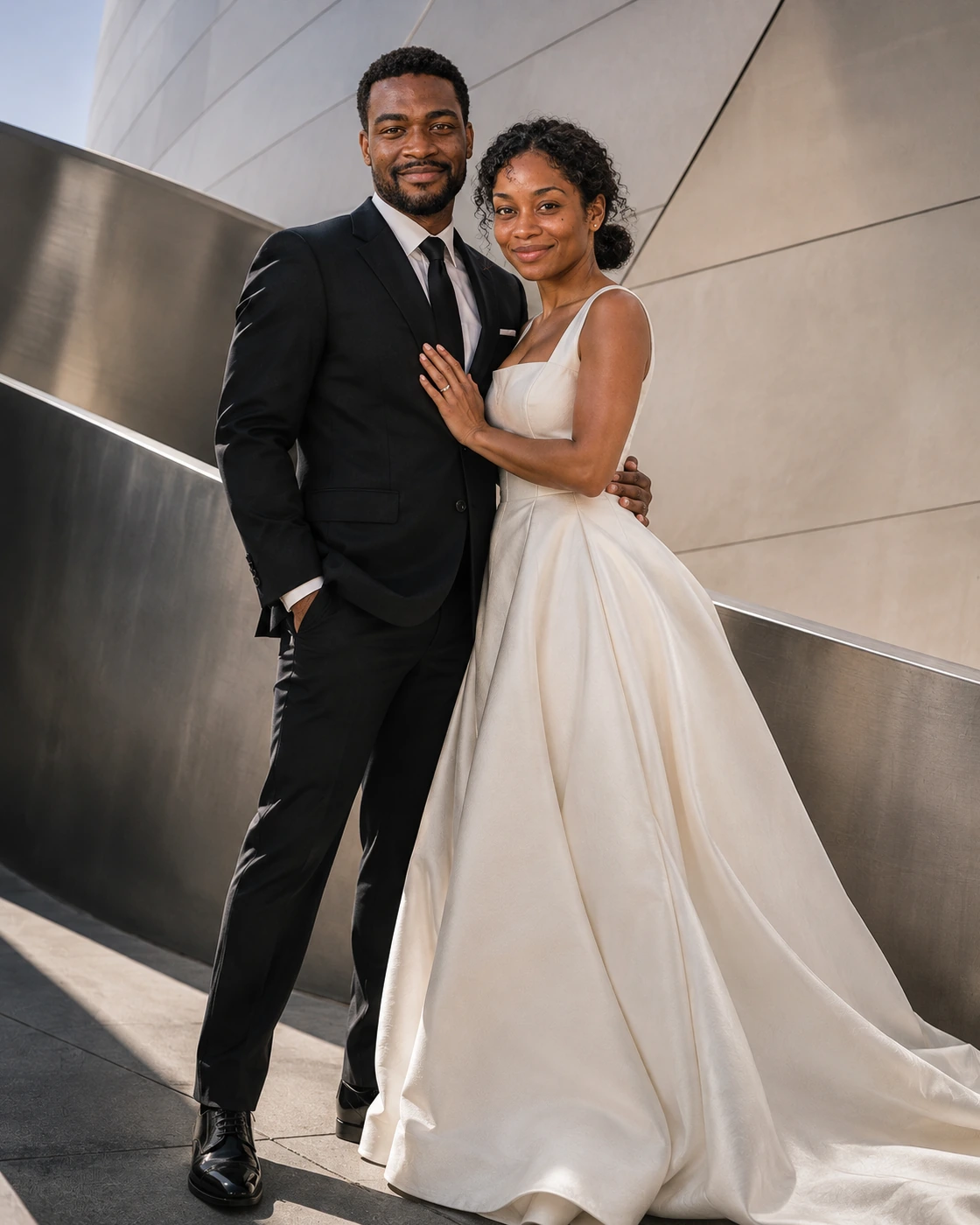
The two of you
Keep the features that make you recognisable while bringing your photos into one natural-looking scene. Matching light, balanced proportions and considered details make the portrait feel complete.
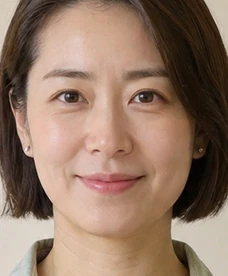
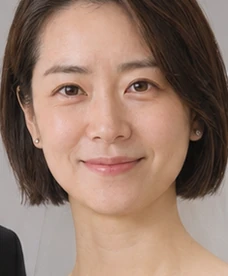
Original photo → portrait detail
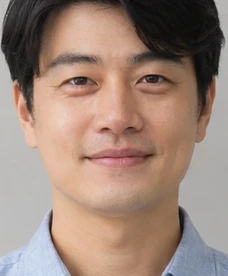
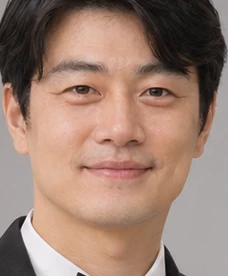
Original photo → portrait detail
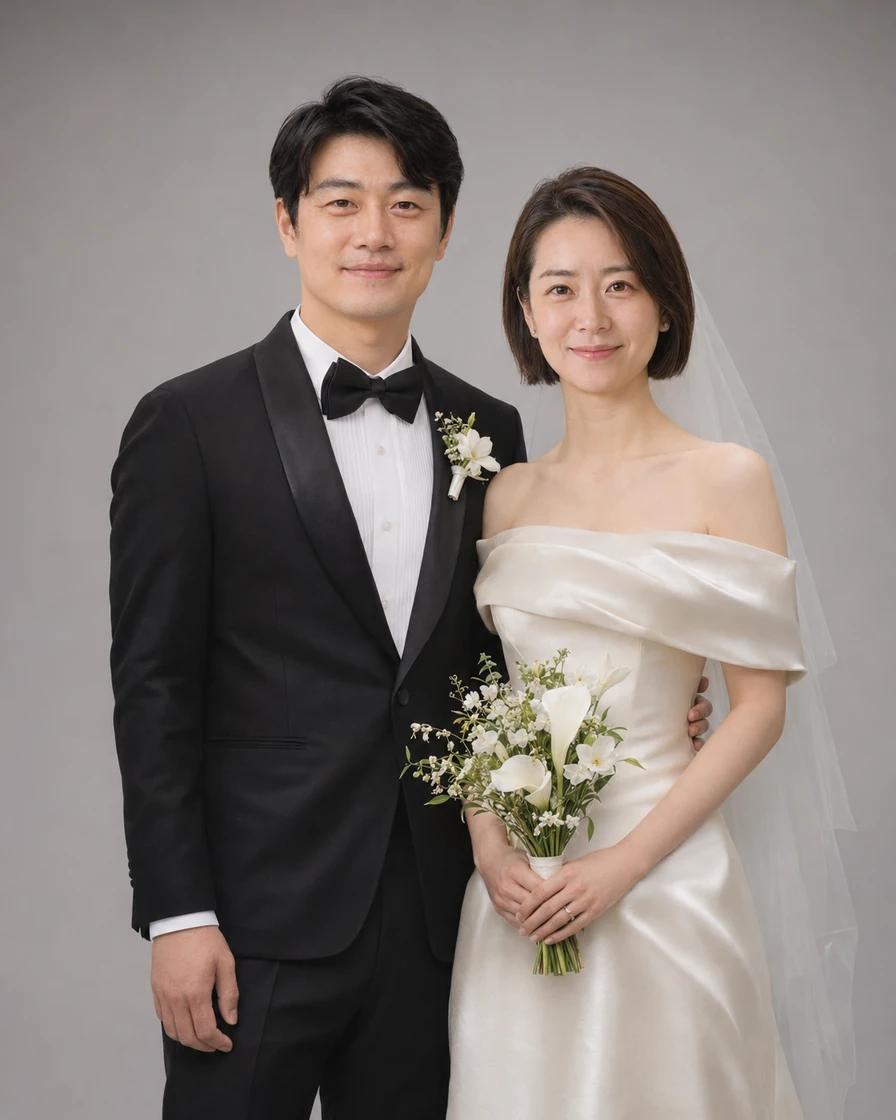
Keep your facial features and the details that make you you.
Bring skin tones, highlights and shadows into the same scene.
Give hands, clothing and the veil a considered finish.
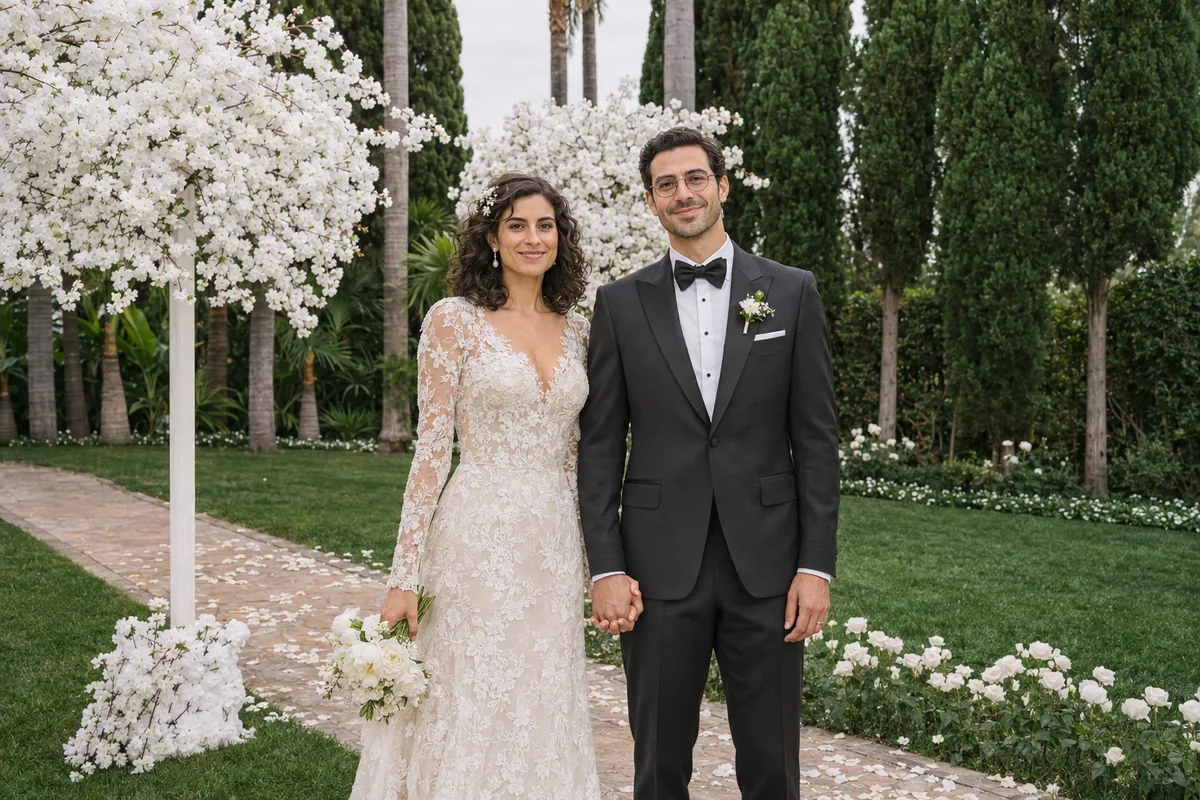
Adjust the scene, outfit or pose while keeping your people consistent.
Keep the portrait you like and describe the change you want. Your photos and settings stay with the next edit.
“Change the background to a softly lit studio. Keep both people, their outfits and pose consistent.”
Made to use
Plan the framing for where your picture will go. Leave room for a date, make a wide website image, or prepare a portrait for sharing and keeping.
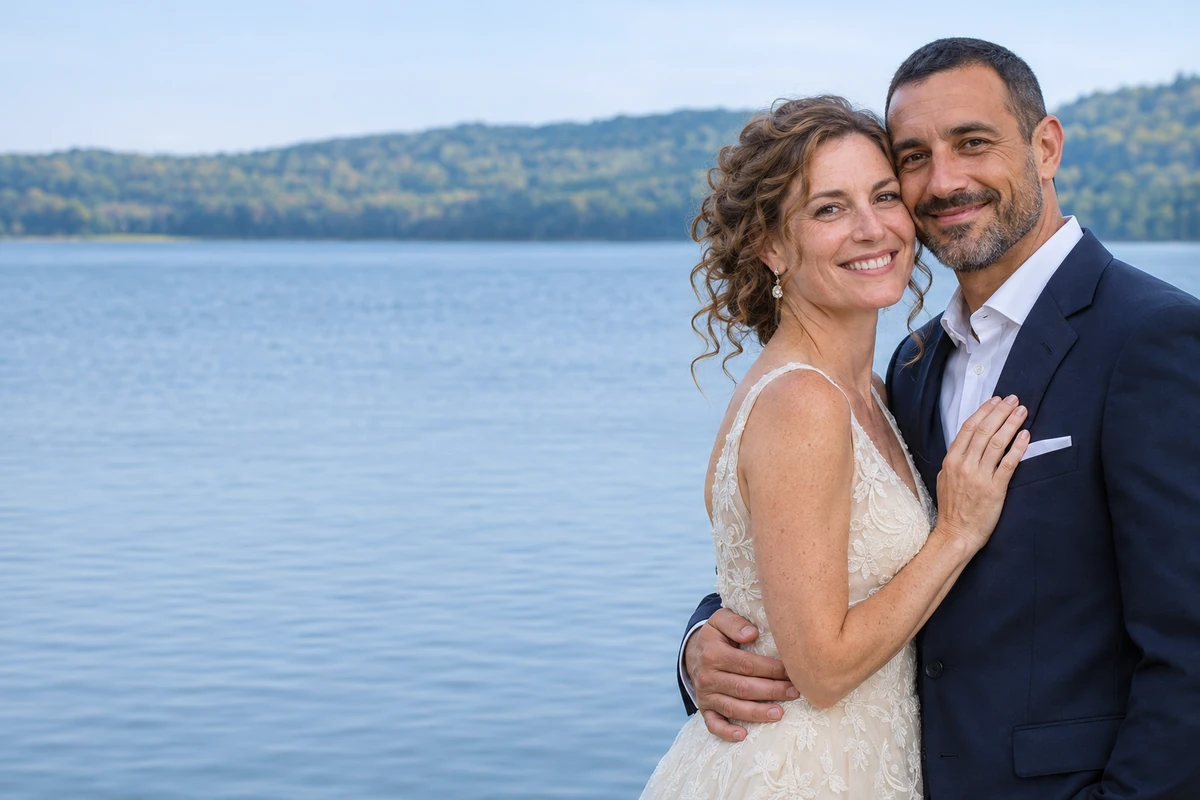
Leave clear space for your names and date.
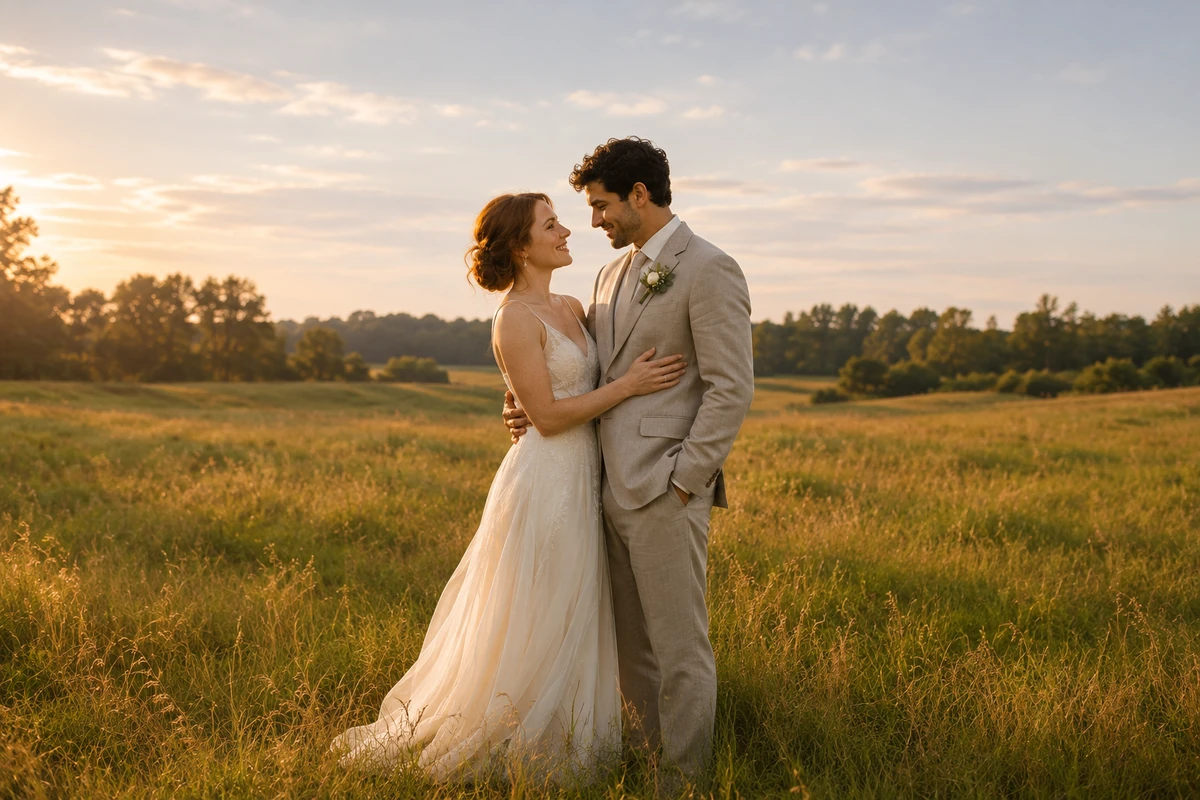 Keep both faces in the frame
Keep both of you in view across a wide banner.
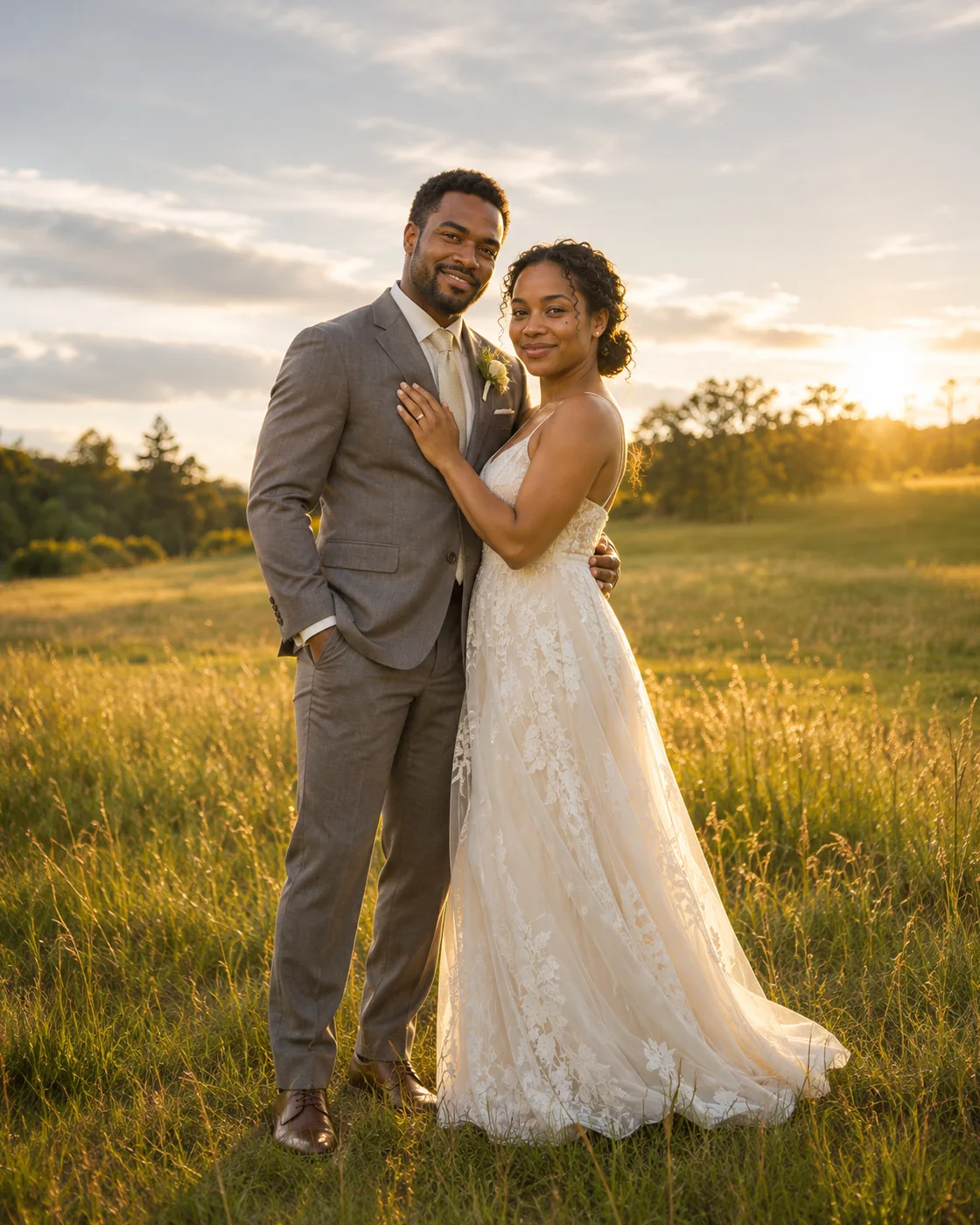
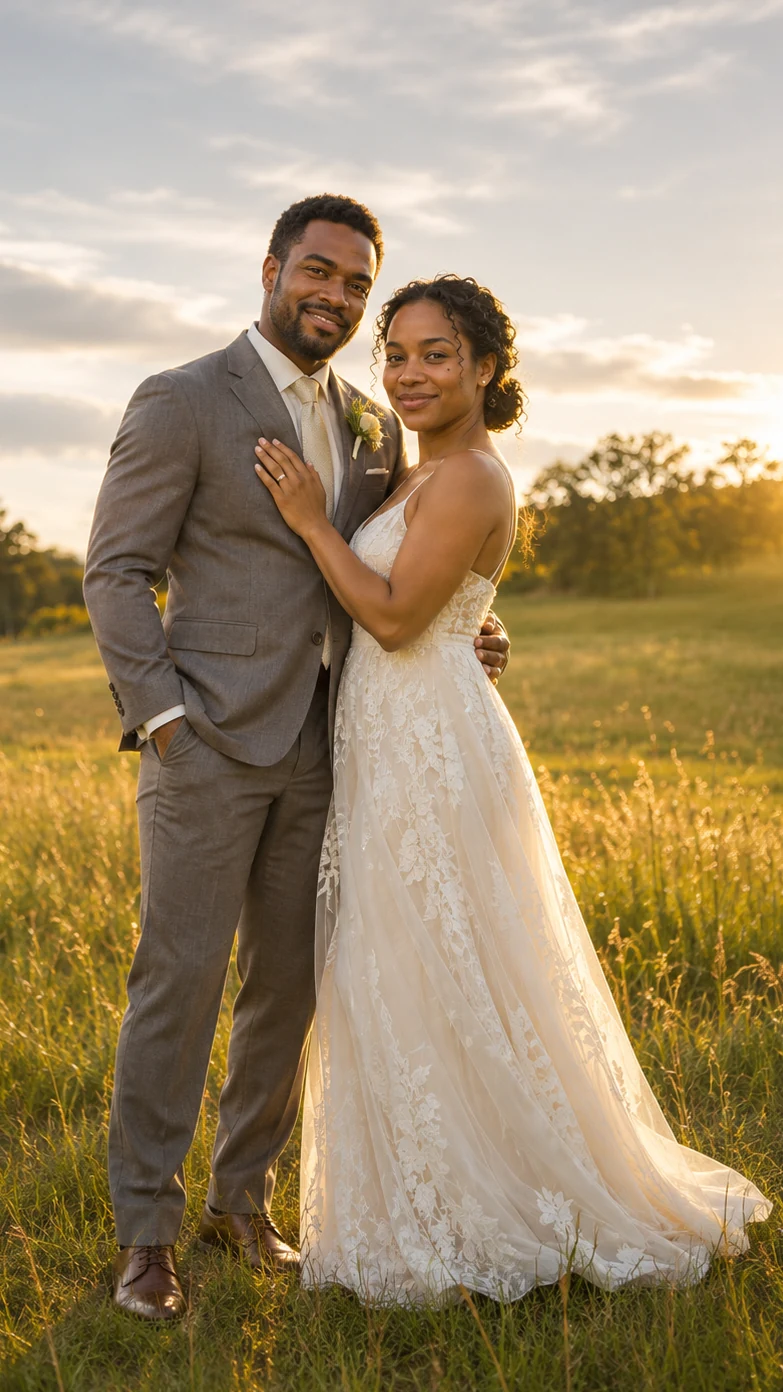
Choose a crop that fits your post or story.
Download your portrait at its generated resolution.
Credits & privacy
Start free without signing up. See the Credits for your selected resolution before you generate or edit.
Uploaded originals are deleted within 24 hours. Free results are kept for 24 hours and paid results for six months.
Read the Privacy Policy2K and 4K require eligible paid access. No added watermark on free or paid images.
View all plansQuestions
Photos, personal details, editing and the finished image.
Yes. Upload a clear photo of each person in Separate photos mode. Choose a wedding look and we bring both people into the same scene; you do not need to combine the photos first.
Yes. Switch to Couple photo and upload a picture where both faces are easy to see. You can keep the people together while changing the wedding setting, outfits and mood.
Use clear, naturally lit photos with visible faces. Close-up or half-body portraits work well. Avoid heavy filters and faces hidden by sunglasses, hair or hands; the photo guide shows what to choose.
The portraits are made from your reference photos to preserve your recognisable facial features. Compare the result with your originals, zoom in on the details, and use Refine for a specific change.
Yes. Describe the outfits and wedding scene you want in Custom. Your photos identify the people; the template does not have to define your relationship or clothing.
Yes. Open Refine on a result, choose what to change and add a short instruction. You can keep the people consistent while adjusting the part you have described, with your photos and settings carried forward.
Yes. Describe the style, colour, fabric and details in Custom or Refine. Include the neckline, sleeves, accessories and the details you want to keep.
Yes. Use your photos to create the wedding scene you want to remember or celebrate. You can choose a formal studio look, a relaxed setting or a more personal scene in Custom.
Yes. Choose a use before generating to guide the composition, then use Crop & download to prepare the frame. Save the Date leaves room for text; website and story options help you frame the people for the intended format.
You can start with a free generation without signing up, subject to the site’s one-time trial rules. Free and paid downloads have no added watermark. Higher resolutions require eligible paid access; the selected option shows what is needed.
A 1K image uses 1 Credit, 2K uses 2 and 4K uses 3. The cost is shown before each generation or edit. Failed or rejected generations return the Credits charged; choosing to make another successful version is a new request. Downloading does not cost extra Credits.
Your uploads and results are private and are processed to fulfil your request. Uploaded originals are deleted within 24 hours; free results are kept for 24 hours and paid results for six months from generation. Download the images you want to keep. See the Privacy Policy for processing and deletion details. Privacy Policy.
Start with your photos