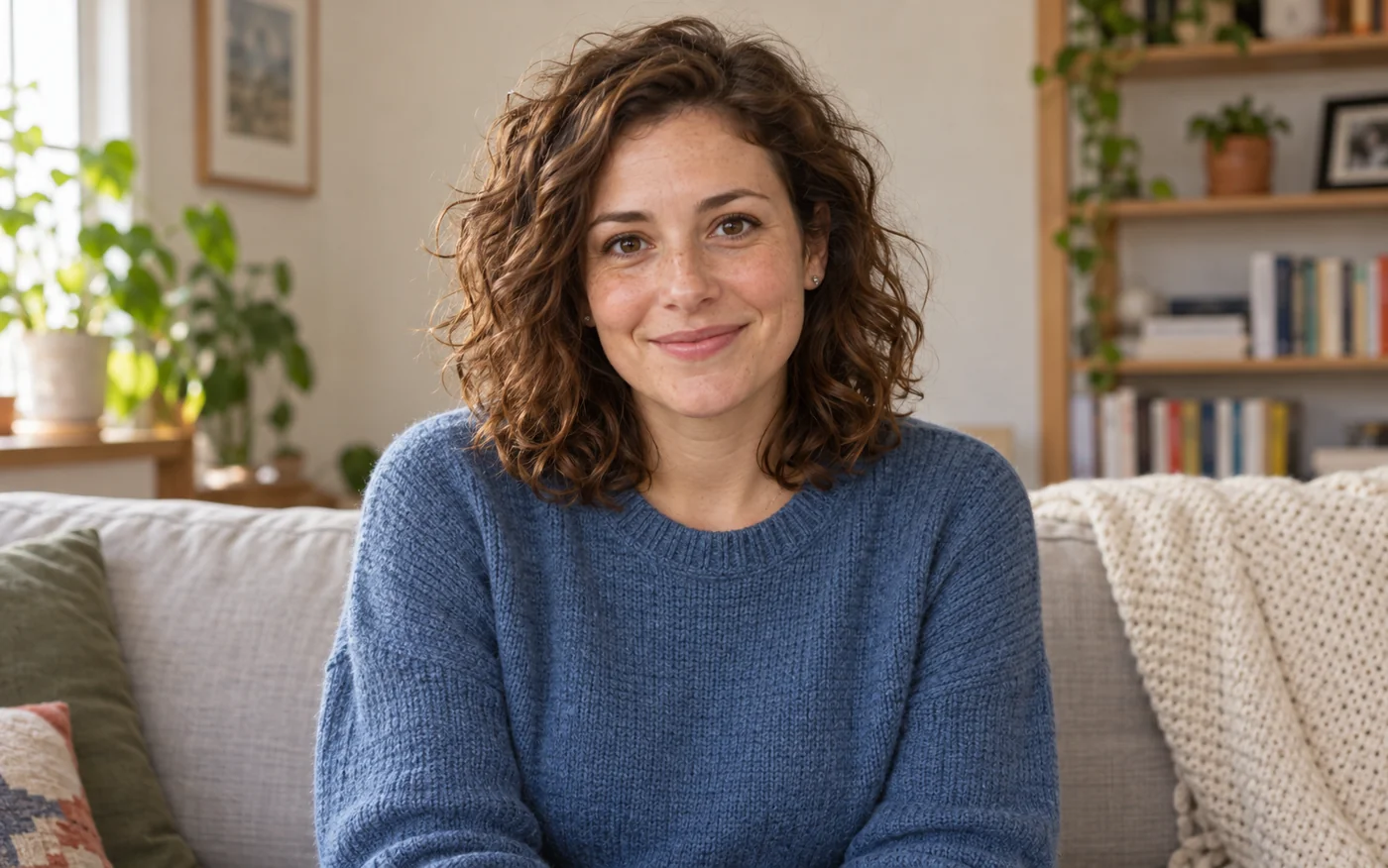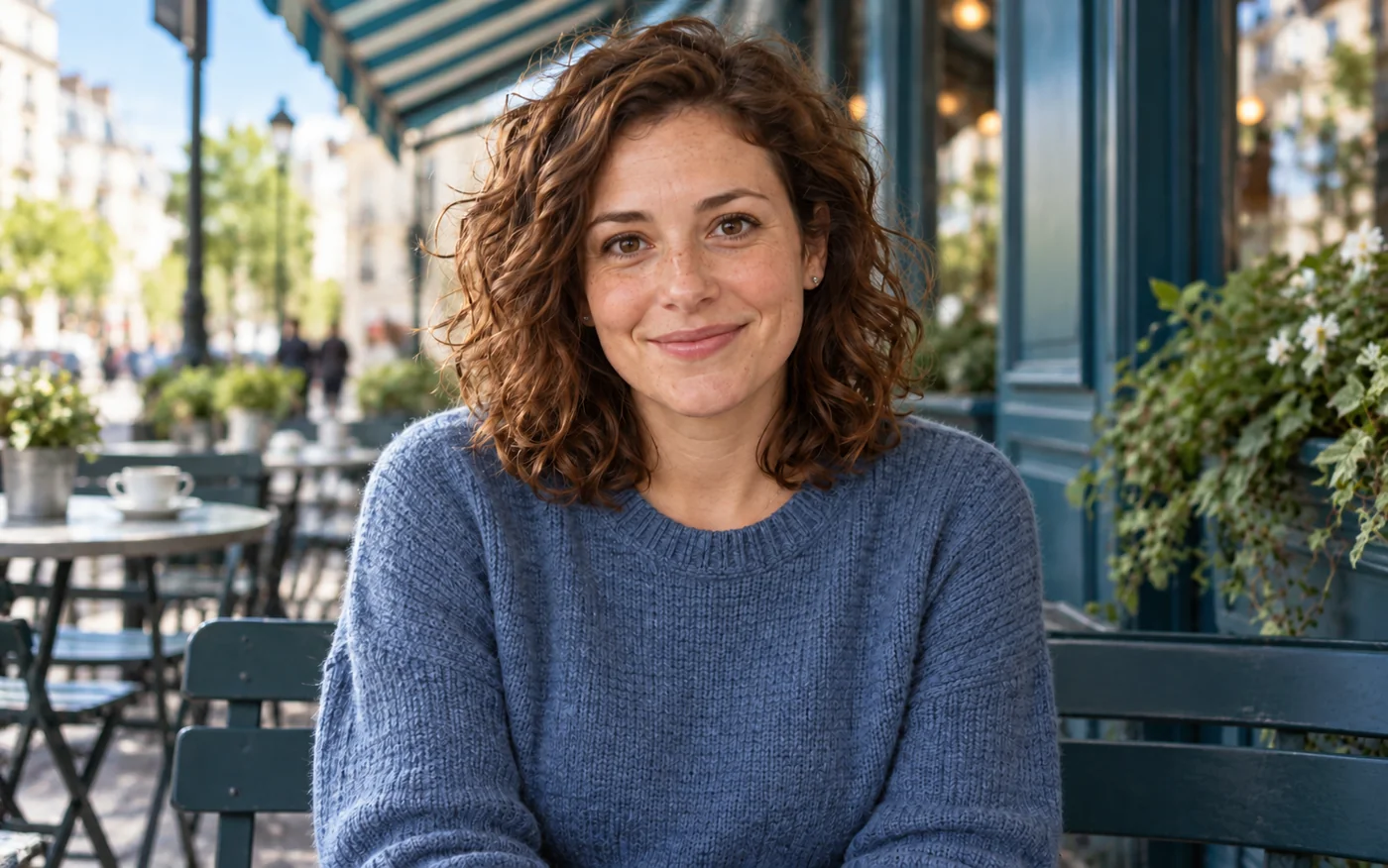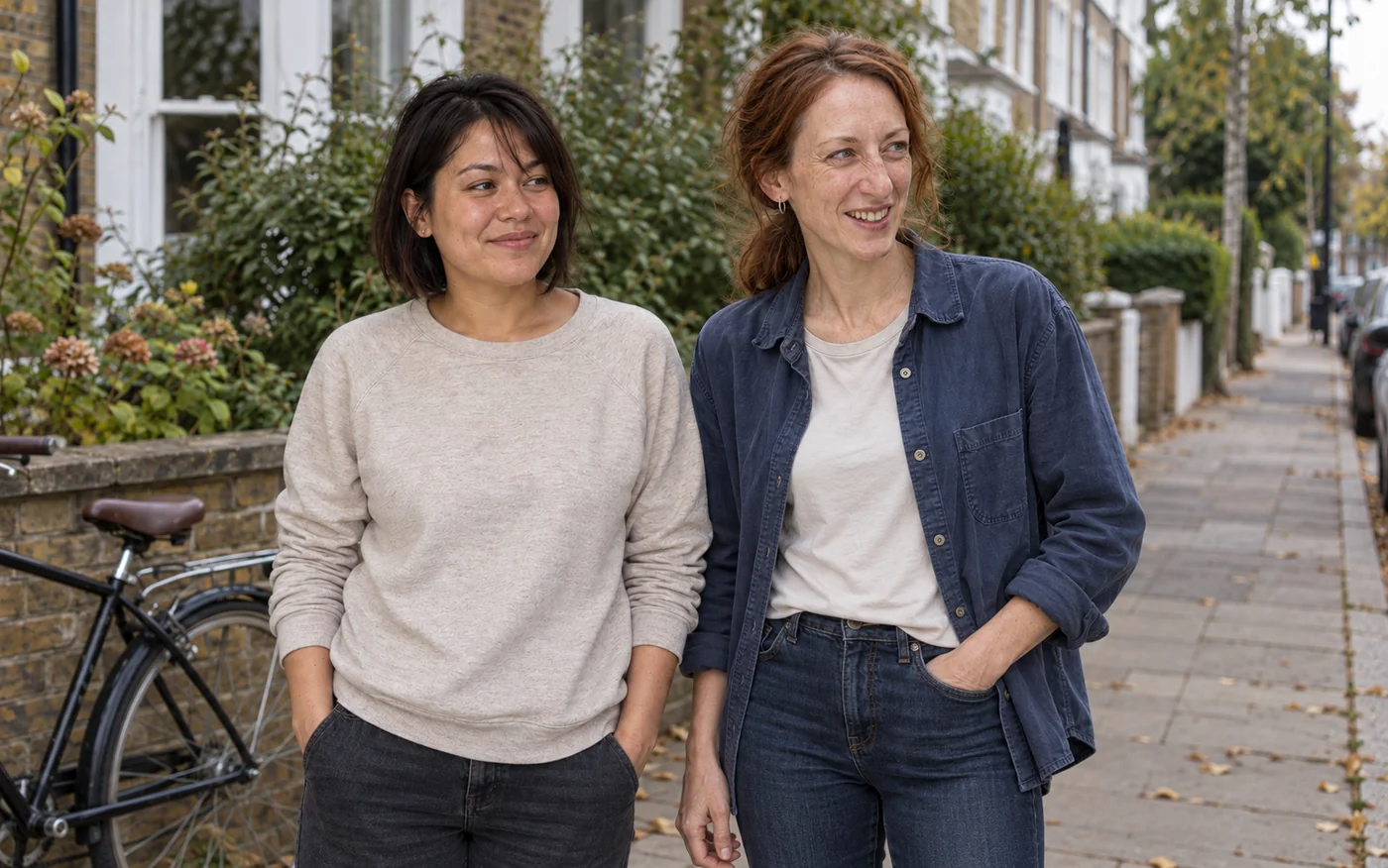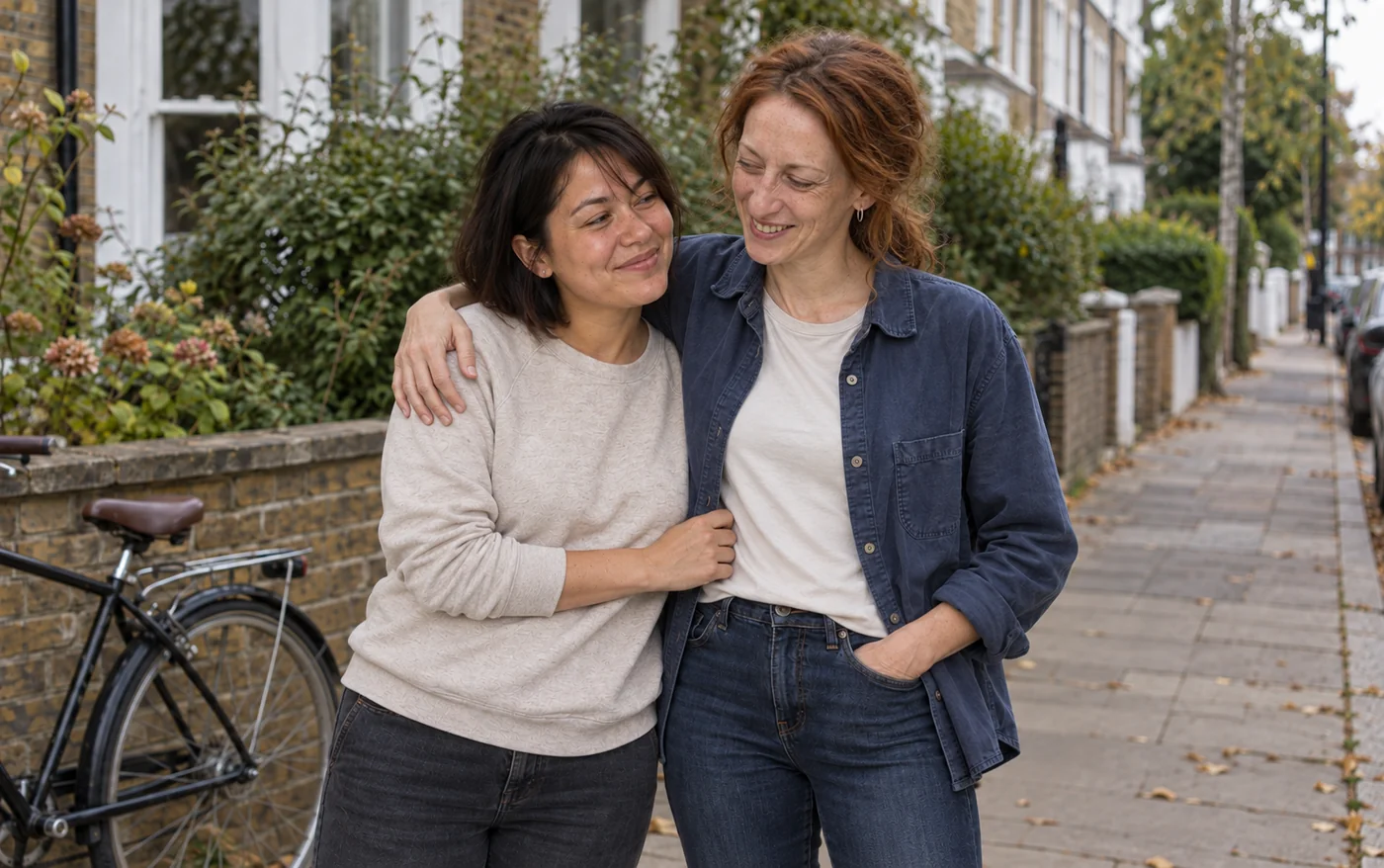
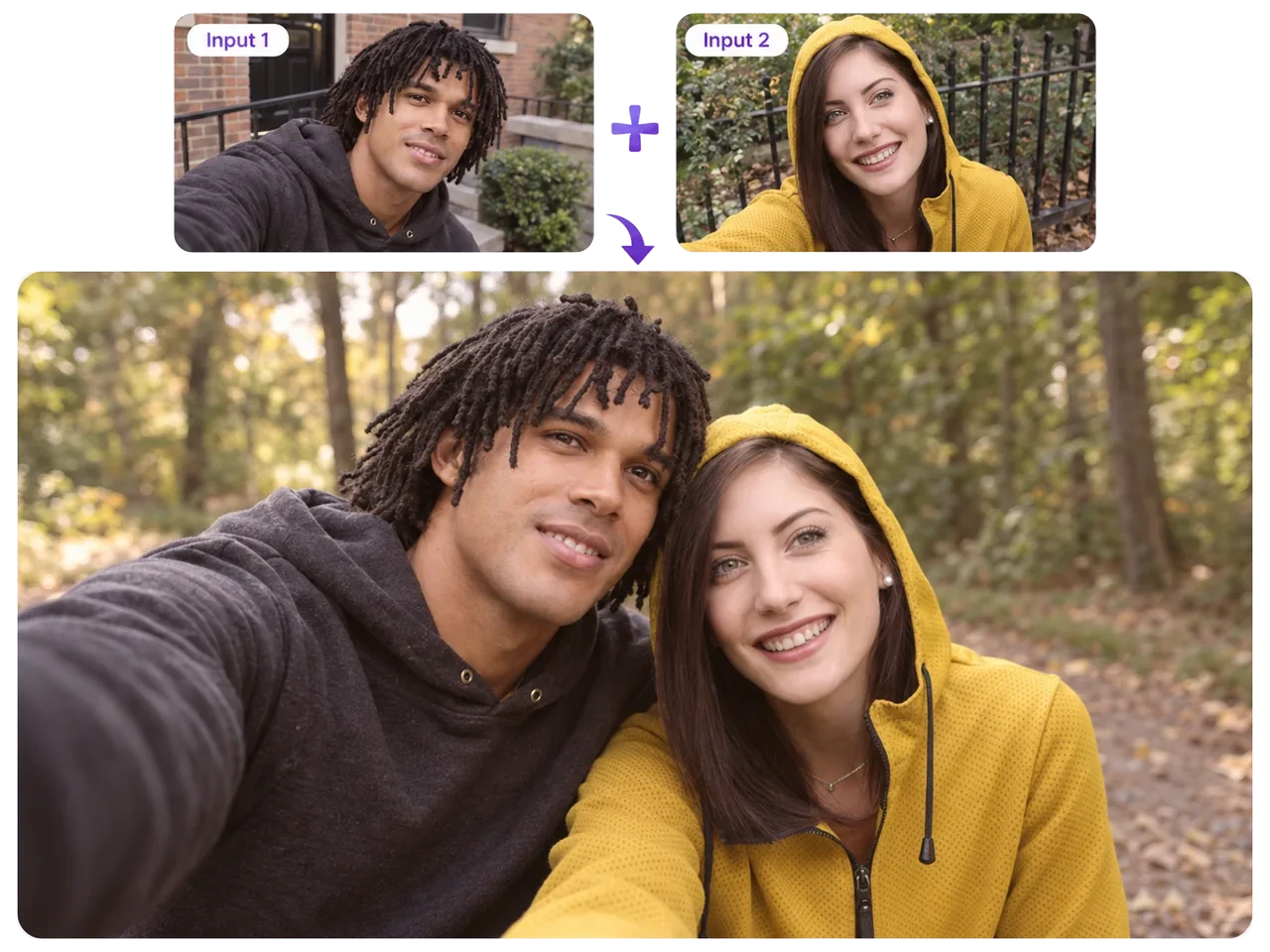
Make a Selfie of Us Together
Turn two separate portraits into one natural-looking couple selfie, with both of you close together and looking into the camera.
Upload 2–5 photos and describe how to combine them. AI blends them seamlessly into one natural-looking image, preserving key details—no editing skills needed.
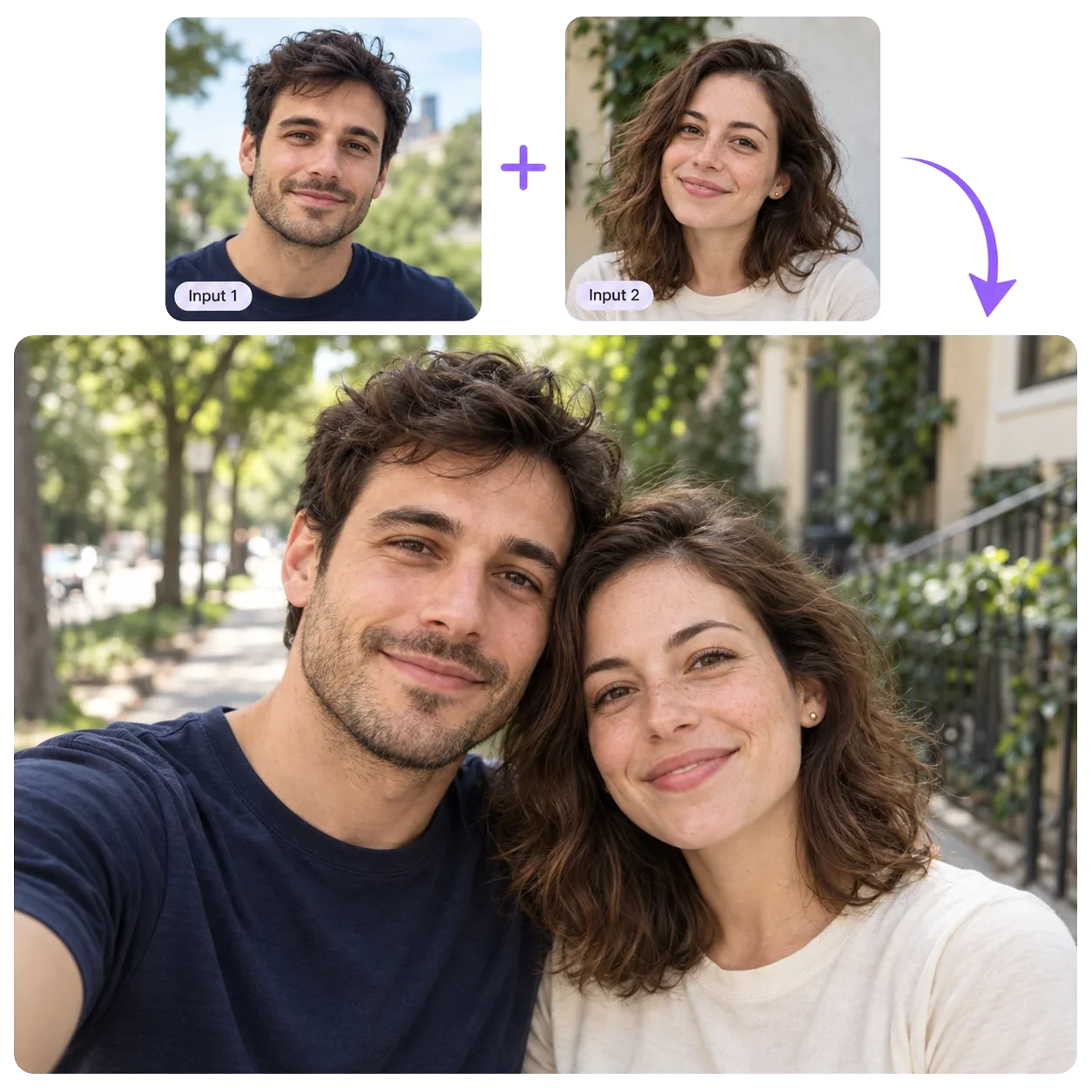
Combine the two portraits into a natural couple selfie in a leafy park. Keep both faces recognizable, bring them close together and match the lighting and camera angle.
Your combined image will appear here.
Explore real examples and get inspired. Choose a scenario, see the result, and try it with your own photos.
Turn two separate portraits into one natural-looking couple selfie, with both of you close together and looking into the camera.
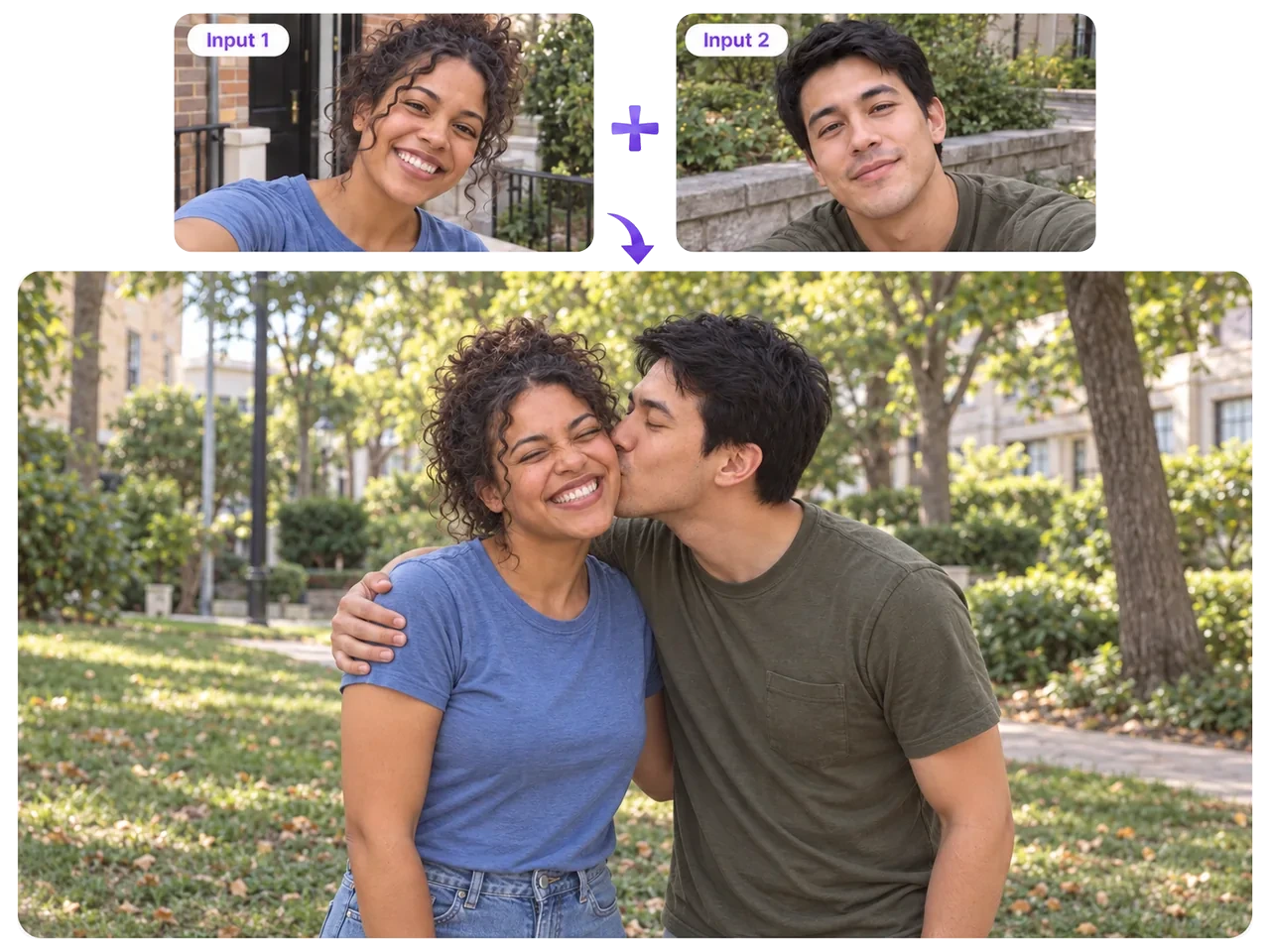
Combine two separate photos into a sweet kissing moment, with natural expressions and both people looking like themselves.
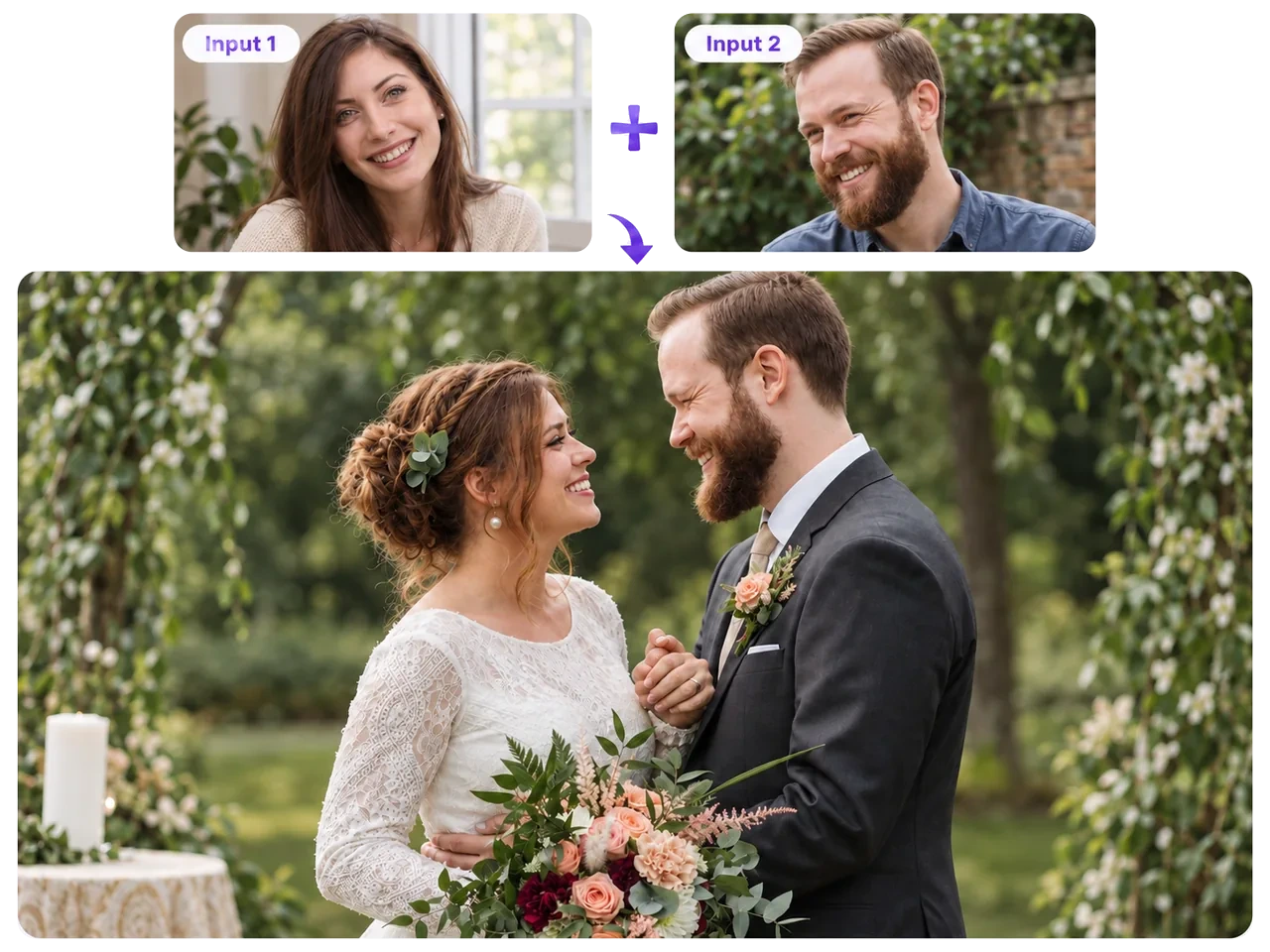
Bring two separate portraits together in one wedding photo, complete with wedding attire and a shared setting.
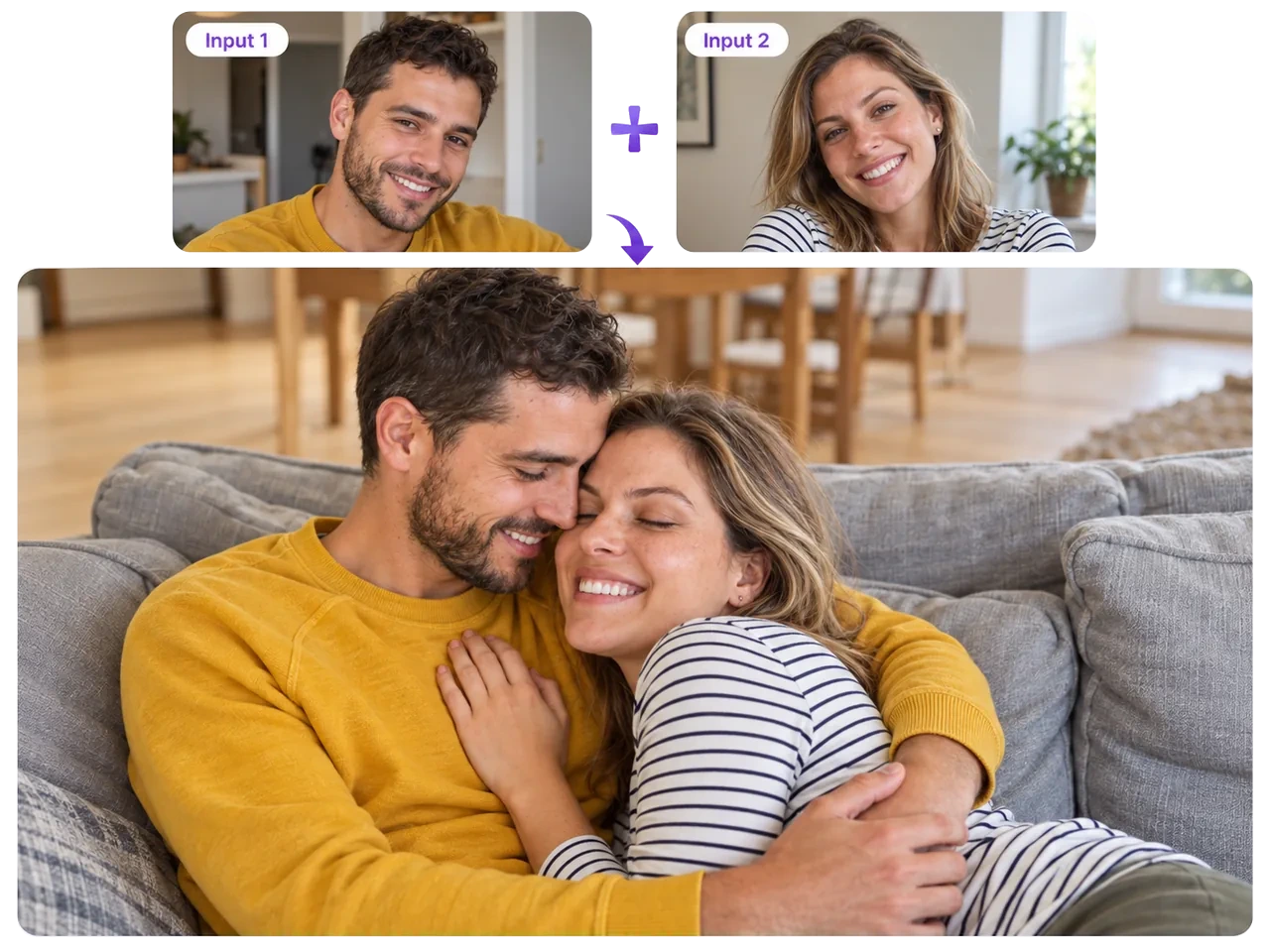
Turn two separate photos into a natural-looking hug, with both people close together and their arms wrapped around each other.
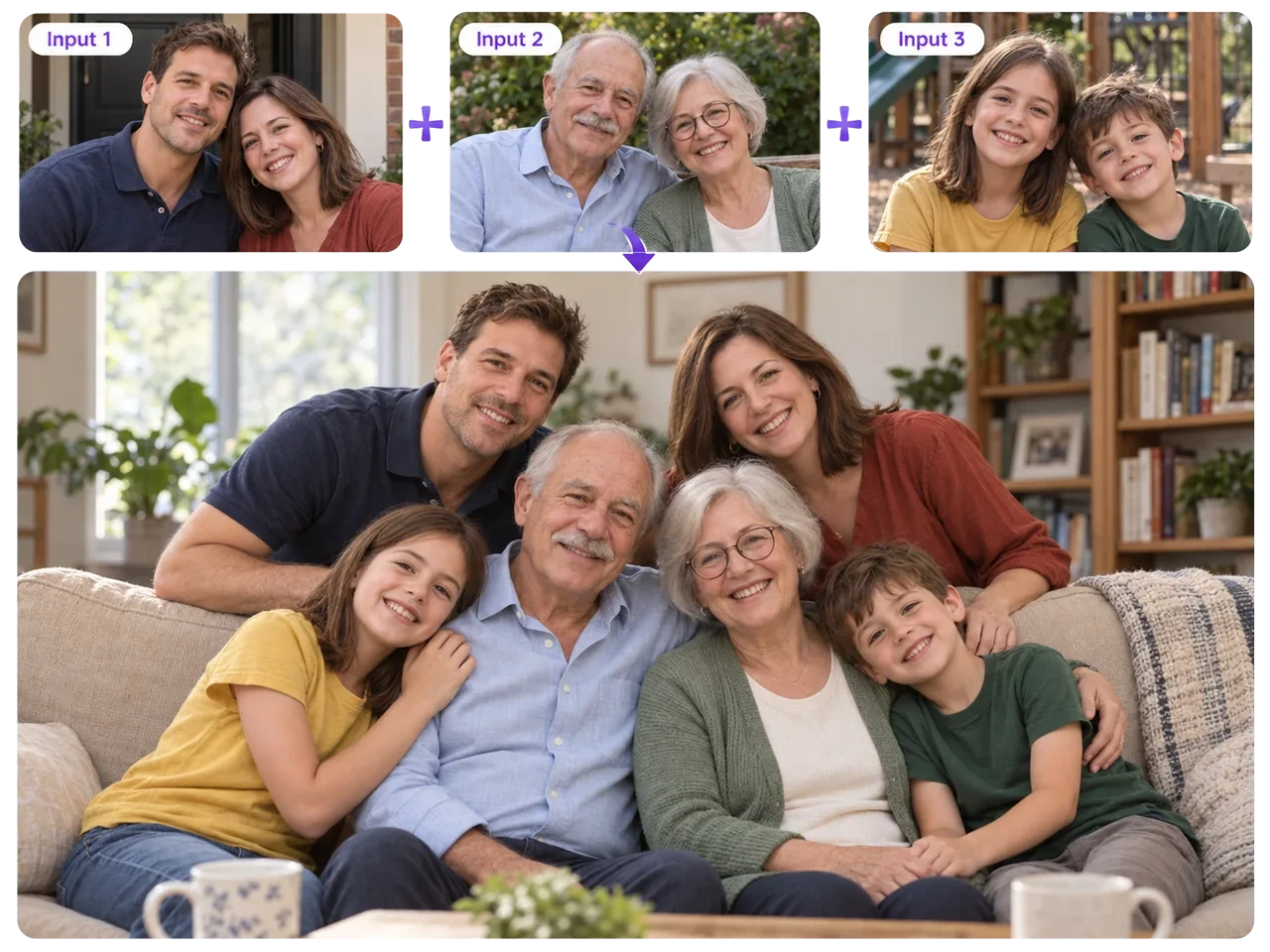
Bring family members from separate photos into one group portrait, so everyone appears together in the same scene.
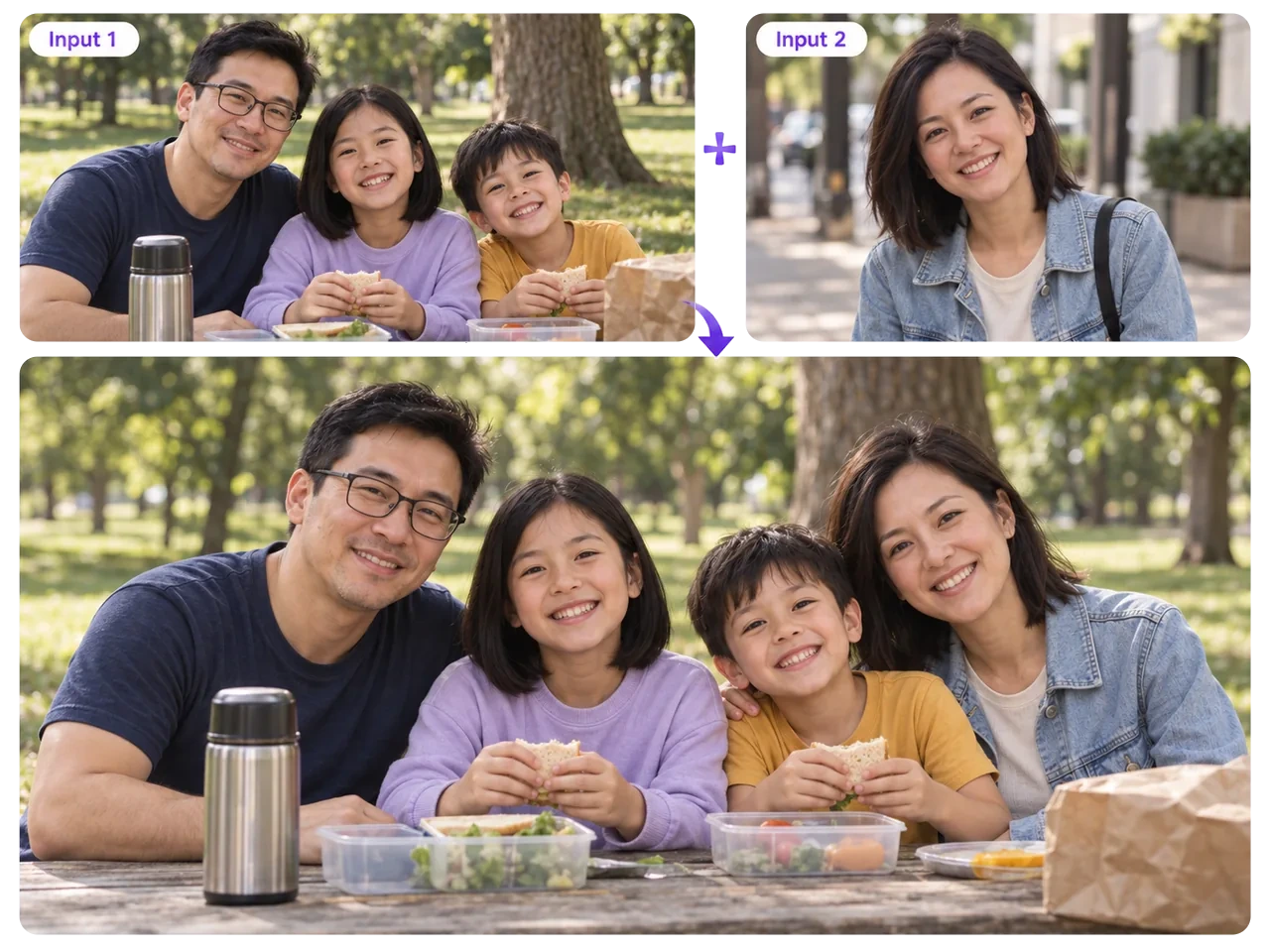
Add a missing family member from another picture to your existing family photo, while keeping everyone else and the setting in place.
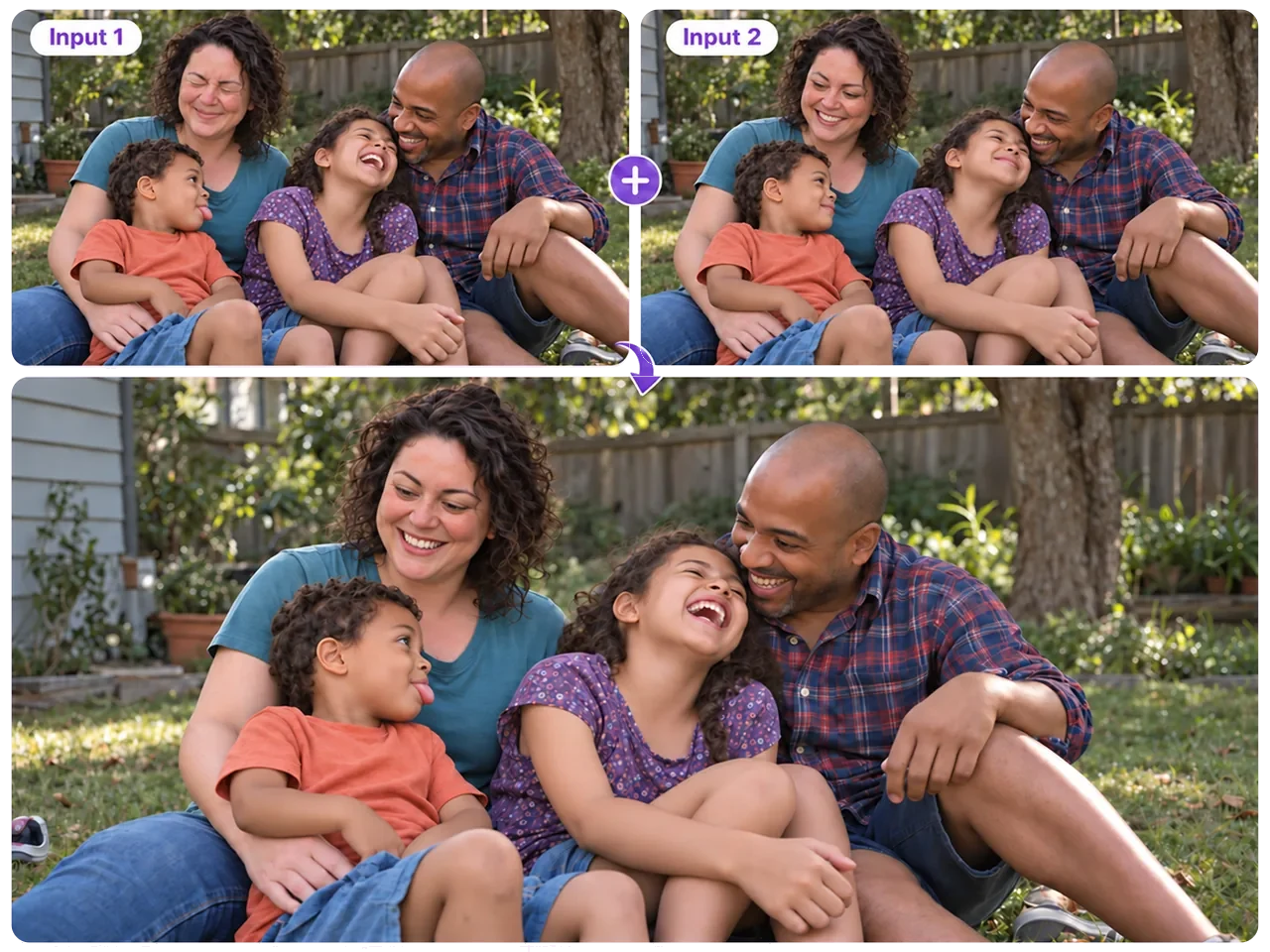
Have a family photo where someone blinked or wasn't smiling? Use another photo with a better expression to improve the group shot while keeping everyone in place.
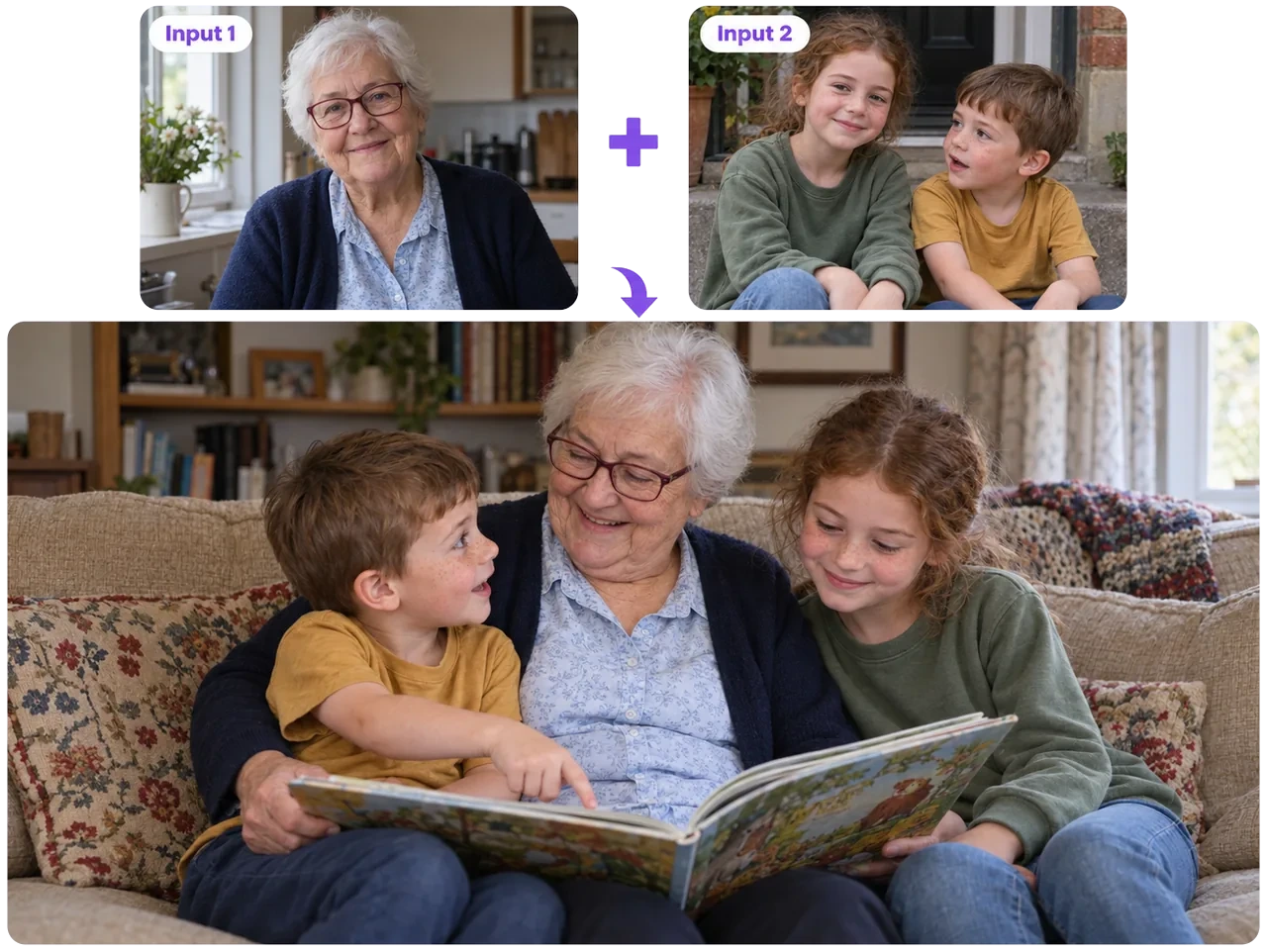
Bring Grandma and the grandkids together from separate photos to create a warm family portrait, even if they never posed together.
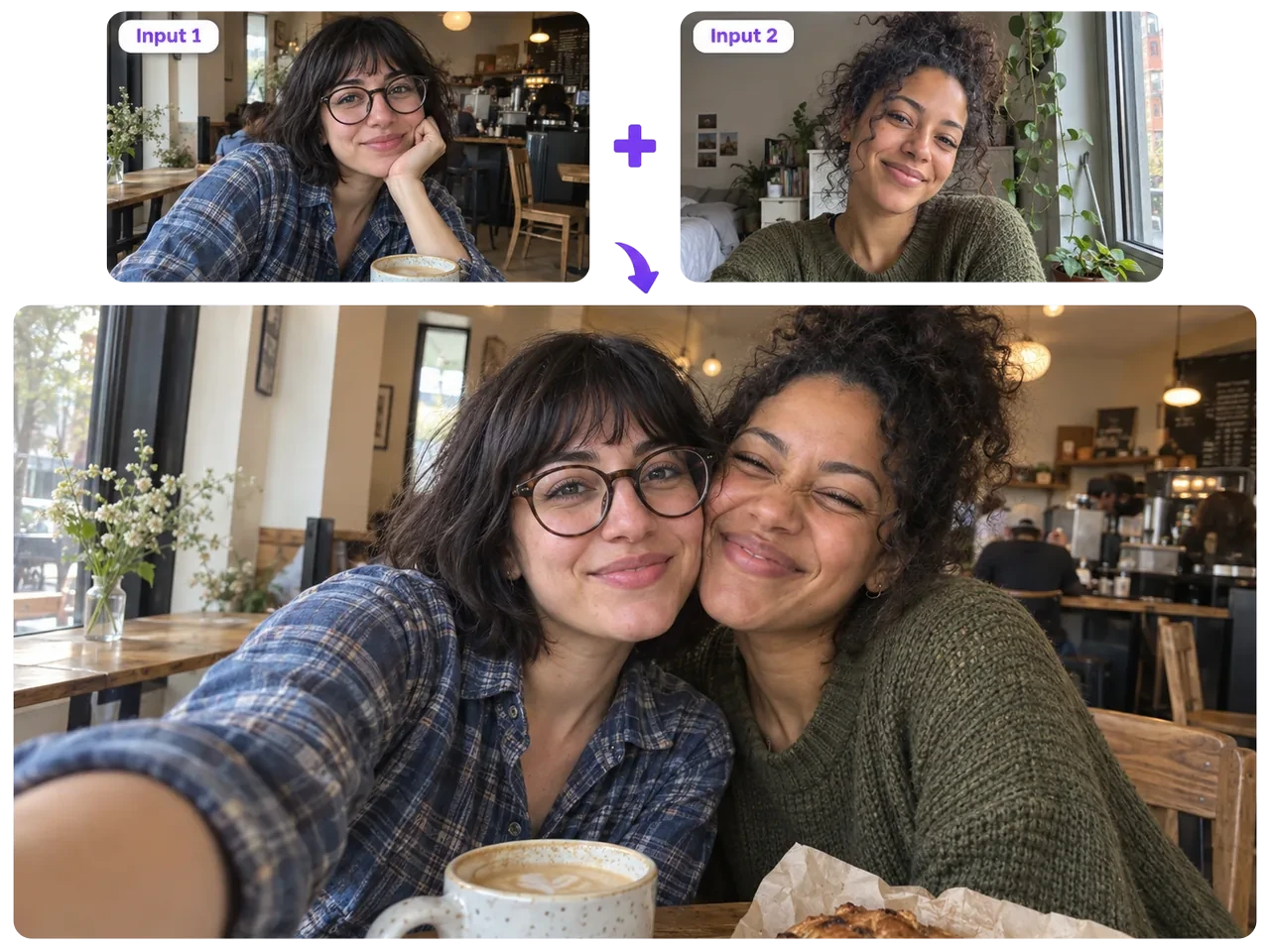
Combine two separate portraits into one casual selfie with your best friend, as if you took the photo together.
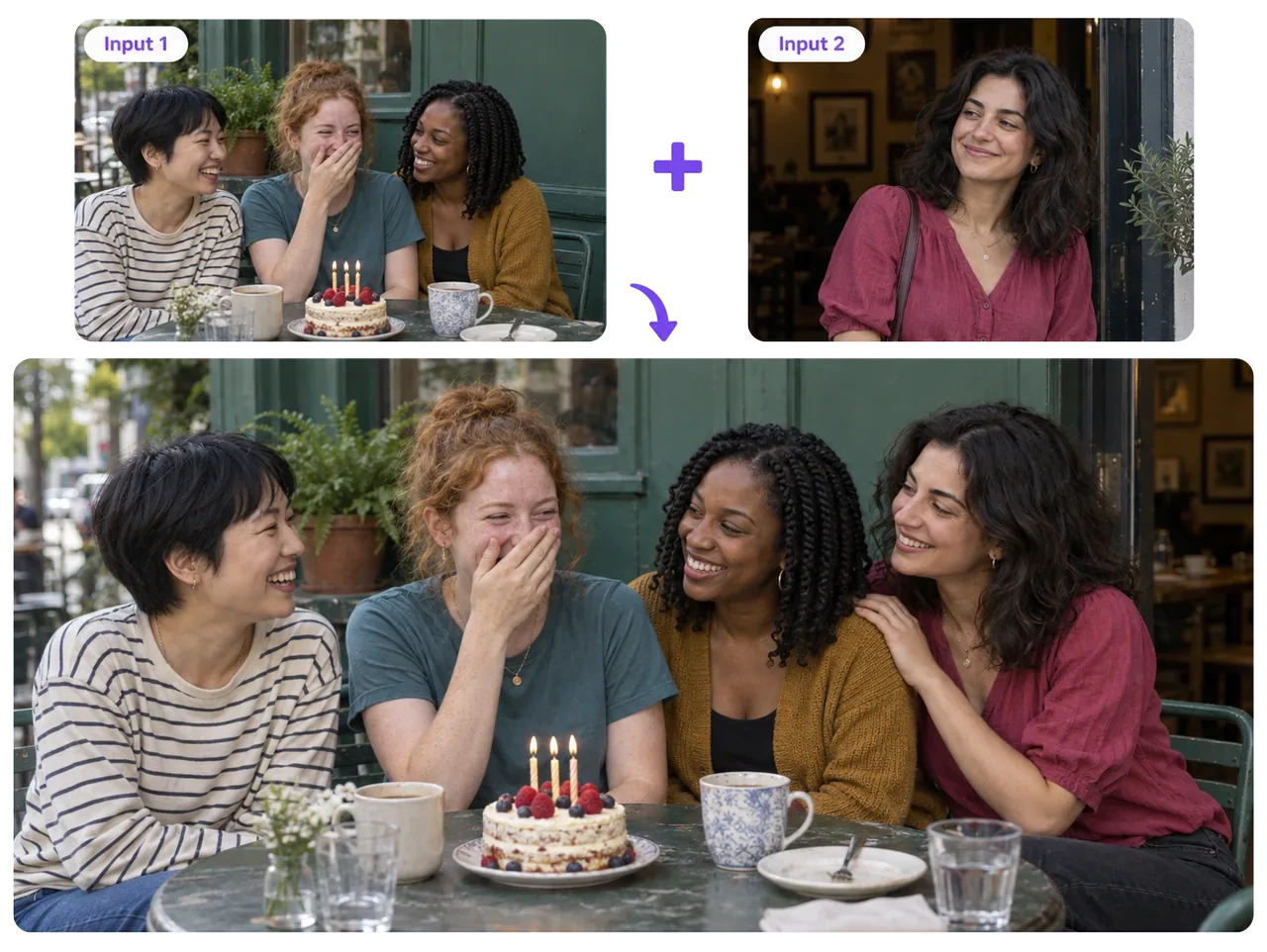
Add the friend who missed the birthday photo, while keeping the original group and party setting in the picture.
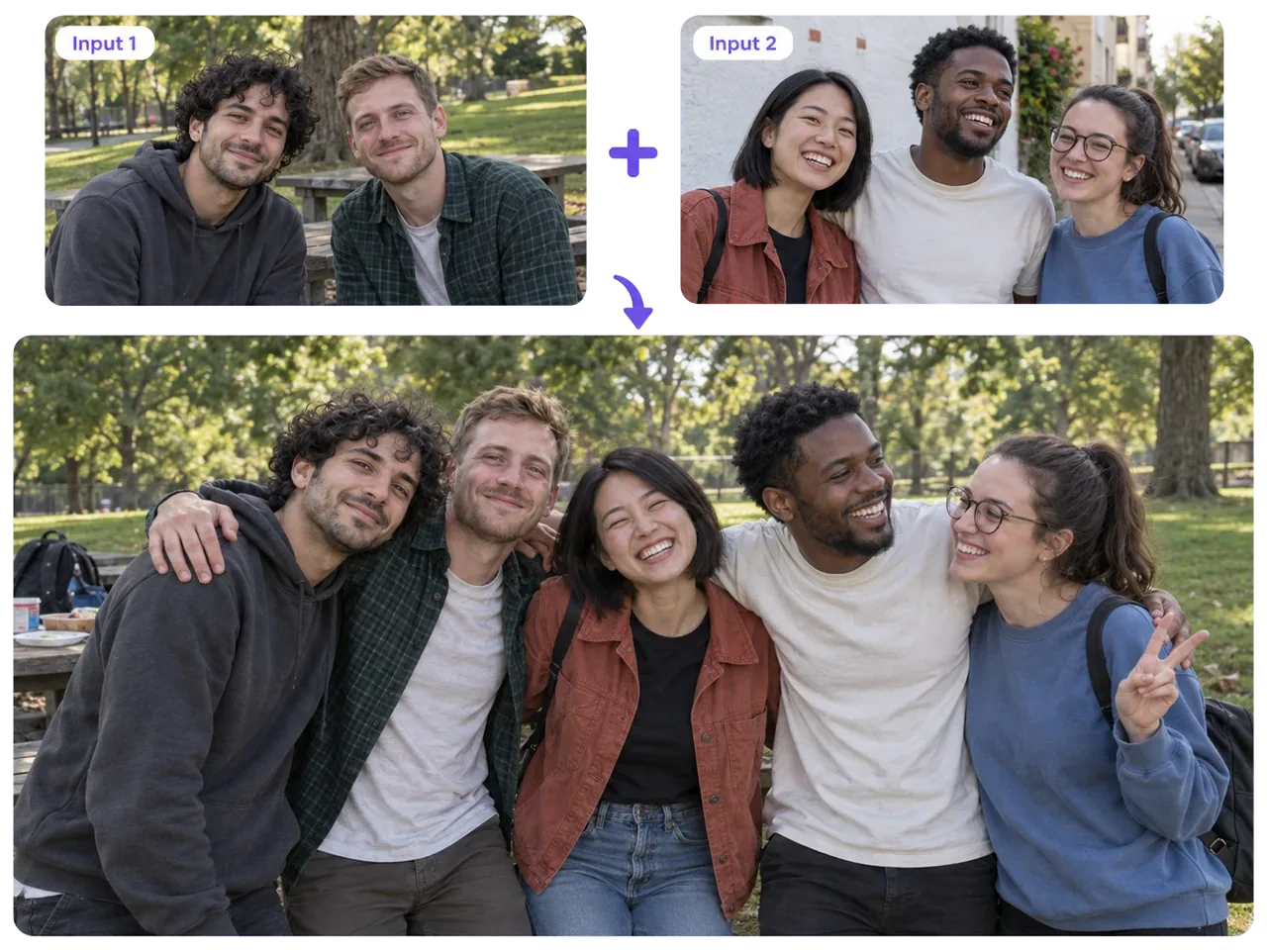
Merge two smaller group photos into one picture with all five friends together, even if everyone was photographed separately.
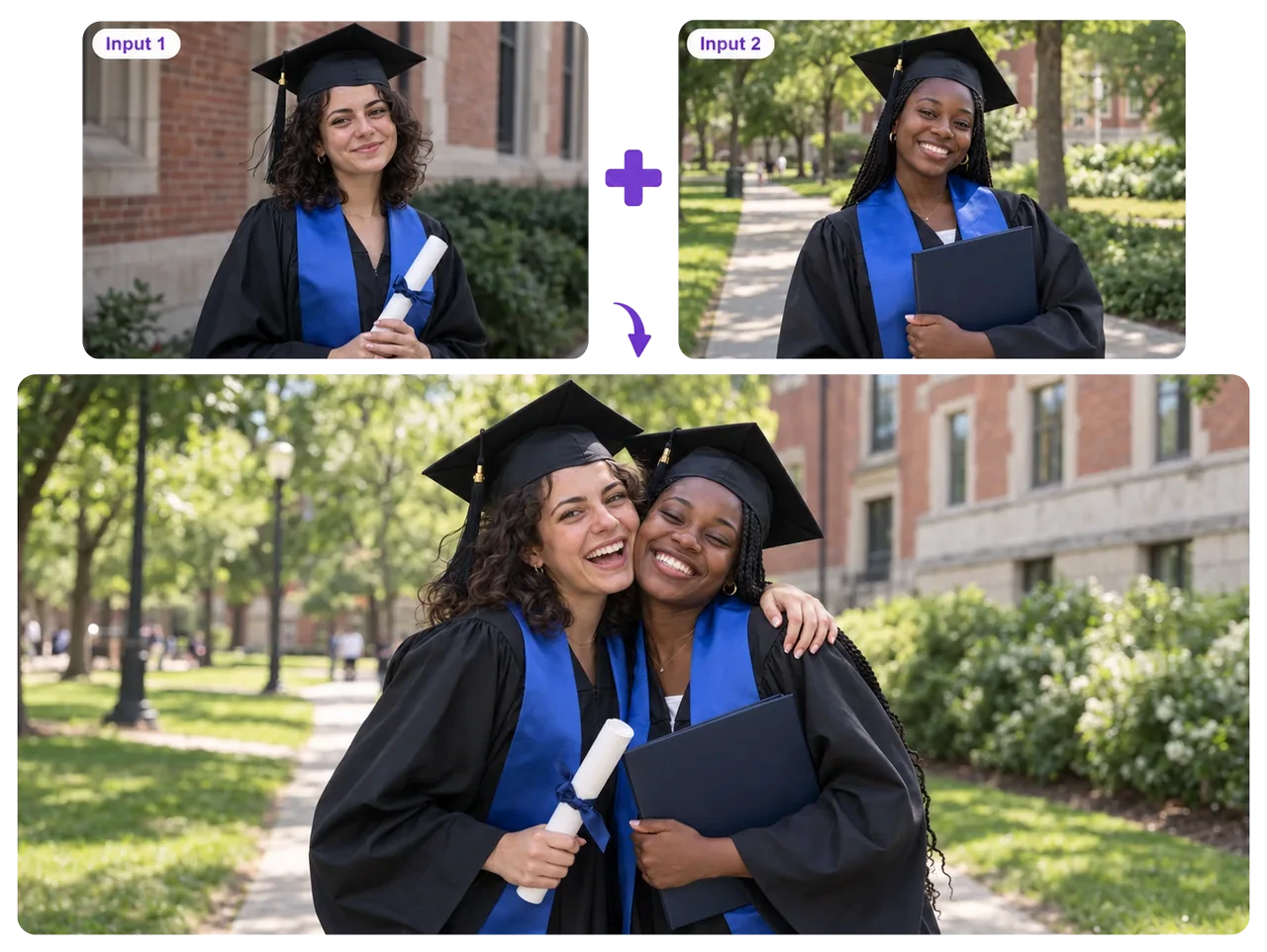
Bring two separate graduation portraits into one campus photo, so you and your friend can celebrate the moment together.
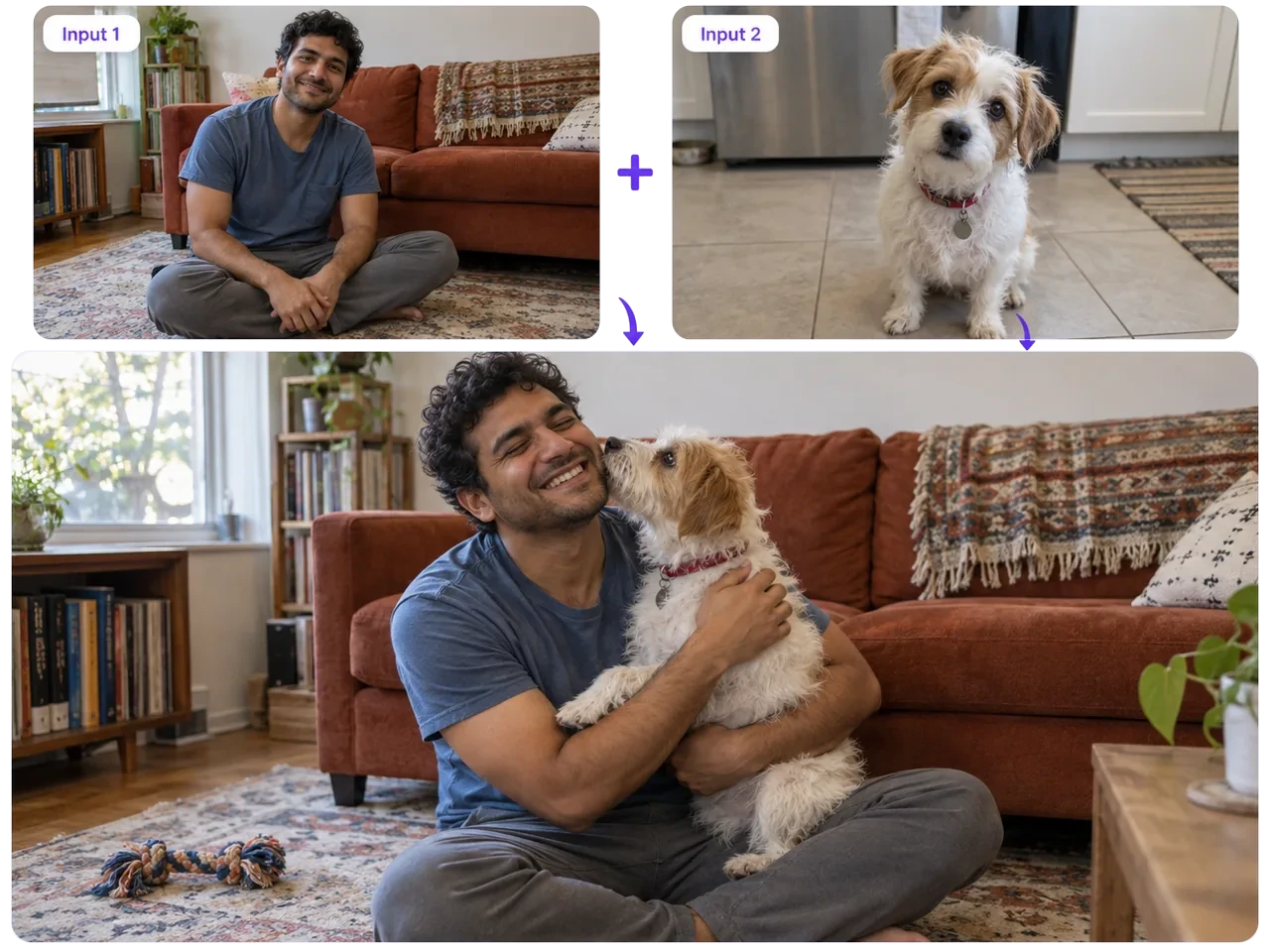
Have separate photos of you and your dog? Bring them together in one picture where you're holding your dog close.
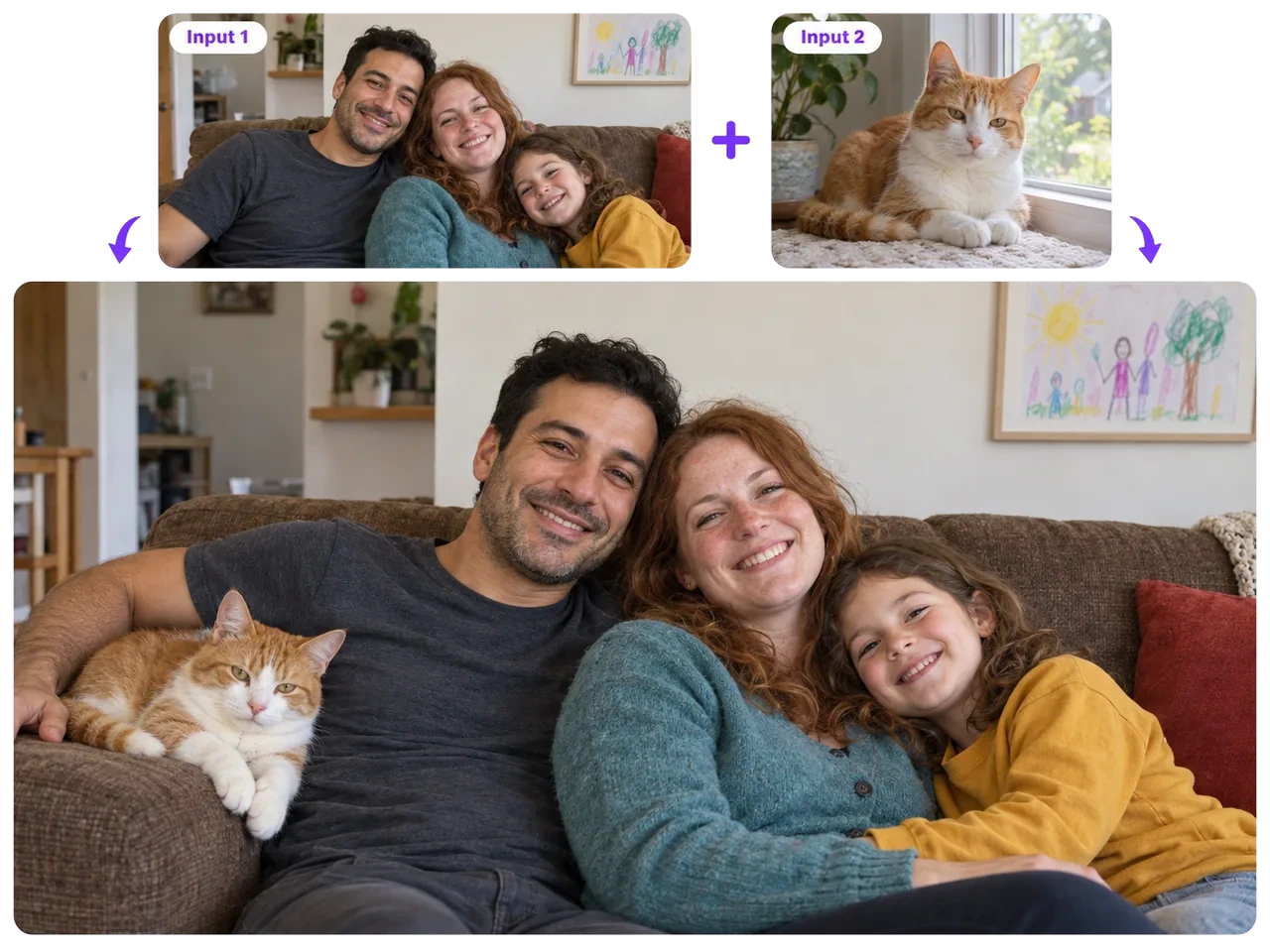
Add your cat from another picture to an existing family photo, while keeping the original people and setting in place.
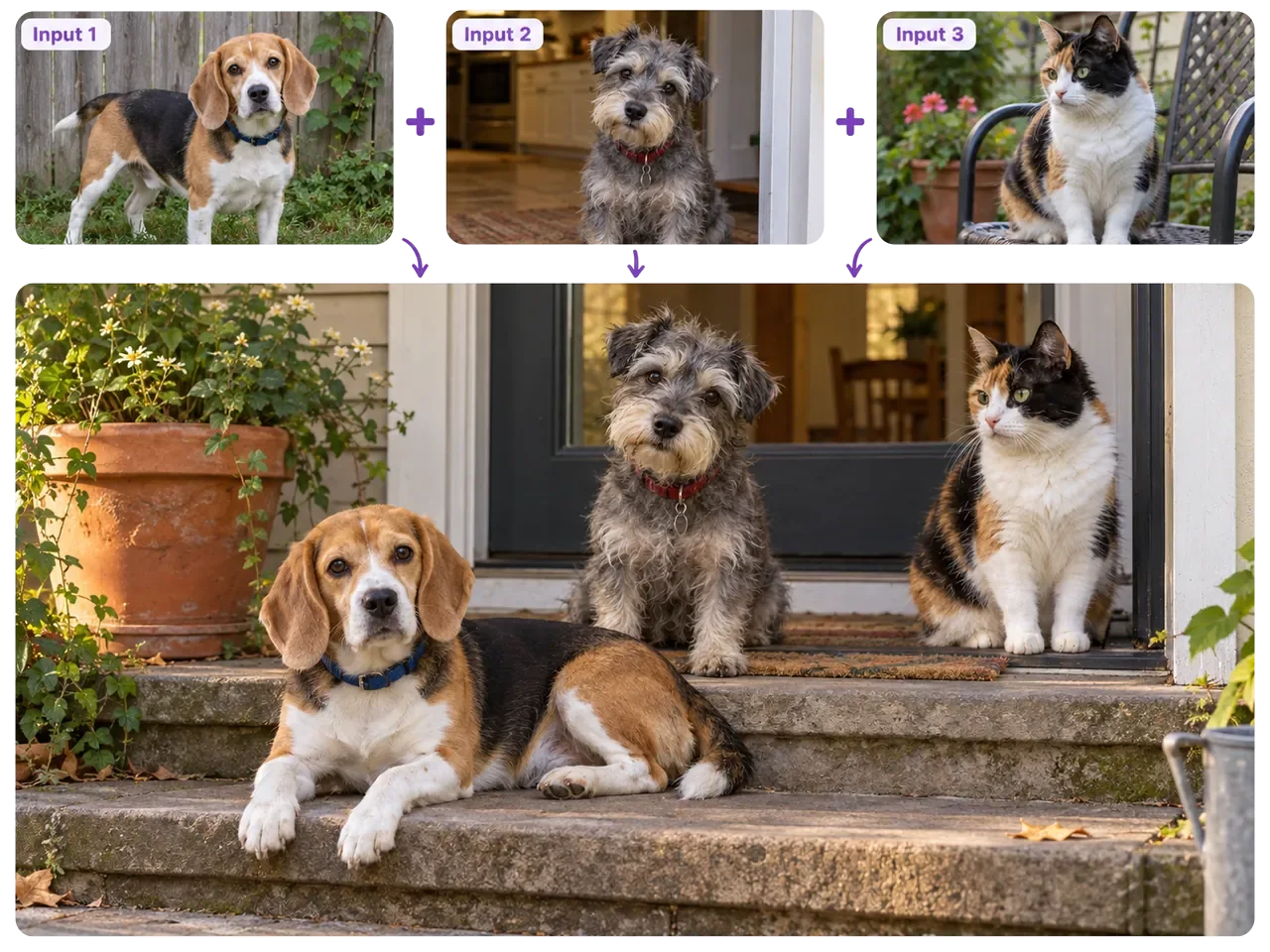
Bring your pets from separate photos into one picture, so your dogs and cats can all appear together.
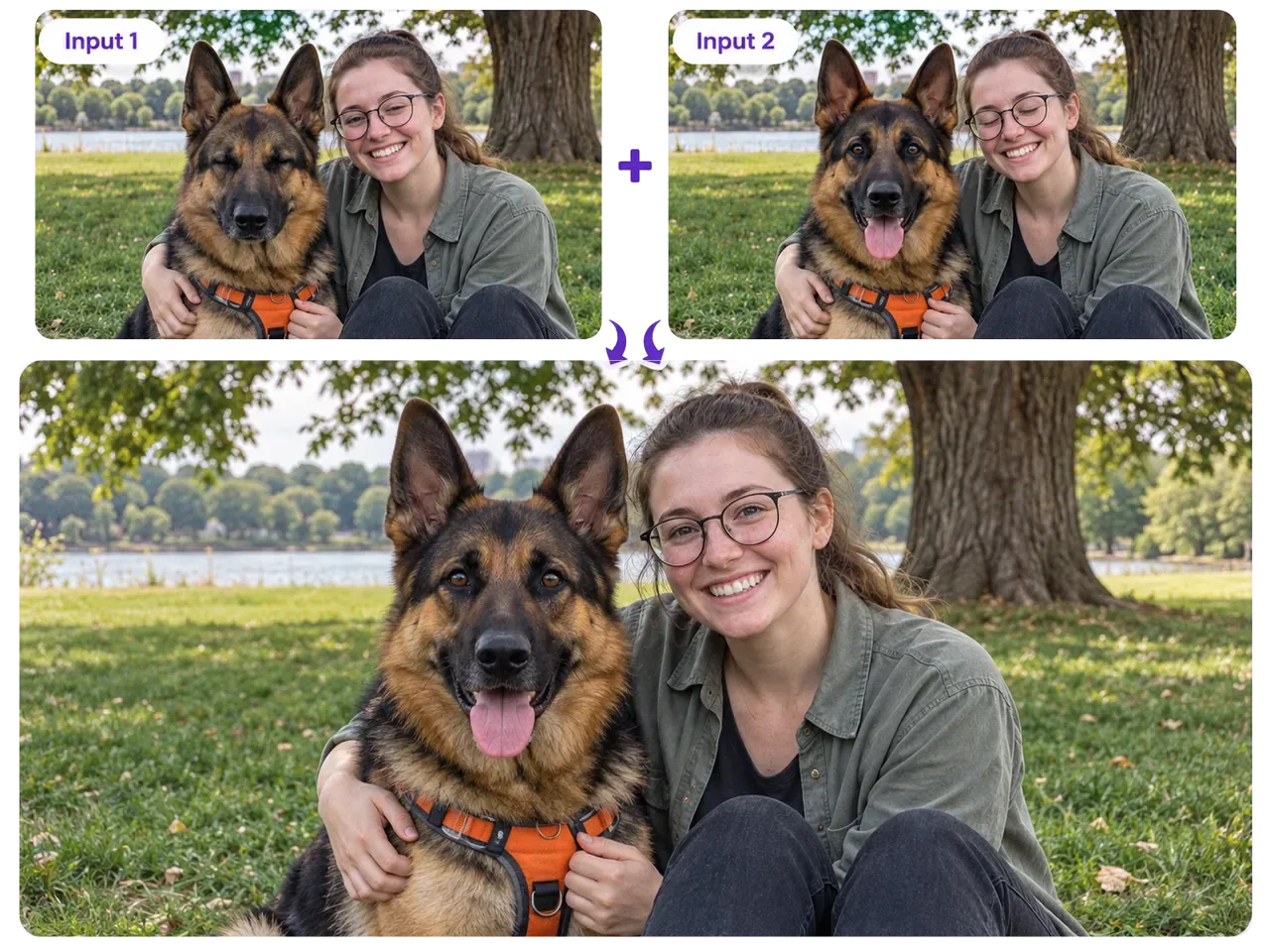
Got two shots where only one of you looks good in each? Combine your best expressions into one photo you both look great in.
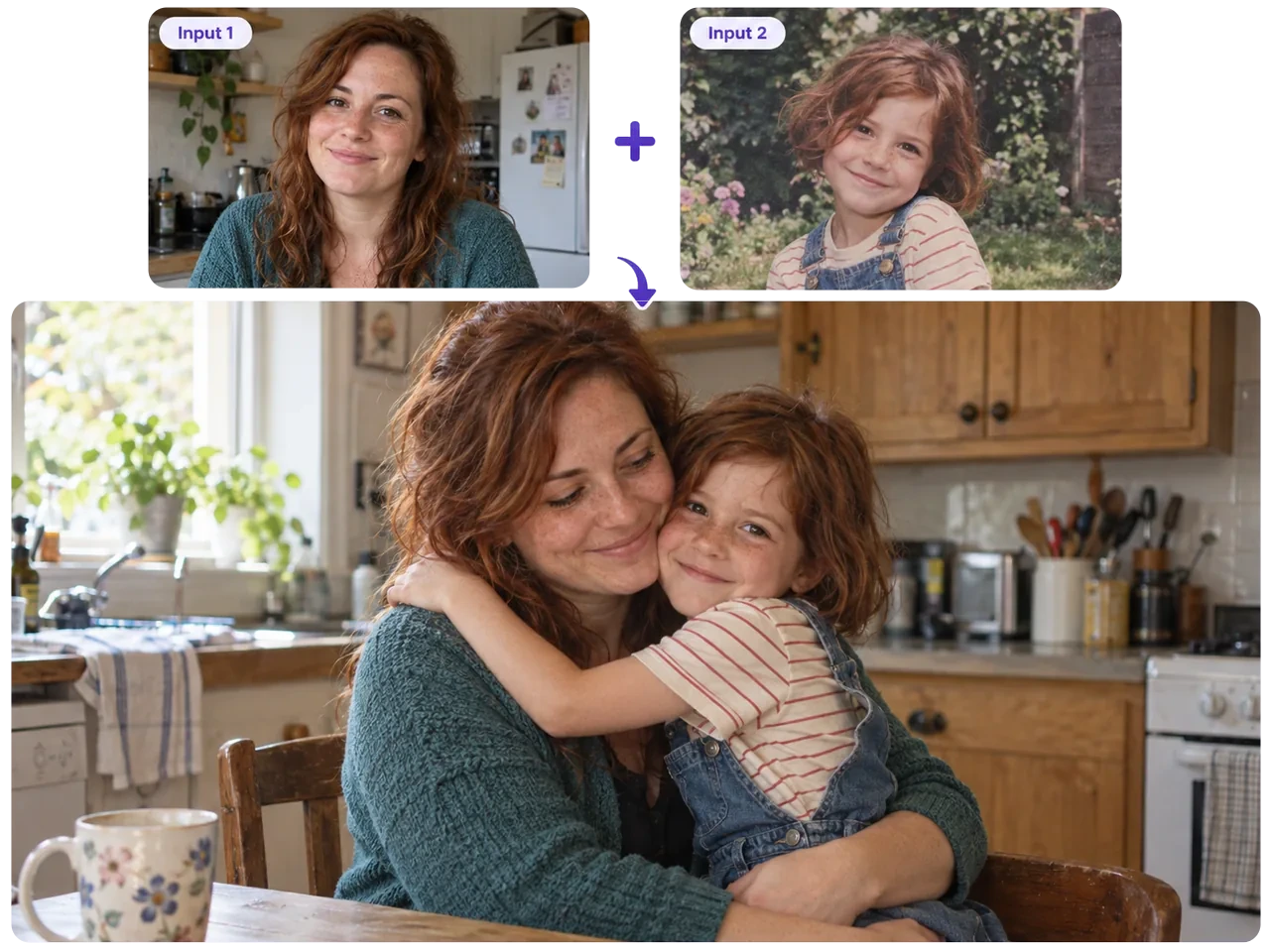
Combine a childhood photo and a recent portrait to create a moment where your present-day self is hugging your younger self.
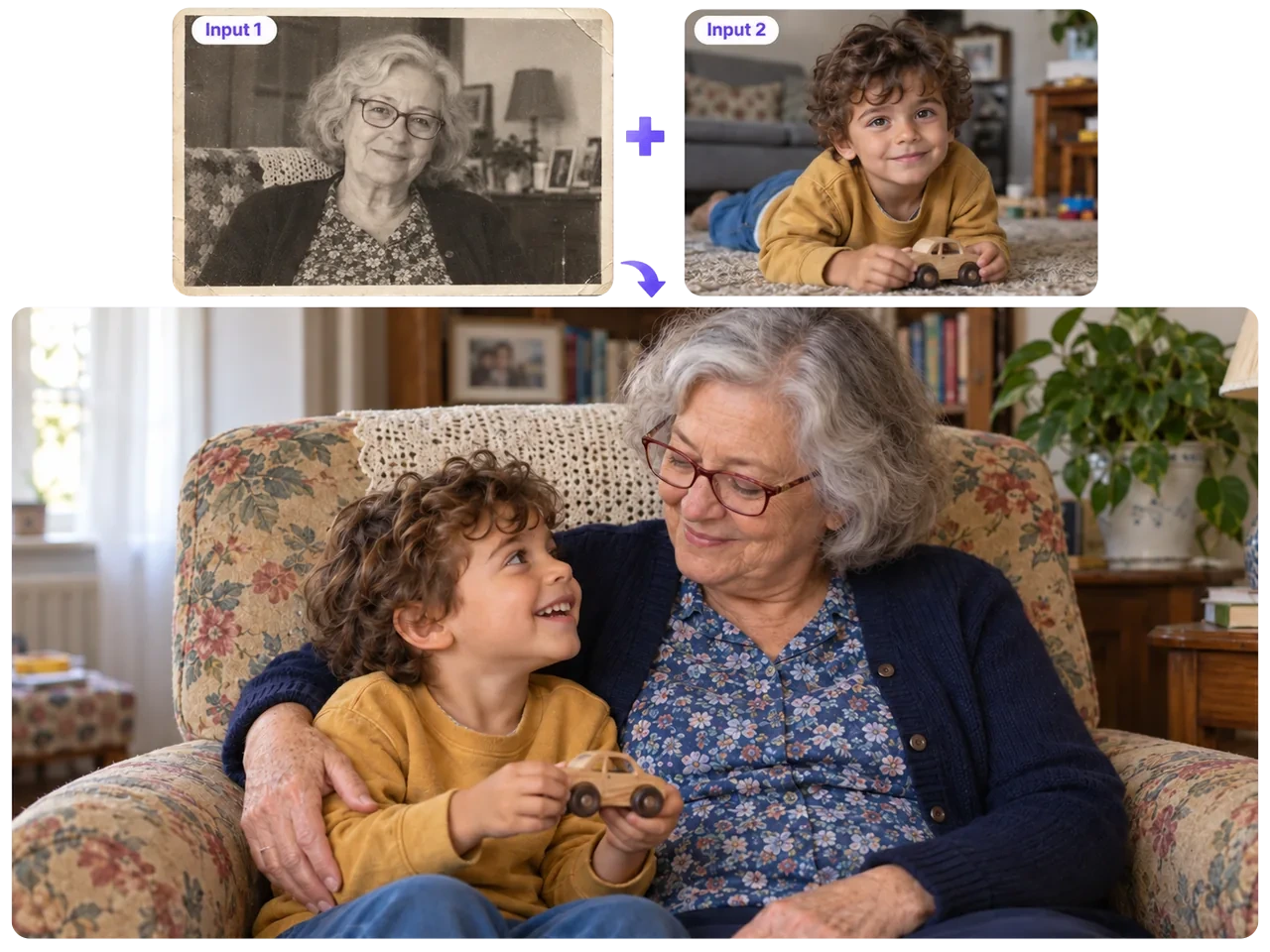
Create a meaningful keepsake of your child with a grandparent they never had the chance to meet, using their separate photos.
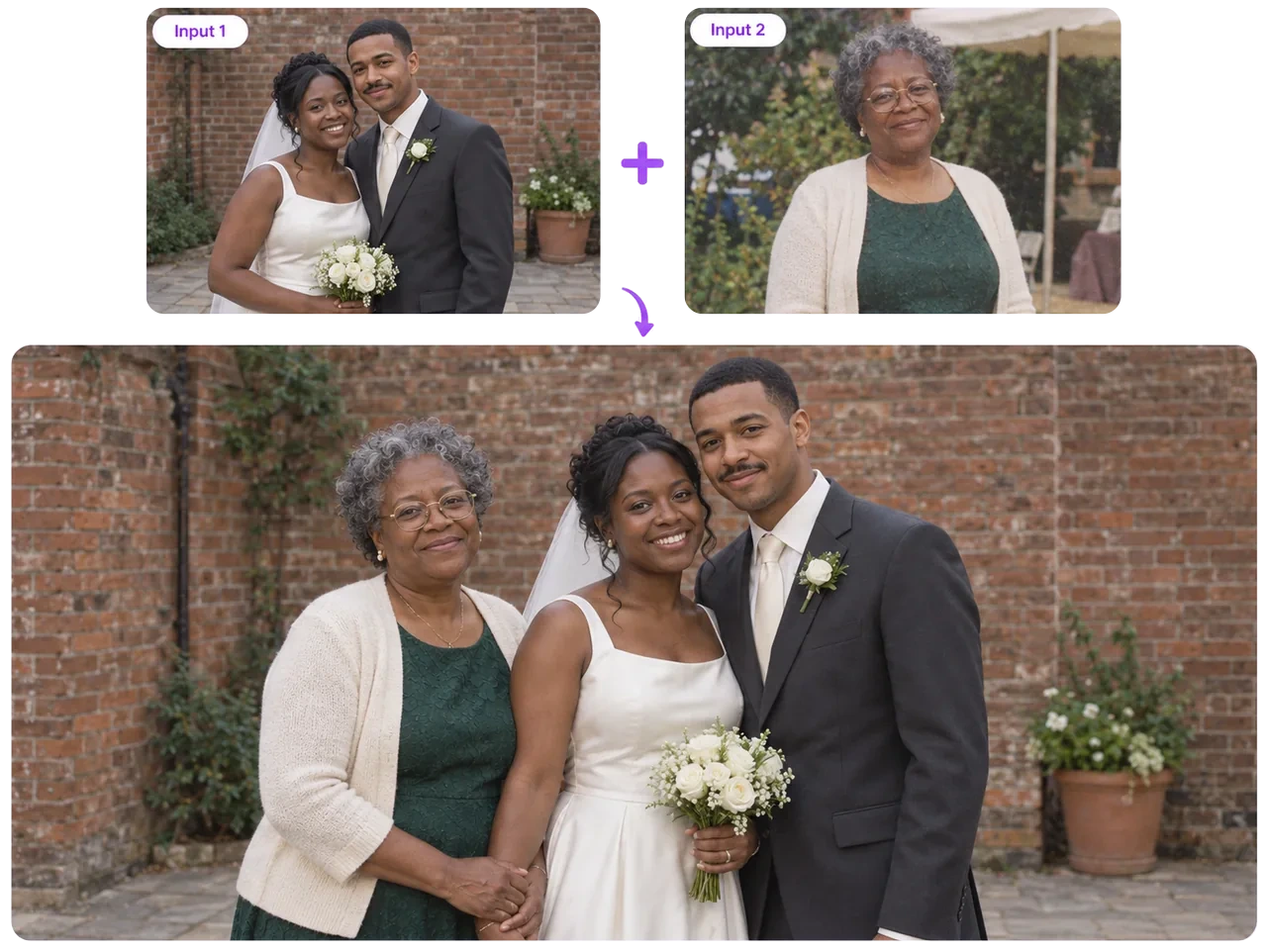
Add a loved one from an older photo to your wedding picture, creating a keepsake of a moment you wish you could have shared.
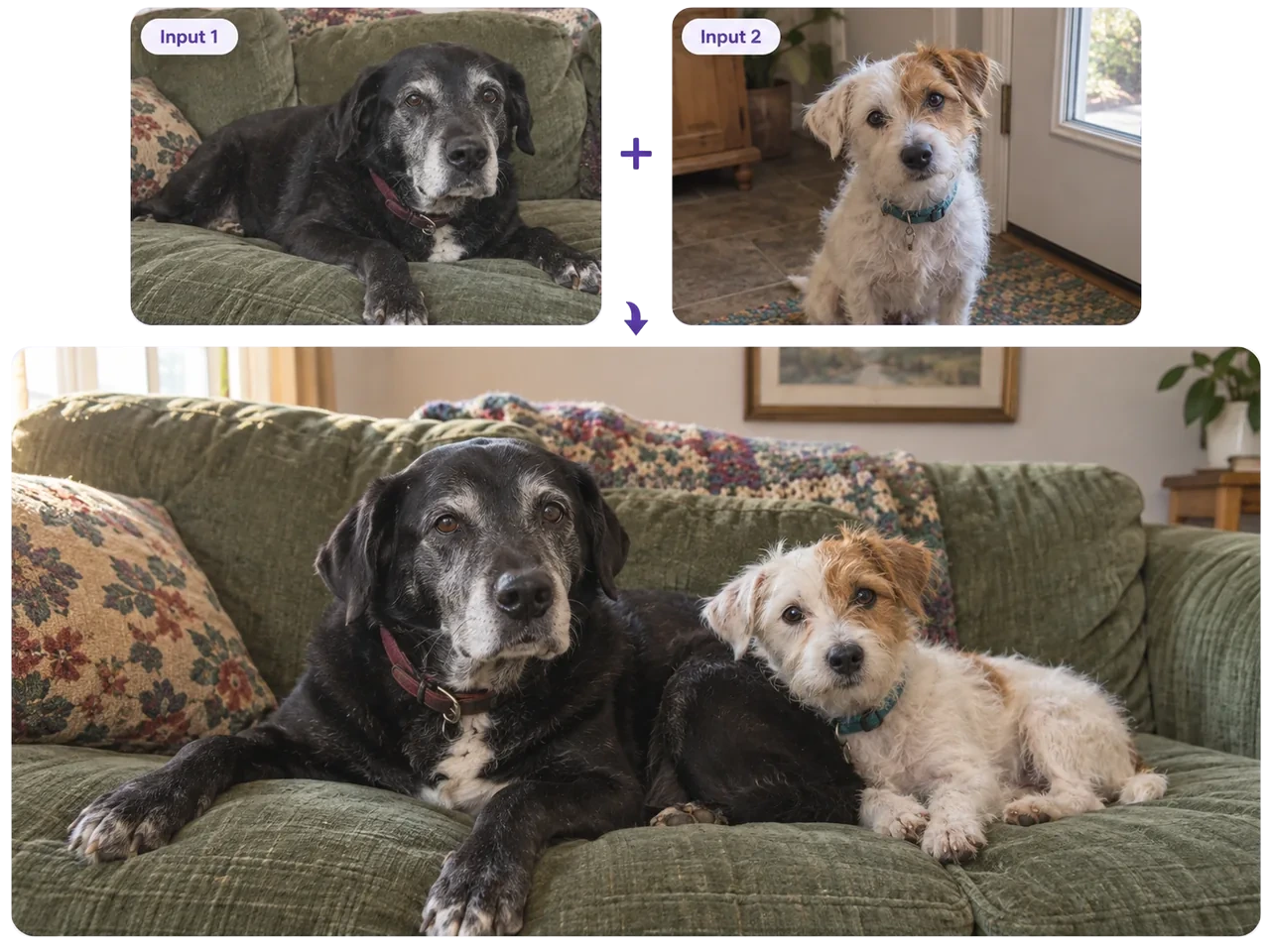
Bring photos of a beloved pet who has passed away and your current pet together into one commemorative picture.
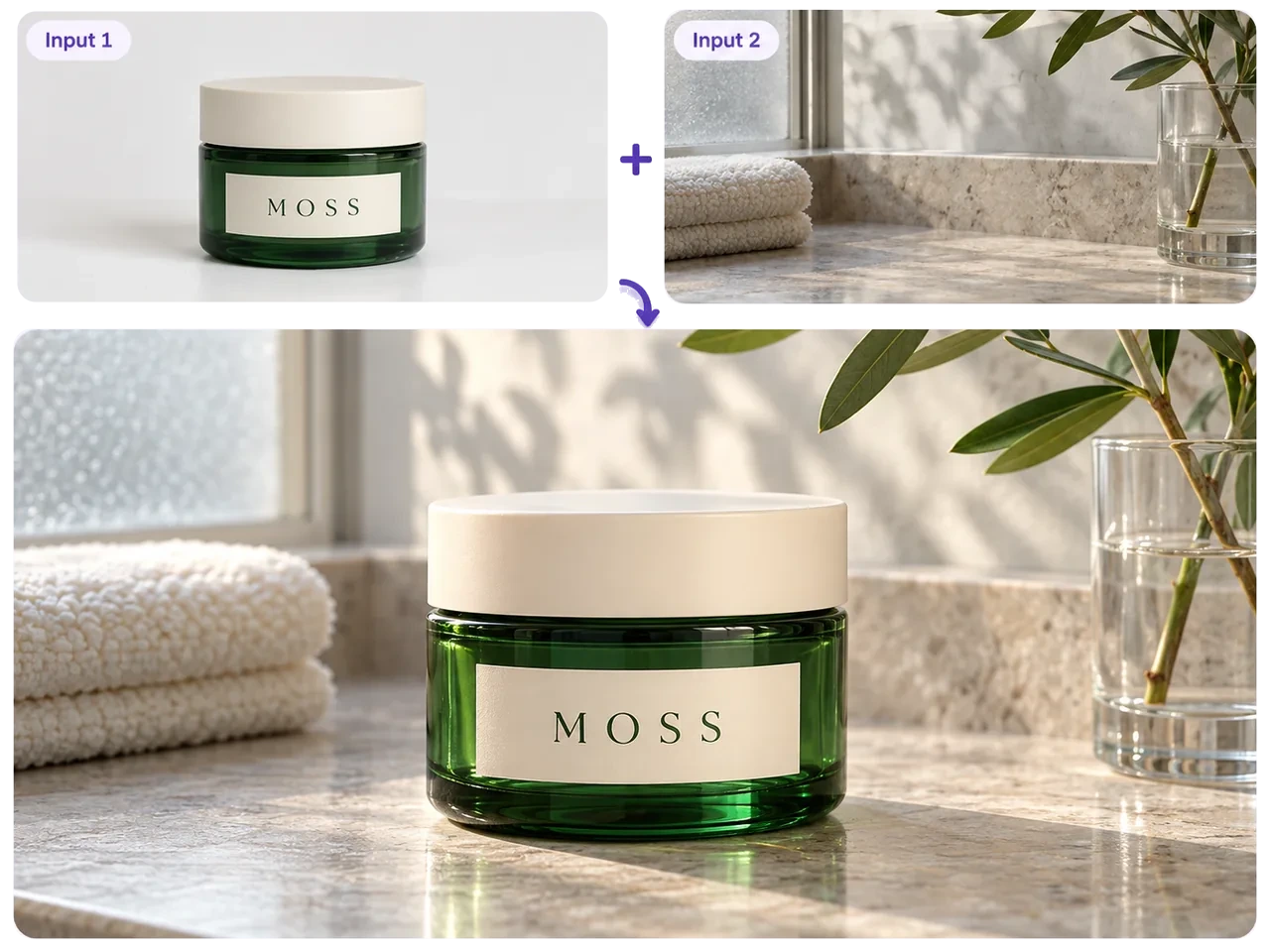
Combine a product photo with a lifestyle background to see your product in a new setting, with lighting and shadows that fit the scene.
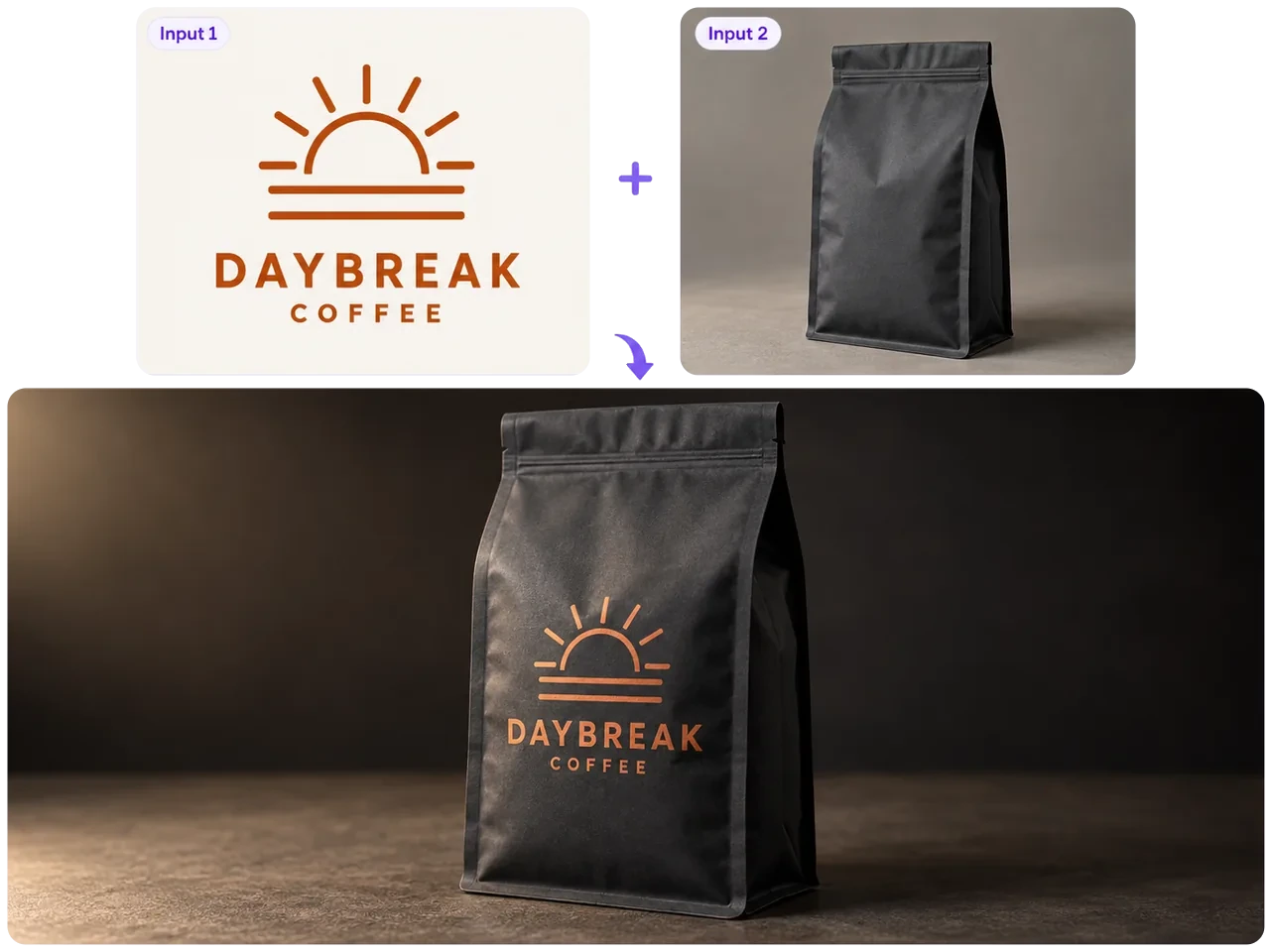
Place your logo onto a product box, bag, or other packaging to preview how your branding could look on a real product.
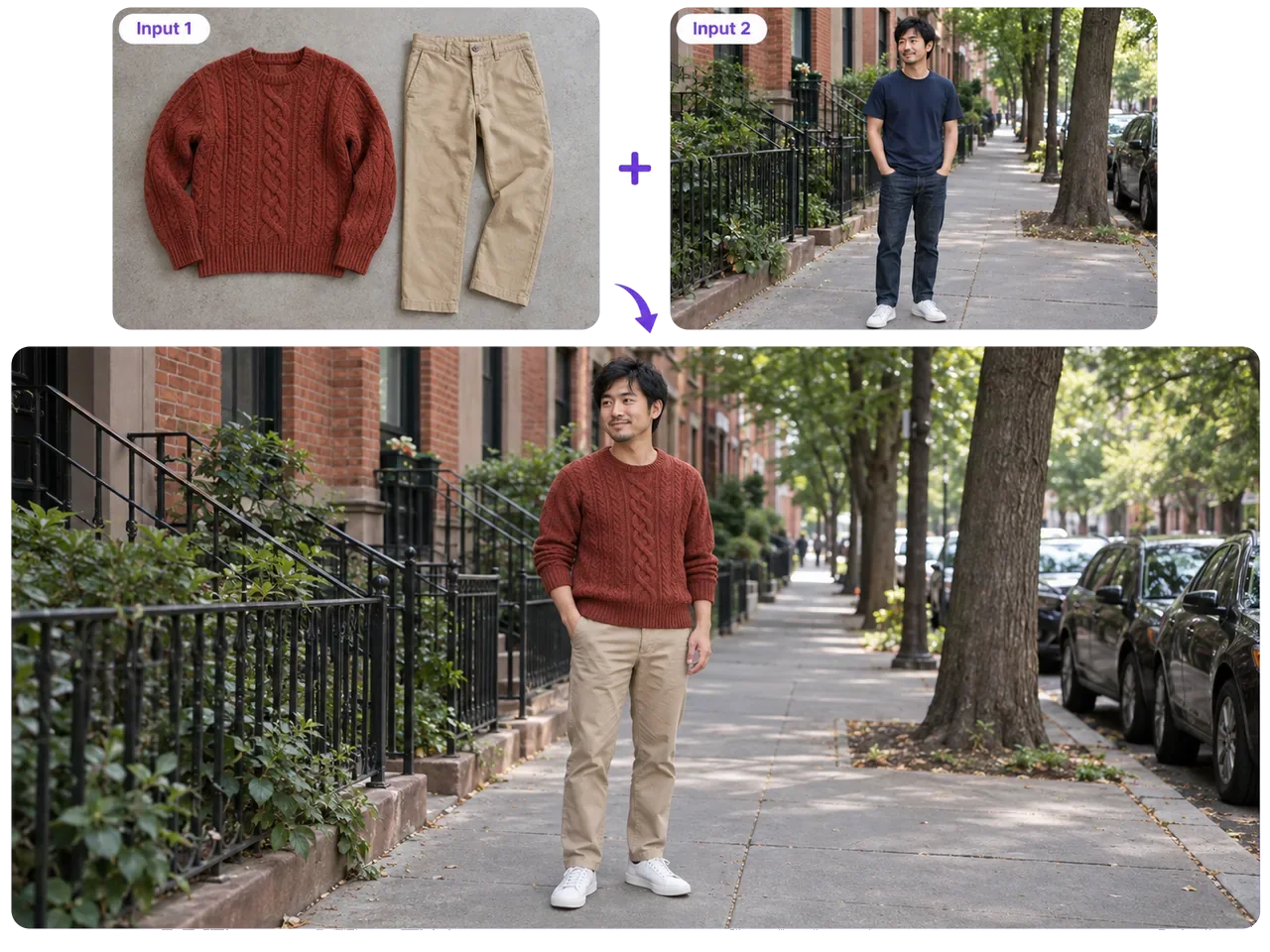
Combine a clothing photo with a model portrait to visualize how the outfit might look when worn by that person.
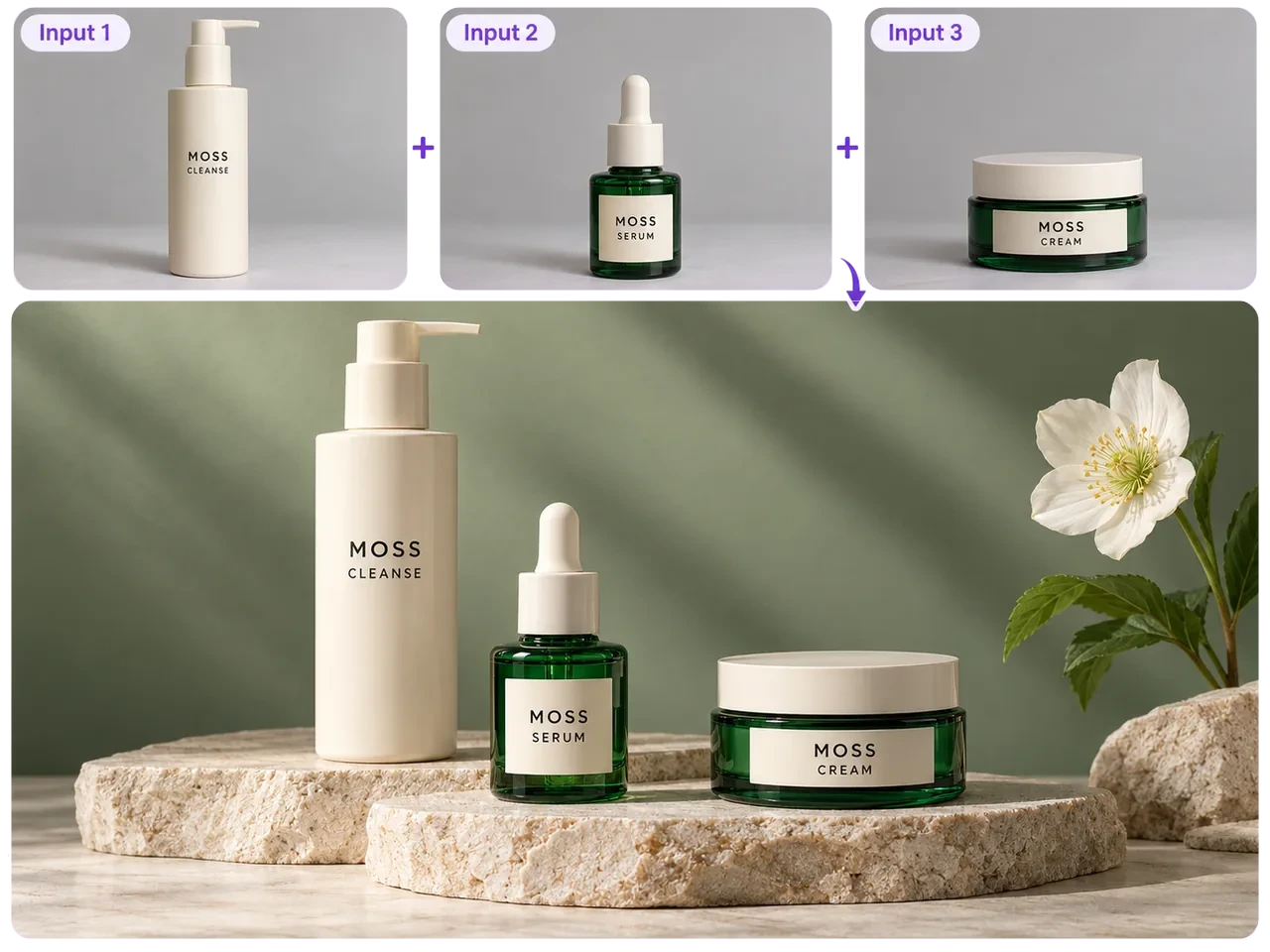
Bring separate product photos together into one coordinated image for a bundle, gift set, or product collection.
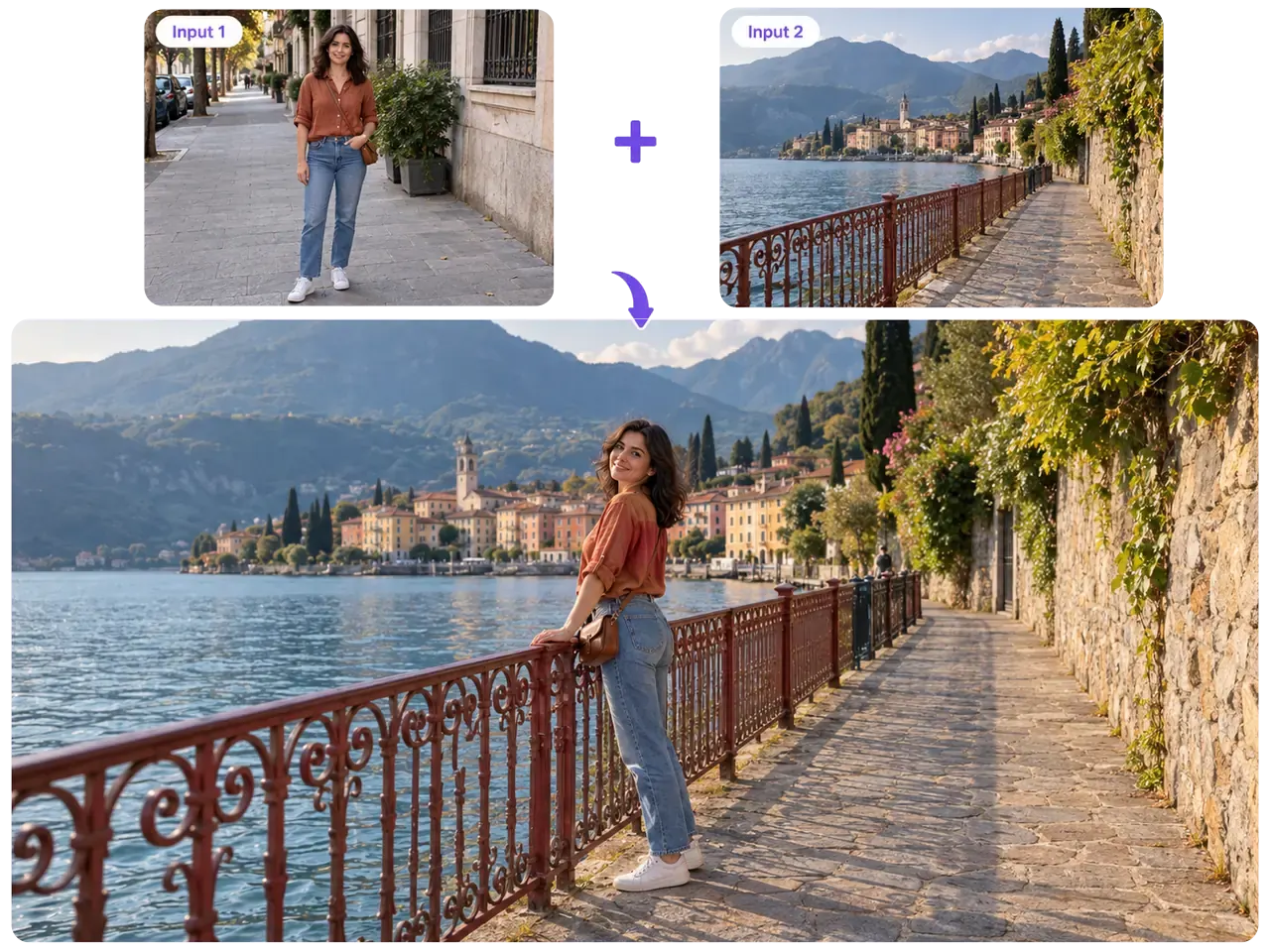
Have a photo of yourself and a travel destination you love? Combine them into one picture with you in the scene.
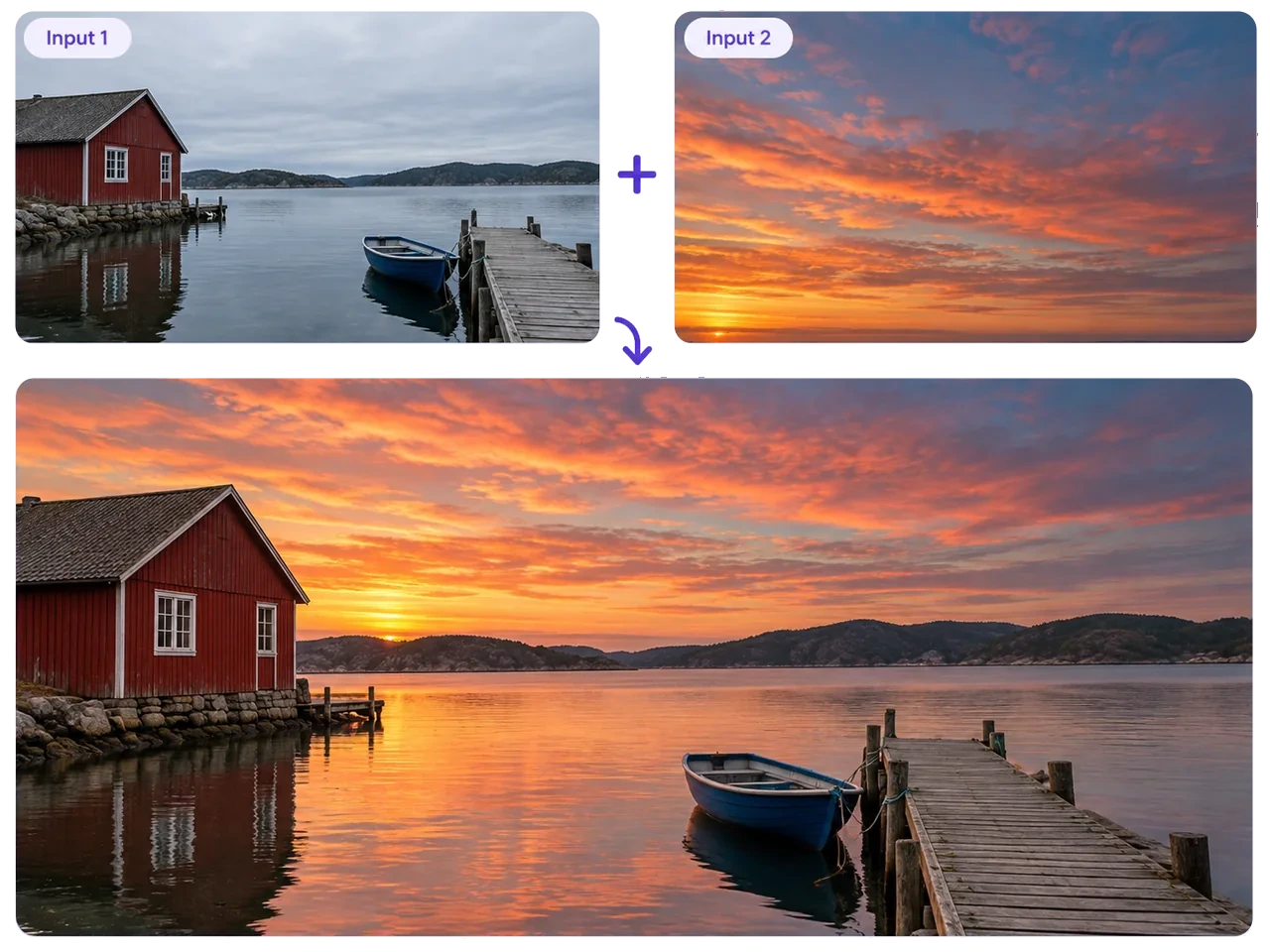
Use the sunset from another photo to change the sky in your picture while keeping the original landscape and subjects.
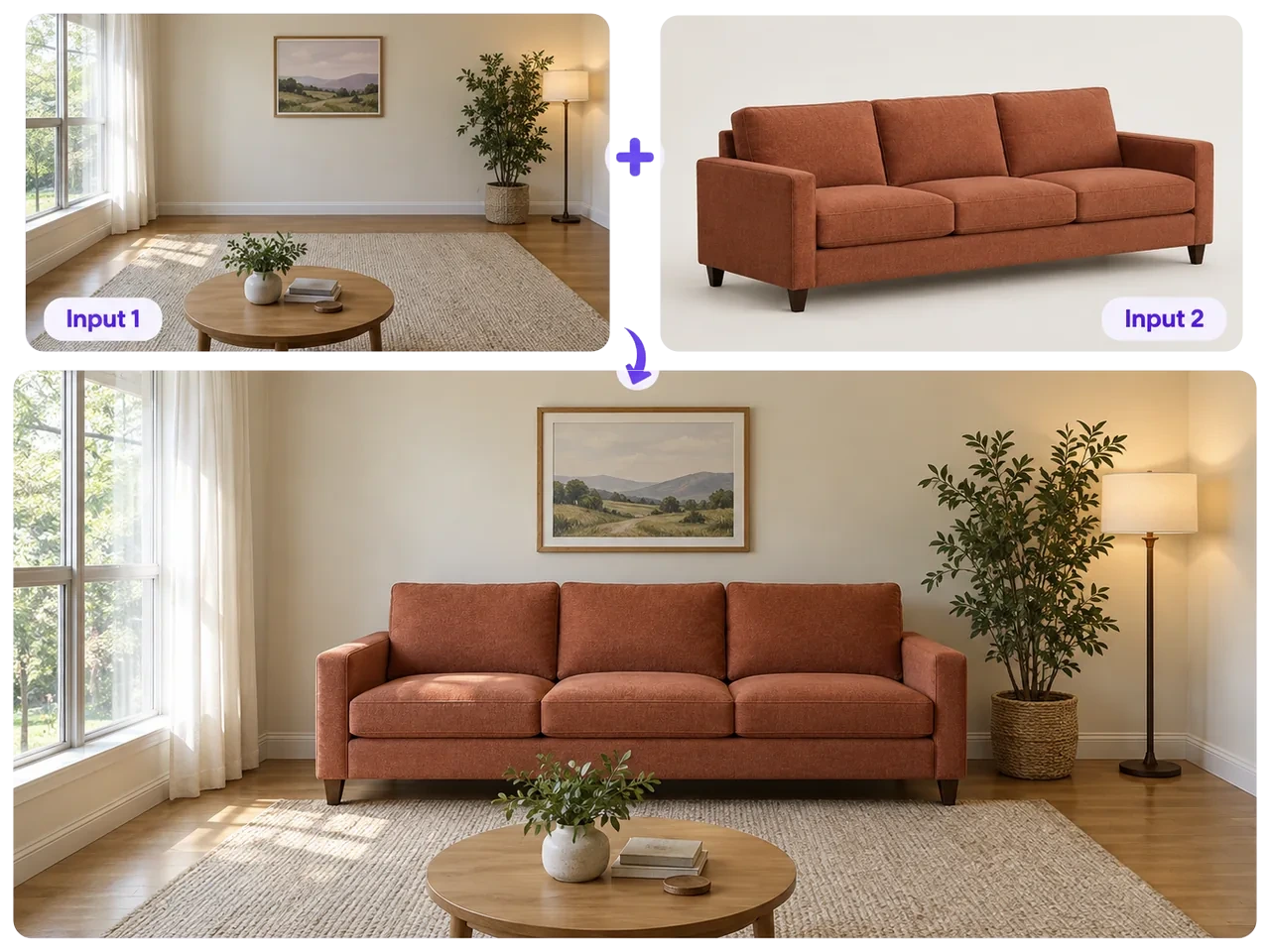
Combine a photo of your room with a sofa you're considering to preview how it might look in your space.
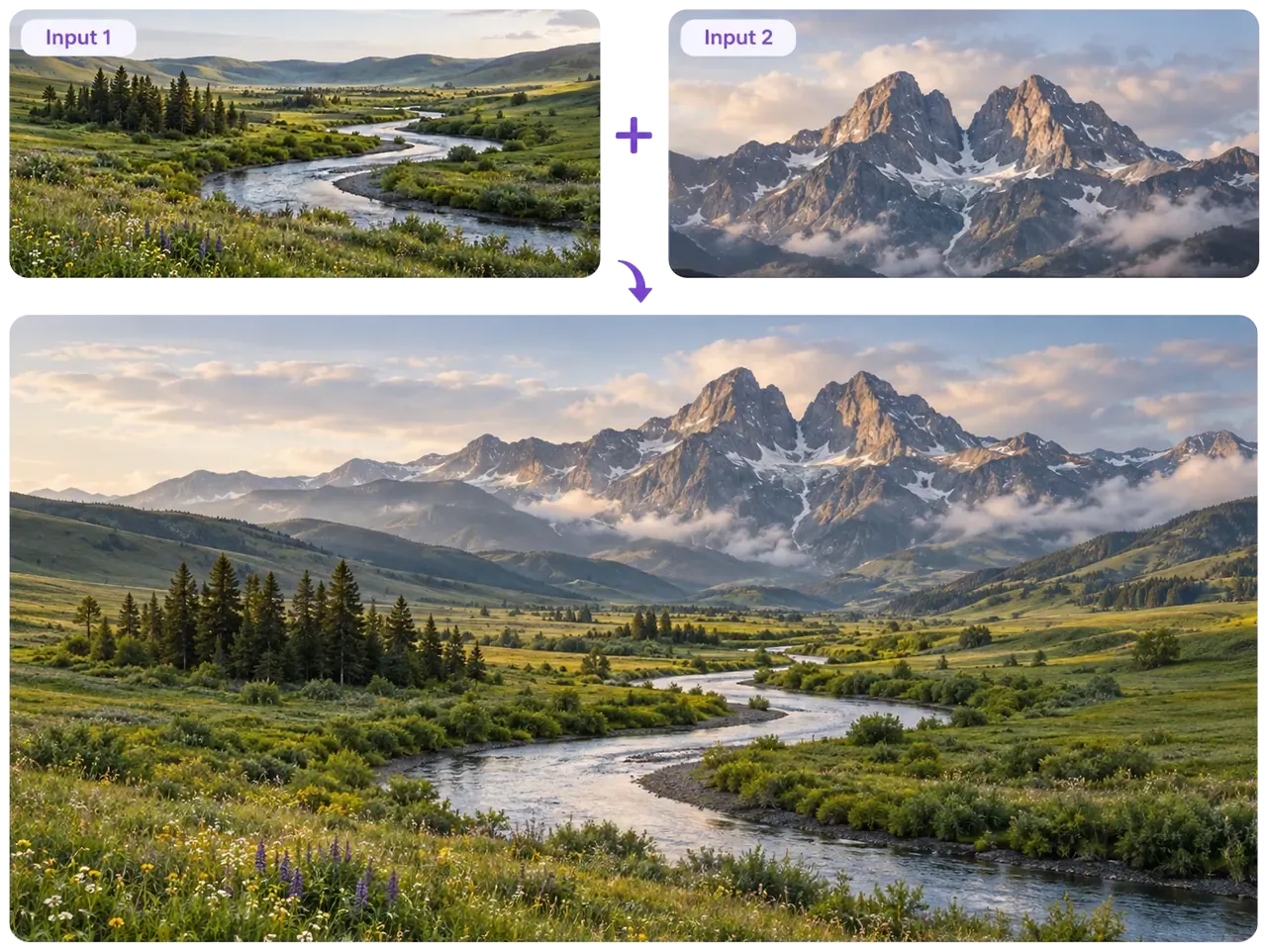
Bring elements from two different landscape photos into one scene, blending the scenery into a new composition.
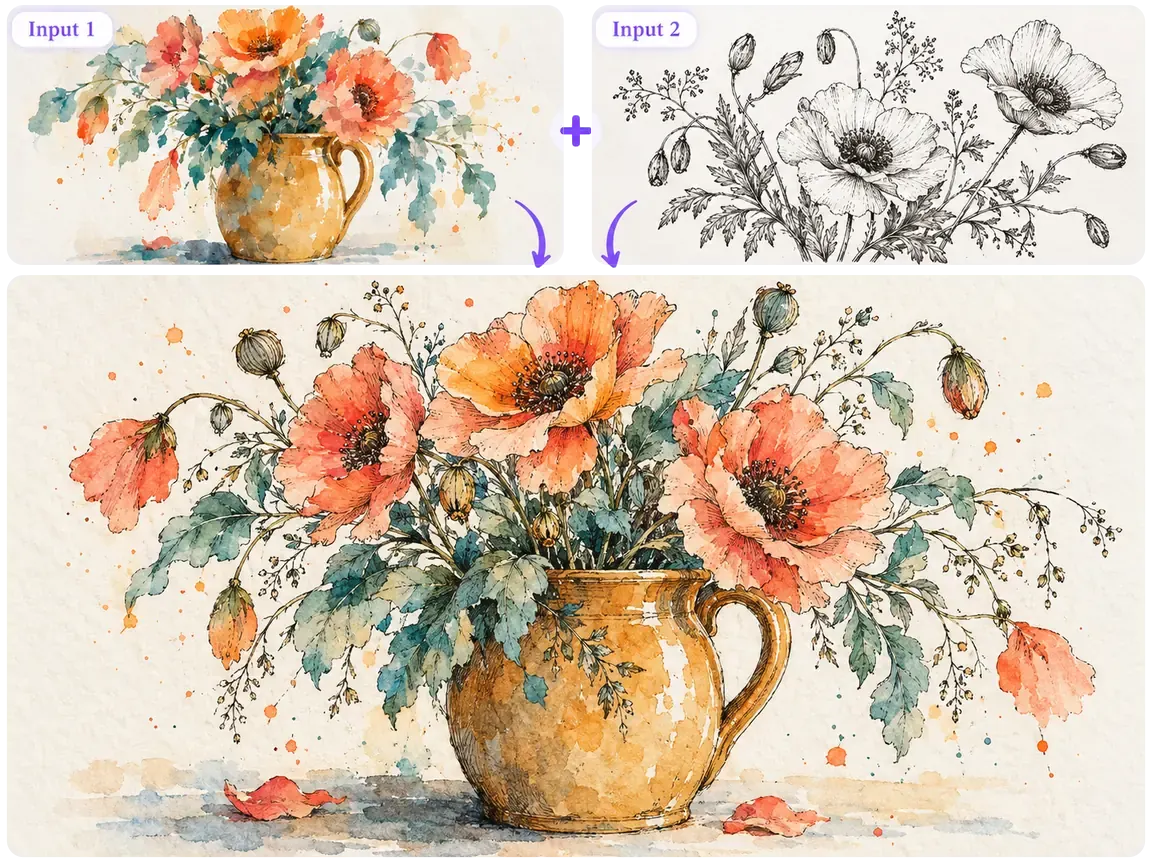
Mix the colors, textures, and artistic styles of two reference images to create a new look inspired by both.
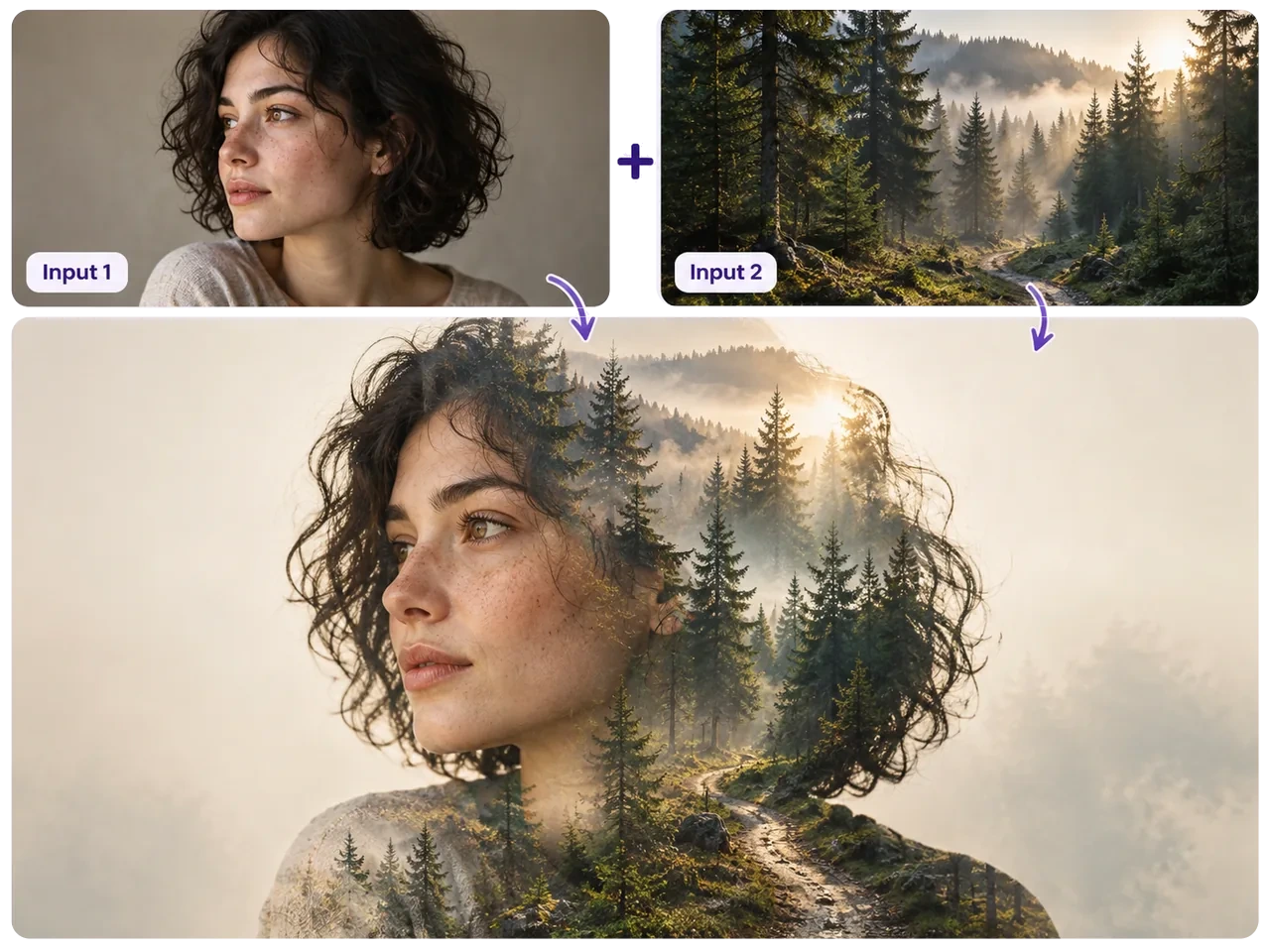
Combine a portrait with a landscape photo to create a double-exposure effect, blending the scenery into the person's silhouette.
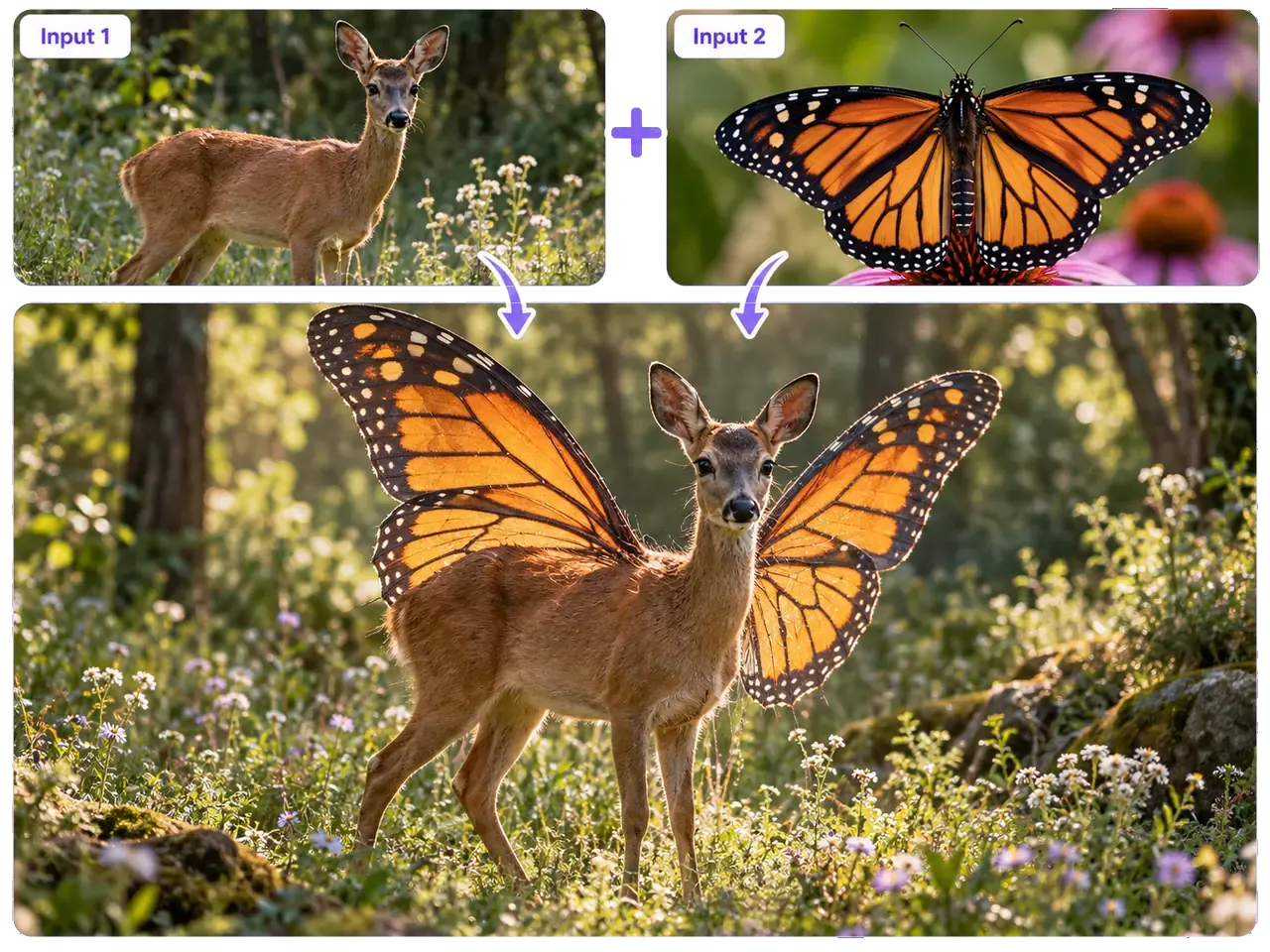
Mix features from two animal photos to imagine a fantasy creature that combines recognizable elements of both.
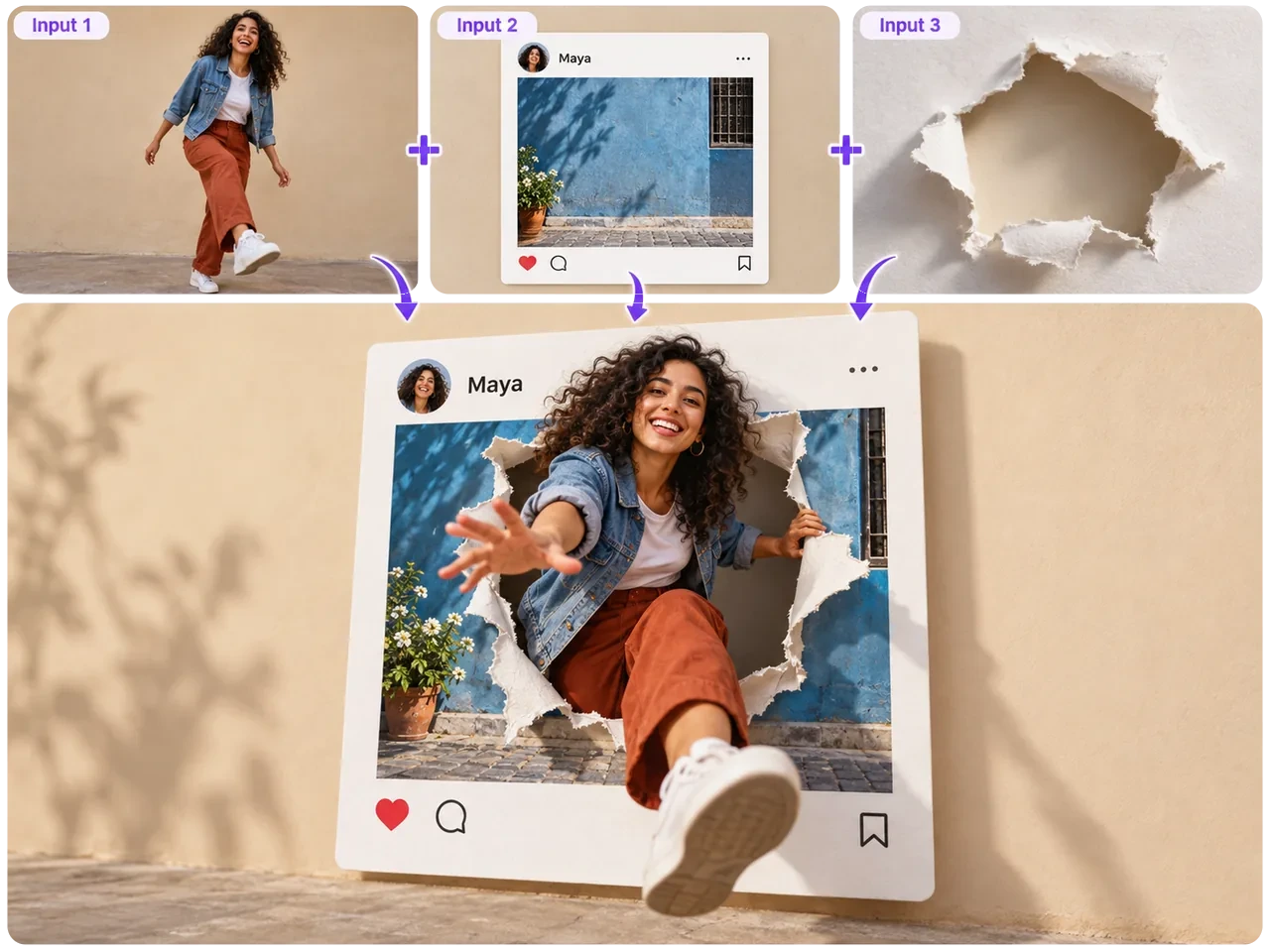
Combine your portrait with a social media page and a torn-paper reference to make it look like you're stepping out of the screen.
Identity & Detail Preservation
Use your original photos as references to help retain recognizable faces, hairstyles, clothing, and product details while bringing them into a new composition.
Seamless Blending
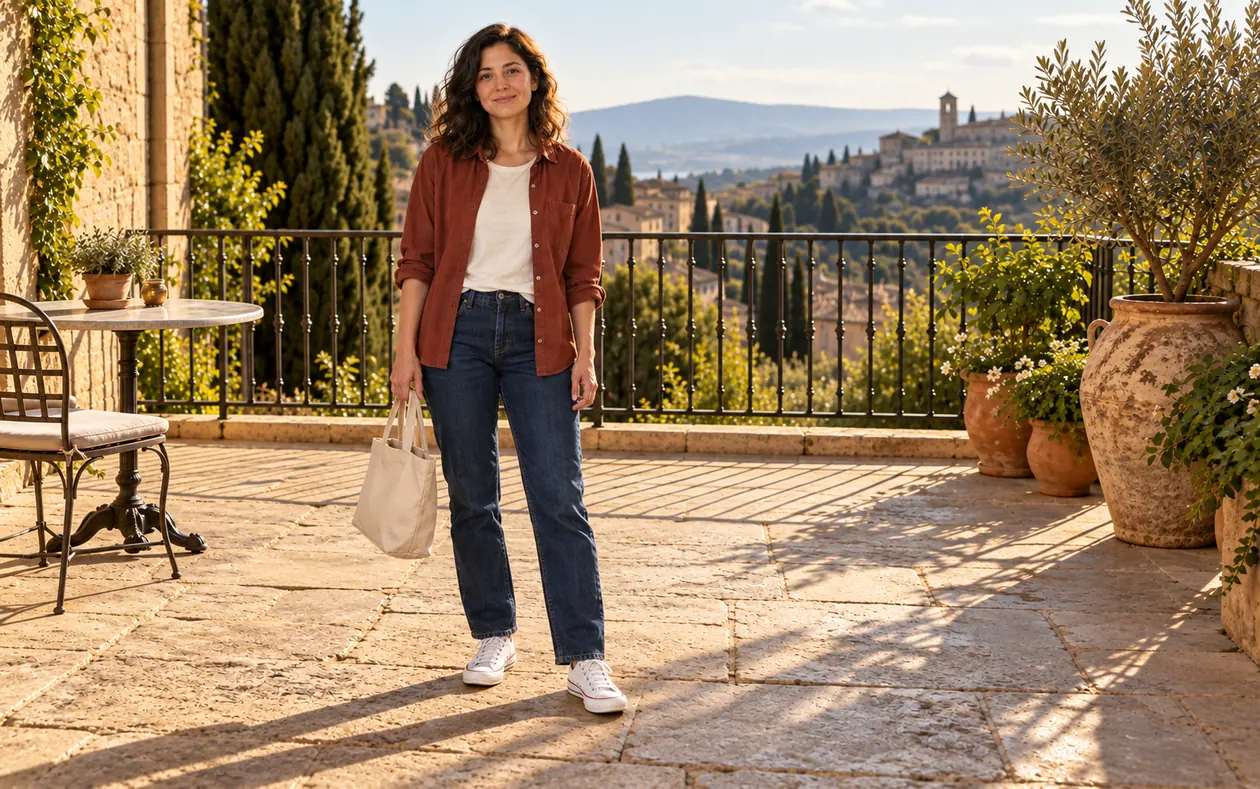
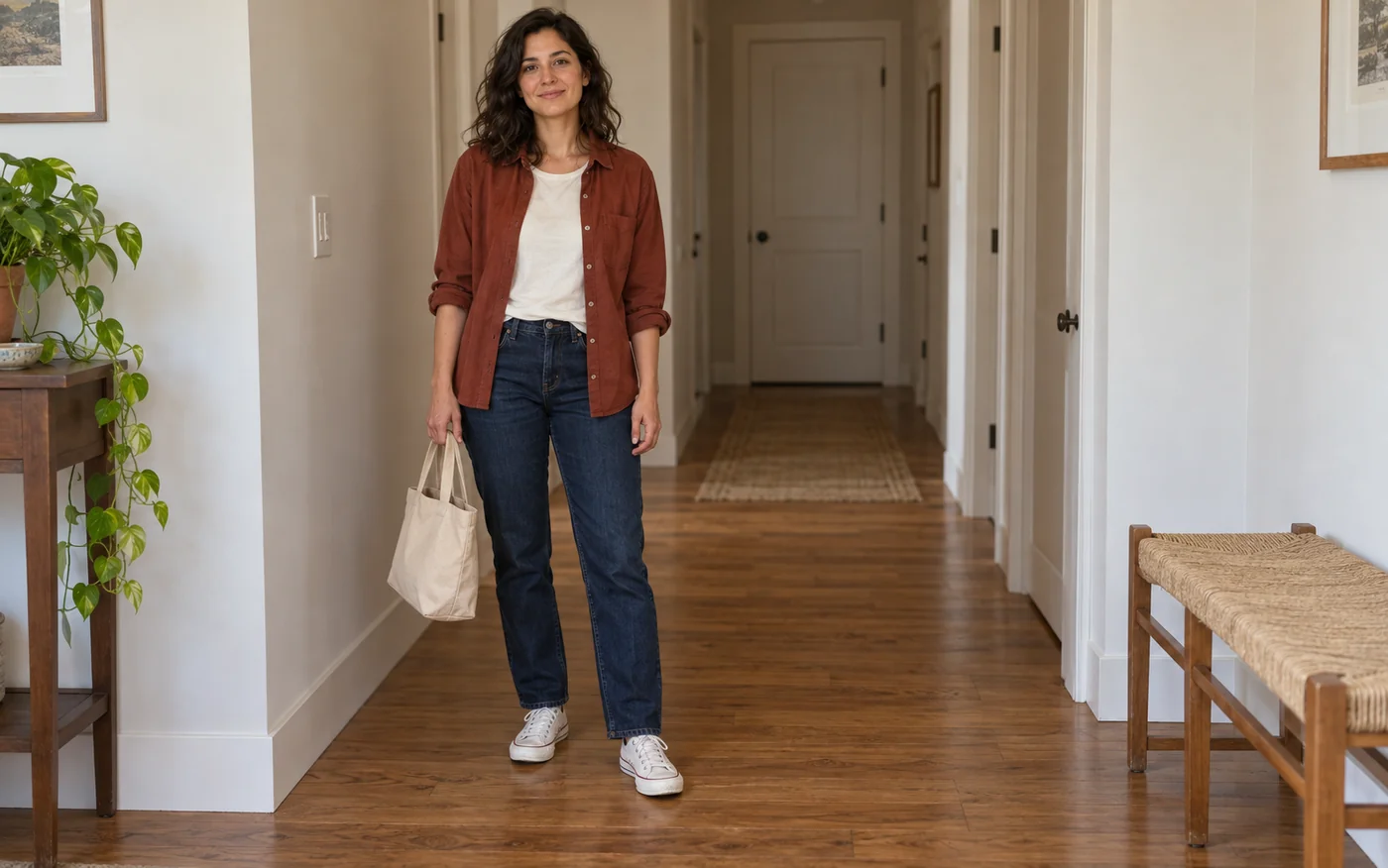
The AI helps align lighting, shadows, perspective, and edges across your source images, reducing the pasted-together look so different subjects feel more natural in one shared scene.
Prompt-Guided Composition
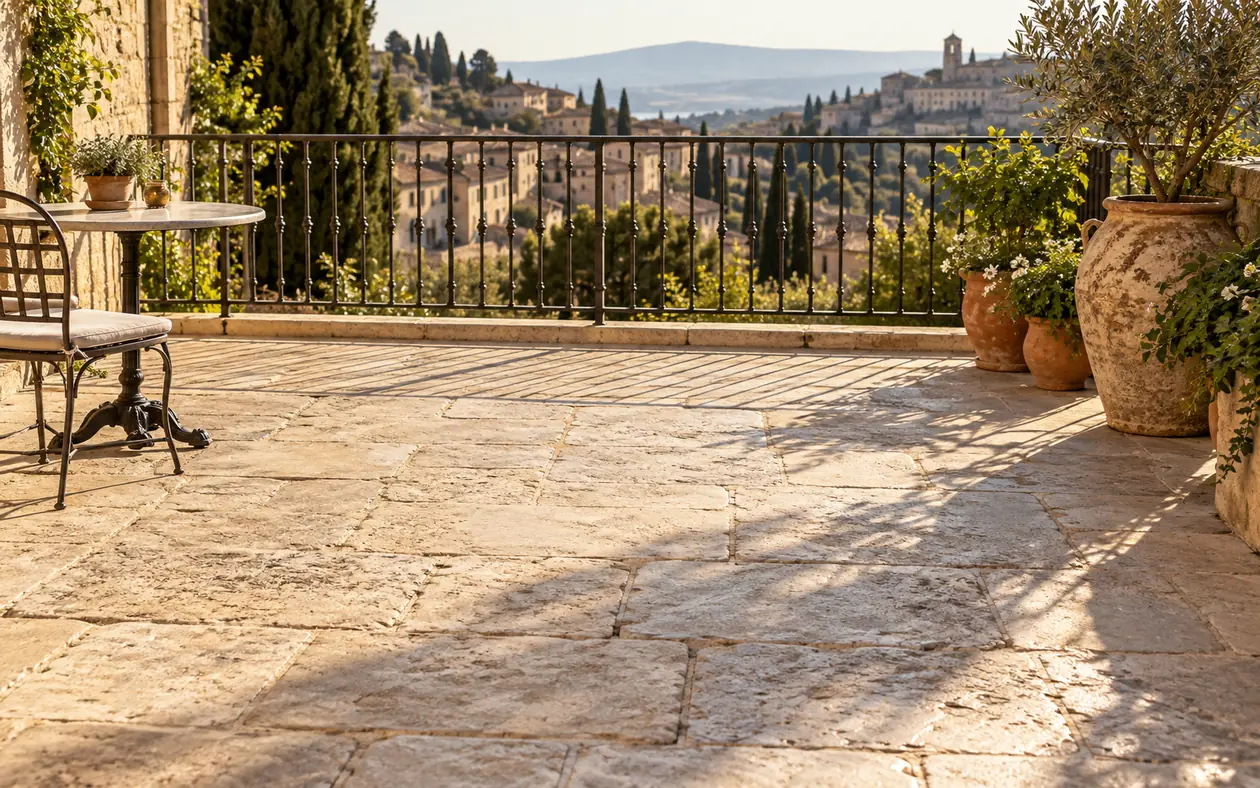
Describe where subjects should appear, how they should interact, and what the final scene should look like. Use simple prompts to guide poses, placement, scale, and composition without arranging layers manually.
Multiple Reference Images
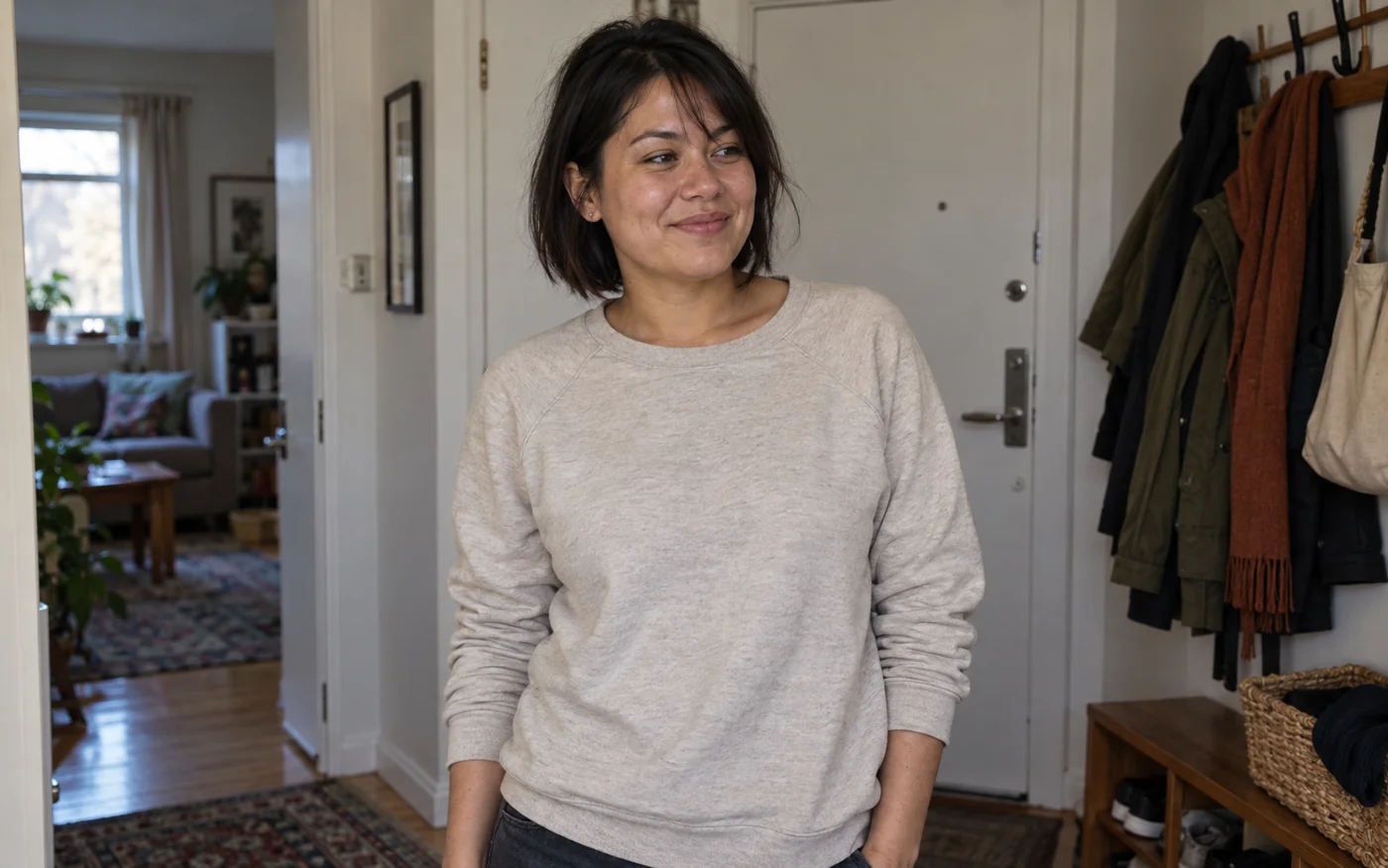
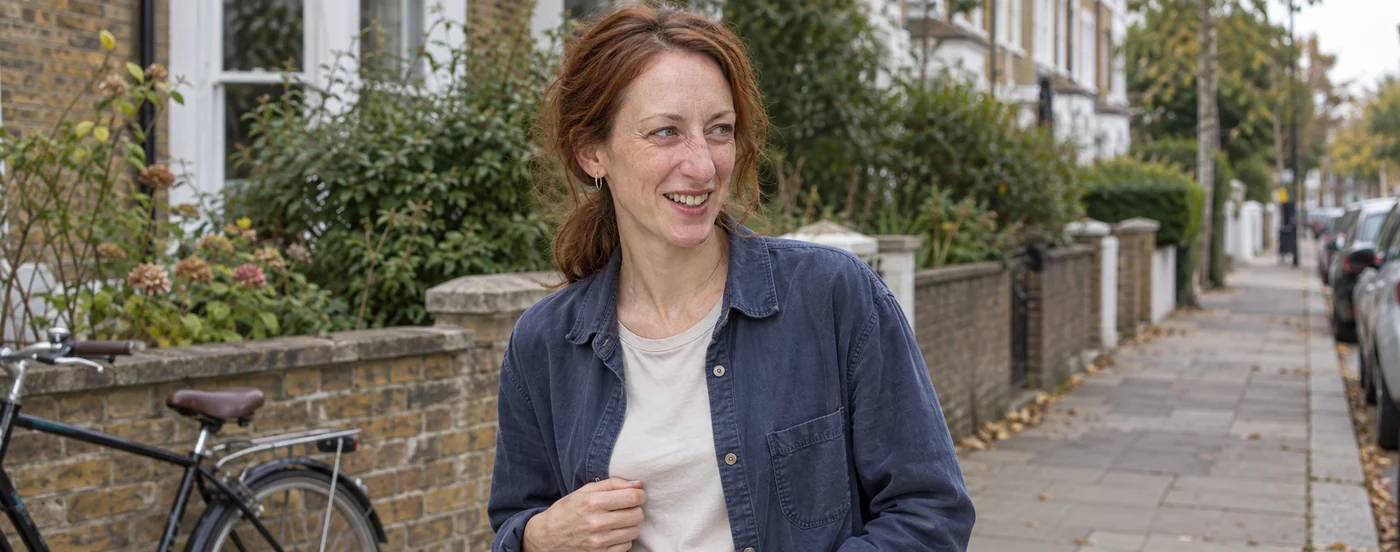
Upload two to five reference images and describe what each should contribute—people, products, clothing, backgrounds, or textures. Bring those elements together in a new composition while keeping the important details in focus.
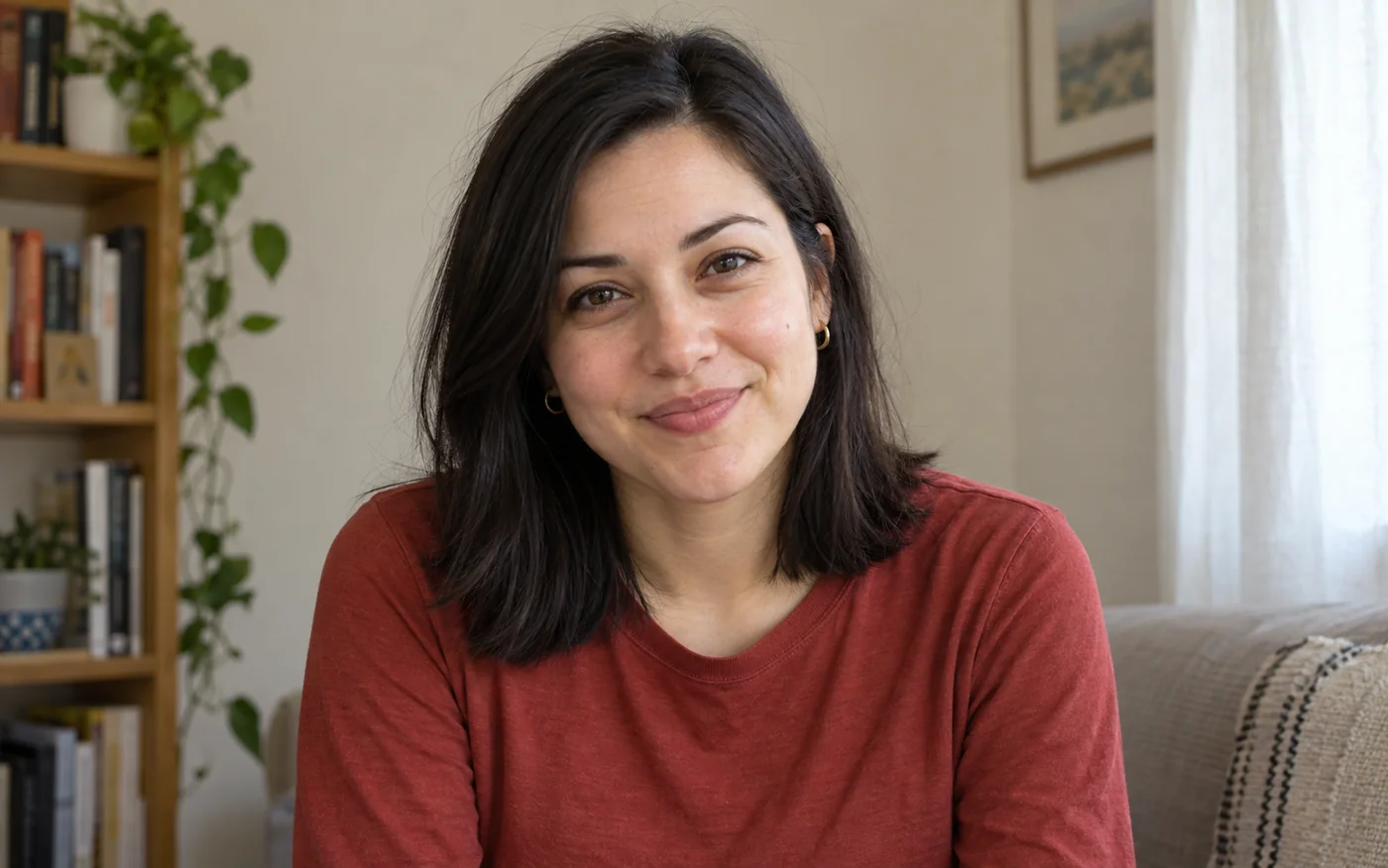
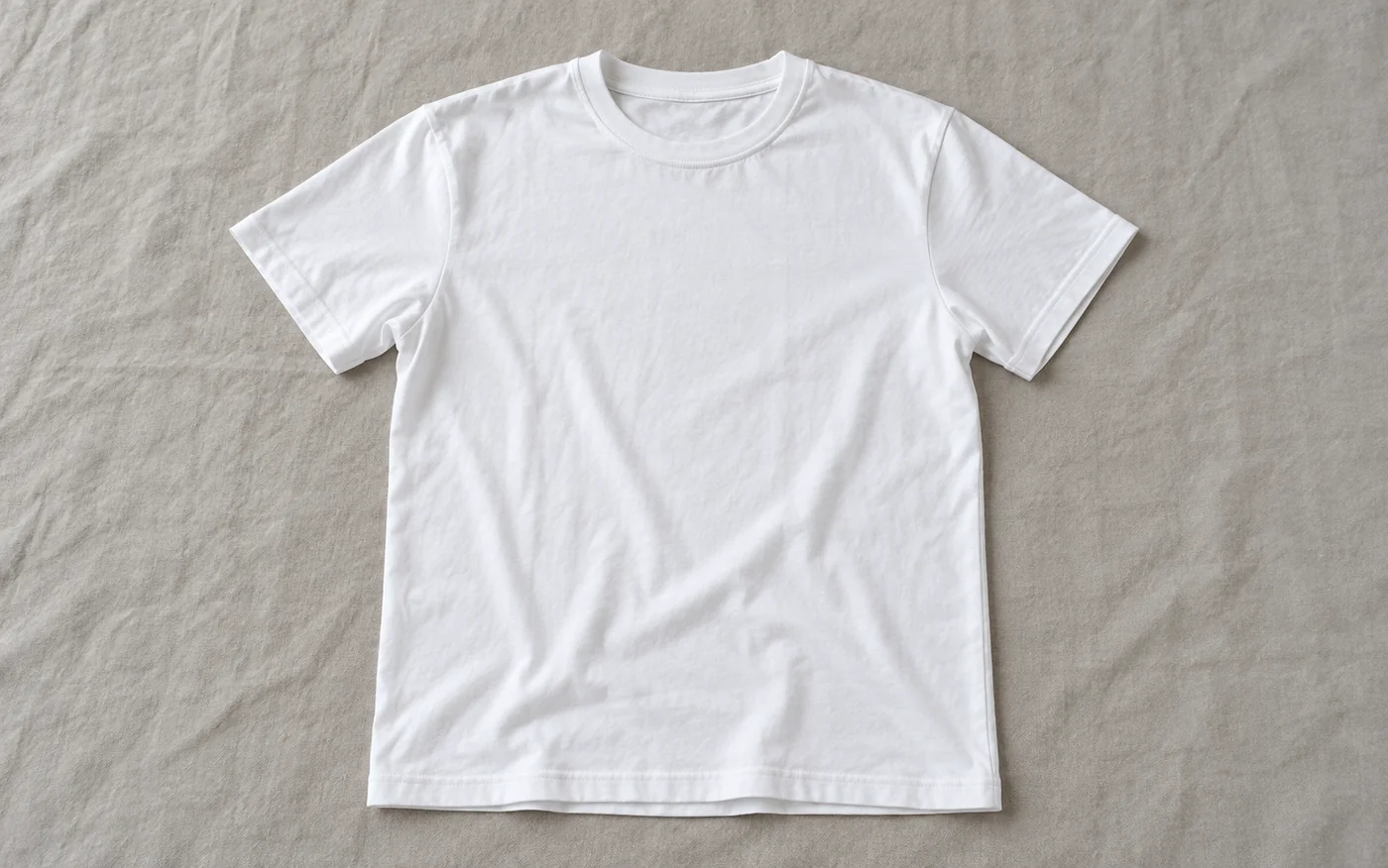
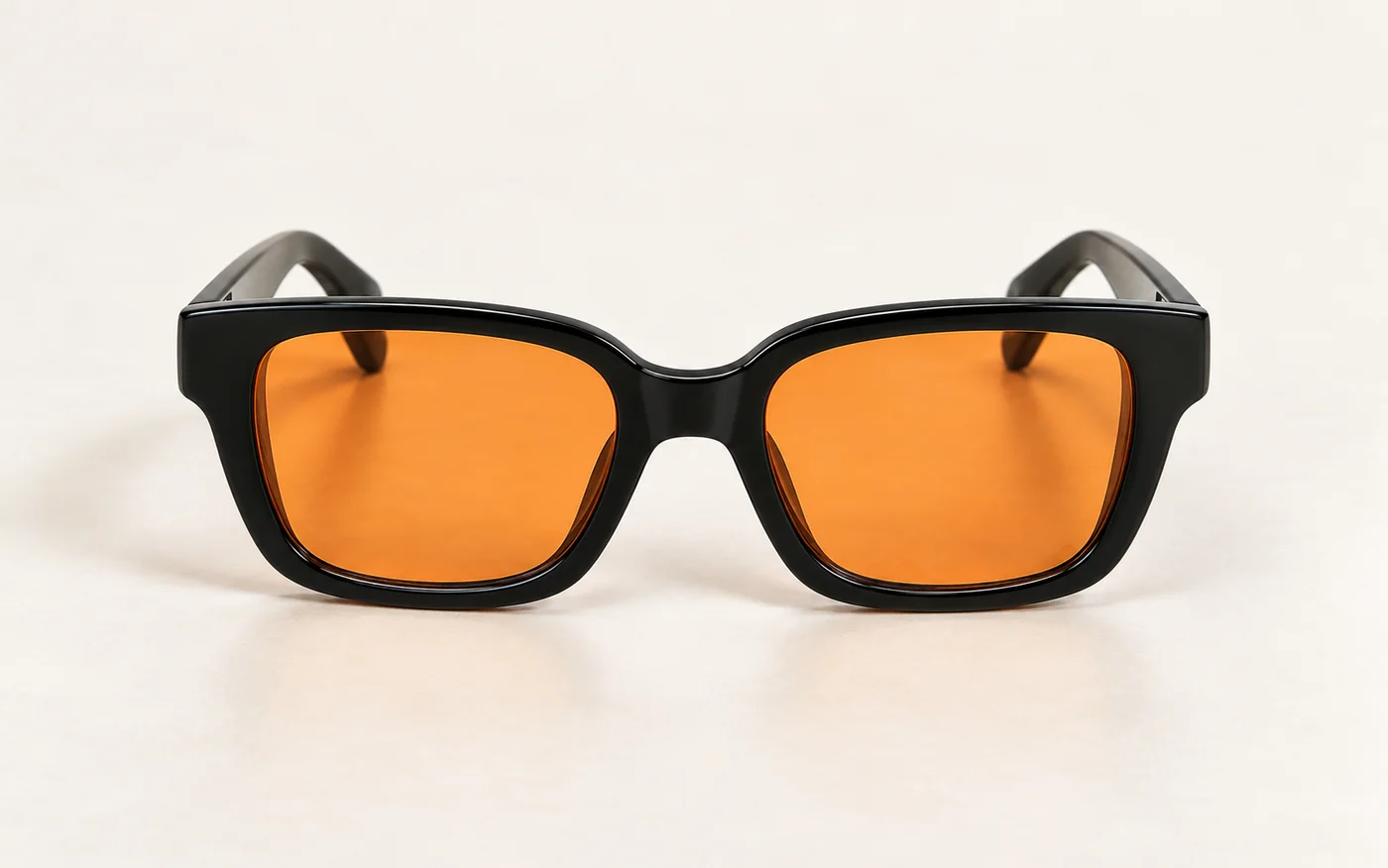
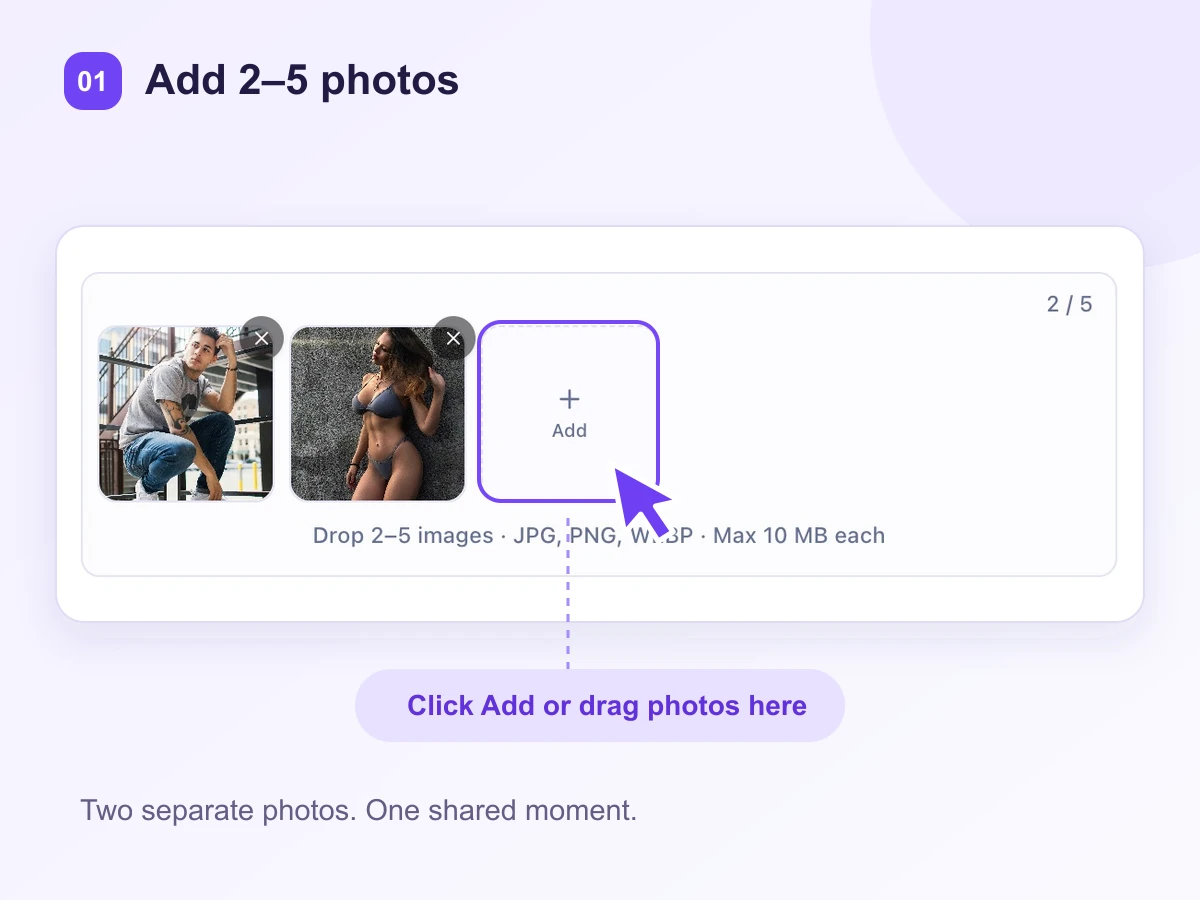
STEP 01
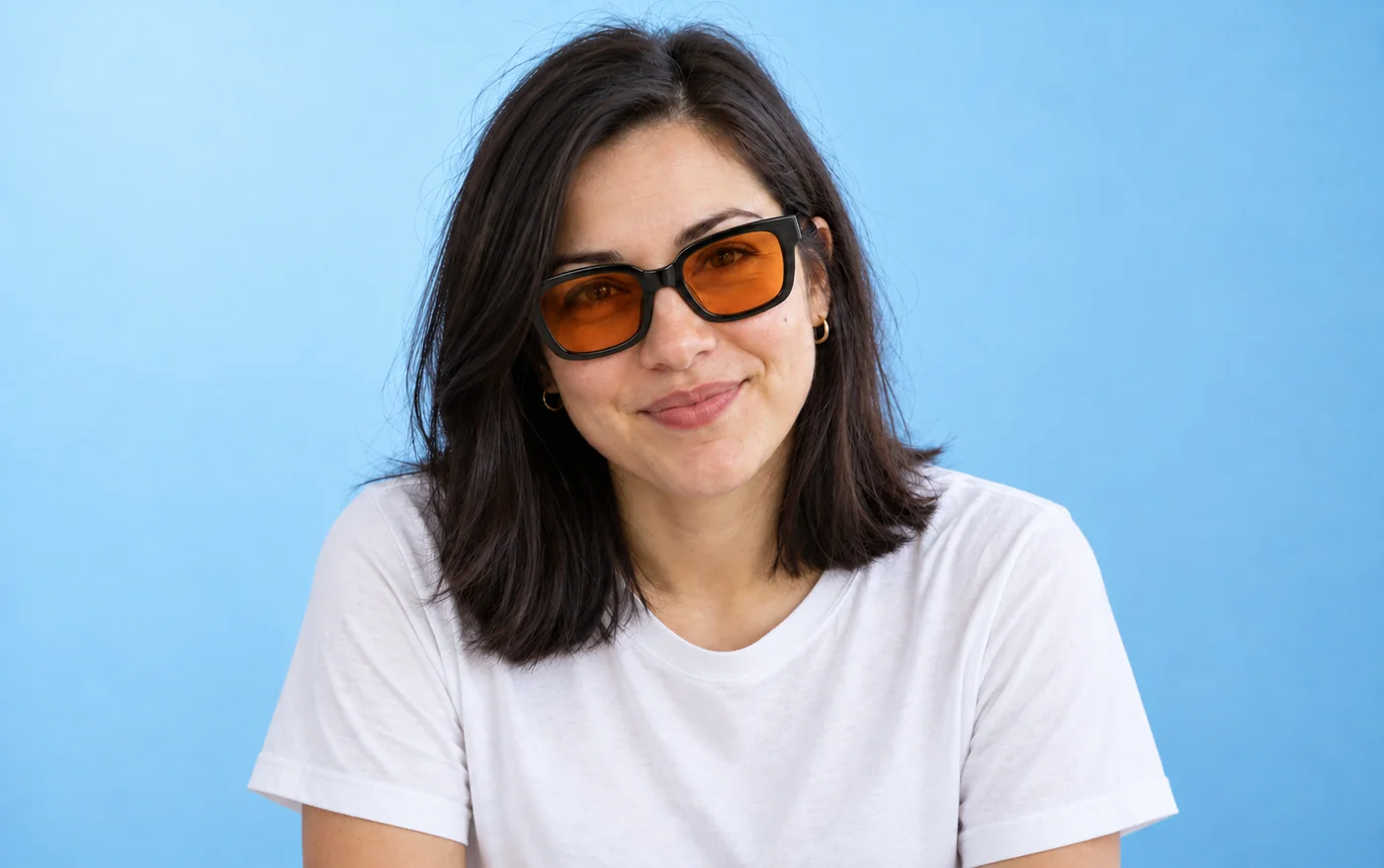
Upload 2–5 photos you want to combine, such as portraits, backgrounds, products, or other visual references.
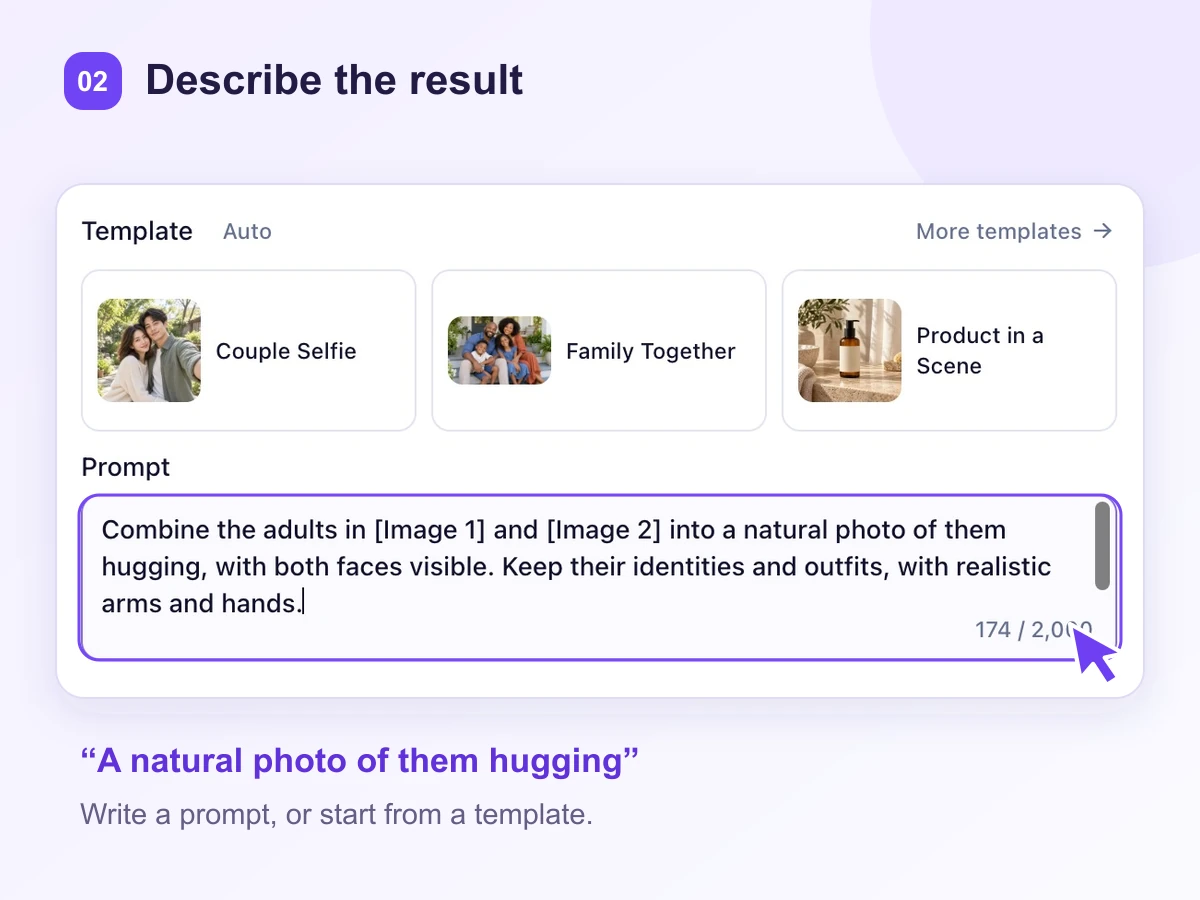
STEP 02
Describe how you want to combine your images, or choose a ready-made template to fill in the prompt automatically. Use the suggested prompt as is or customize it to match your vision.
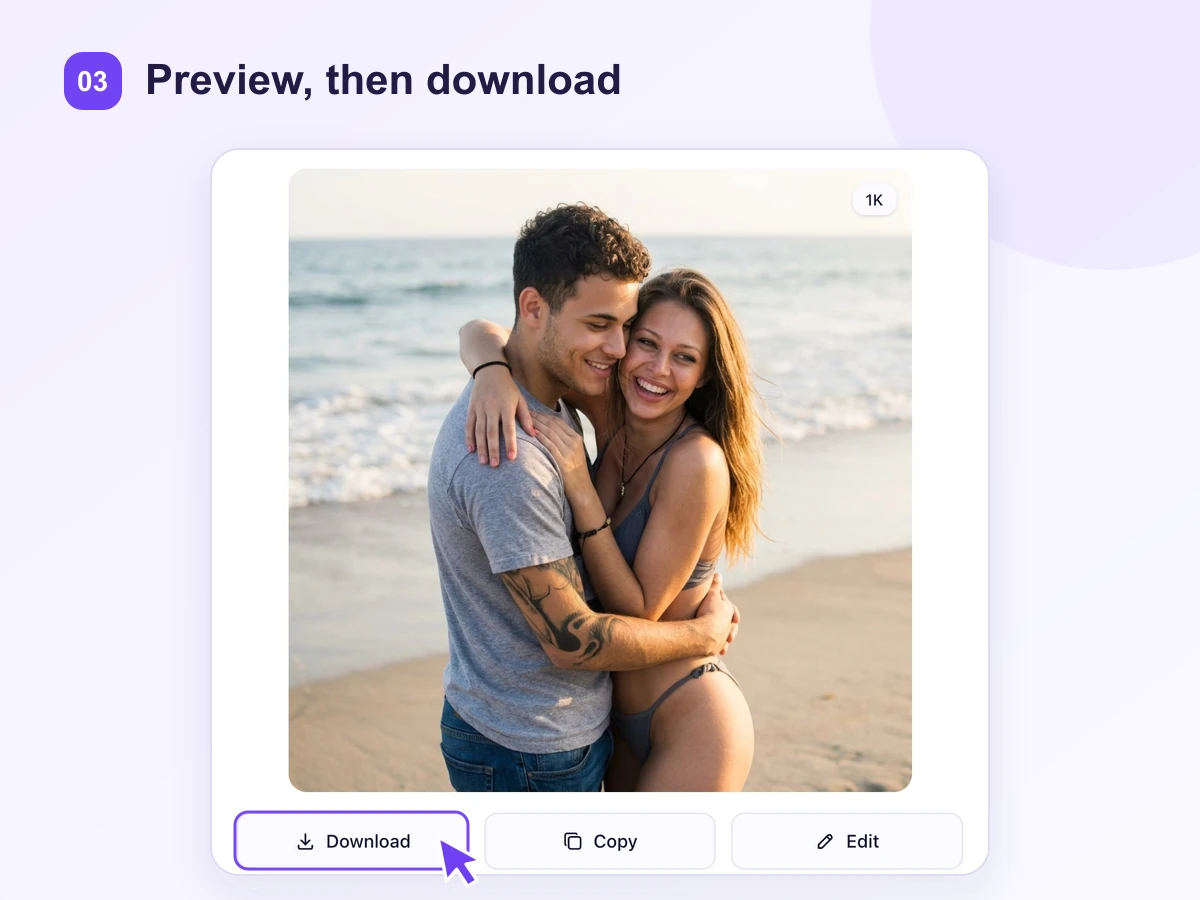
STEP 03
Let AI combine your photos into one cohesive image. Preview the result and download your finished creation.
You don't have to start over. Click Edit below your generated image to refine the result, or adjust your original prompt to try a different approach.
Some prompts or uploaded images may not meet the AI model's content guidelines. Review your images and prompt, make the necessary changes, and try again.
Technical errors, server issues, or timeouts can occasionally interrupt image generation. If this happens, you can try generating your image again.
Try your first image combination for free. No payment details needed.
Generate your first image without an account. Sign in to continue once your free trial credit is used.
Download your combined images without our watermark, including your free result.
Uploaded originals are stored temporarily and automatically deleted within 24 hours of upload.
Combine photos online without arranging layers manually. Generation time varies by model, resolution, and demand.
Free users: 24 hours. Paid users: six months, based on paid access when the image is generated. Download results to keep them.
Match lighting, shadows, and perspective while keeping faces and important details recognizable.
Click Edit to adjust your generated image with a new prompt—no need to upload it again.
An AI image combiner uses two or more photos and a text prompt to create one new image. For example, it can bring people from separate portraits into a shared scene, adjusting lighting and perspective rather than simply placing photos side by side. It aims to preserve recognizable details, but some features may change during generation.
The best choice depends on your photos and the result you want. Look for recognizable faces, consistent lighting, control over the composition, and clear pricing. Try your own photos with our free first generation to see whether the result meets your needs.
Yes. You receive 1 free Credit for your first Standard or 1K generation without signing up or entering payment details. New accounts receive another one-time Credit after account verification; these gifts do not reset daily.
You can combine 2–5 images in Create, including people, products, backgrounds, and other references. The same upload limit applies to free and paid users, and adding more source images within that limit does not increase the generation cost.
To work with just one image, use Image to Image or Edit Image under Tools.
Upload JPG/JPEG, PNG, or WebP files, up to 10 MB each. Your source images can have different dimensions and aspect ratios. Choose the output aspect ratio separately, and use clear photos so important details are easier to preserve.
Free generations are for personal, non-commercial use only. Images generated with paid access may be used commercially. You still need the necessary rights and permissions for any uploaded photos, identifiable people, brands, or third-party content.
Yes. Use it in your mobile browser without installing an app. You can select photos from your phone, enter or choose a prompt, generate a result, open it in Edit, and download it—all on the same website.
Your uploads and results are encrypted and private, with access restricted to you apart from the automated processing needed to generate your images. We do not view your photos or use them to train AI models. Our AI service providers process your images to fulfill your requests. Uploaded originals are deleted within 24 hours of upload; generated results follow the storage periods below.
Uploaded originals are deleted within 24 hours of upload for all users. Generated results are kept for 24 hours for free users, or six months if you have paid access when the image is generated, starting when generation completes. Once a result expires, both the image and its History entry are removed. Download any images you want to keep before they expire.
No. We do not add our watermark to free or paid results, and downloading an available generated image does not cost extra Credits. This refers to our website’s watermark, not logos or text already present in your source images or generated by the model.